
Yuvomi
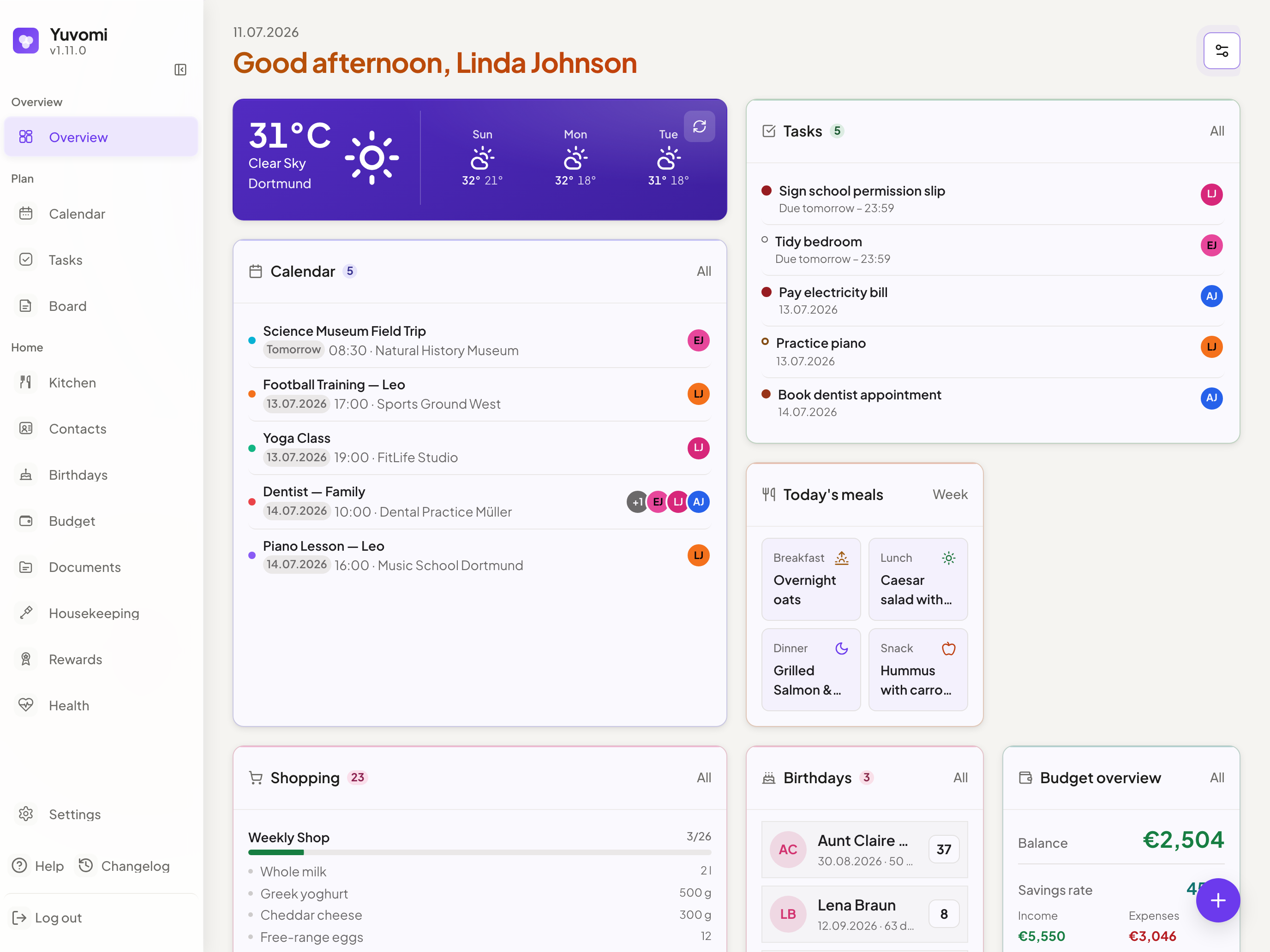
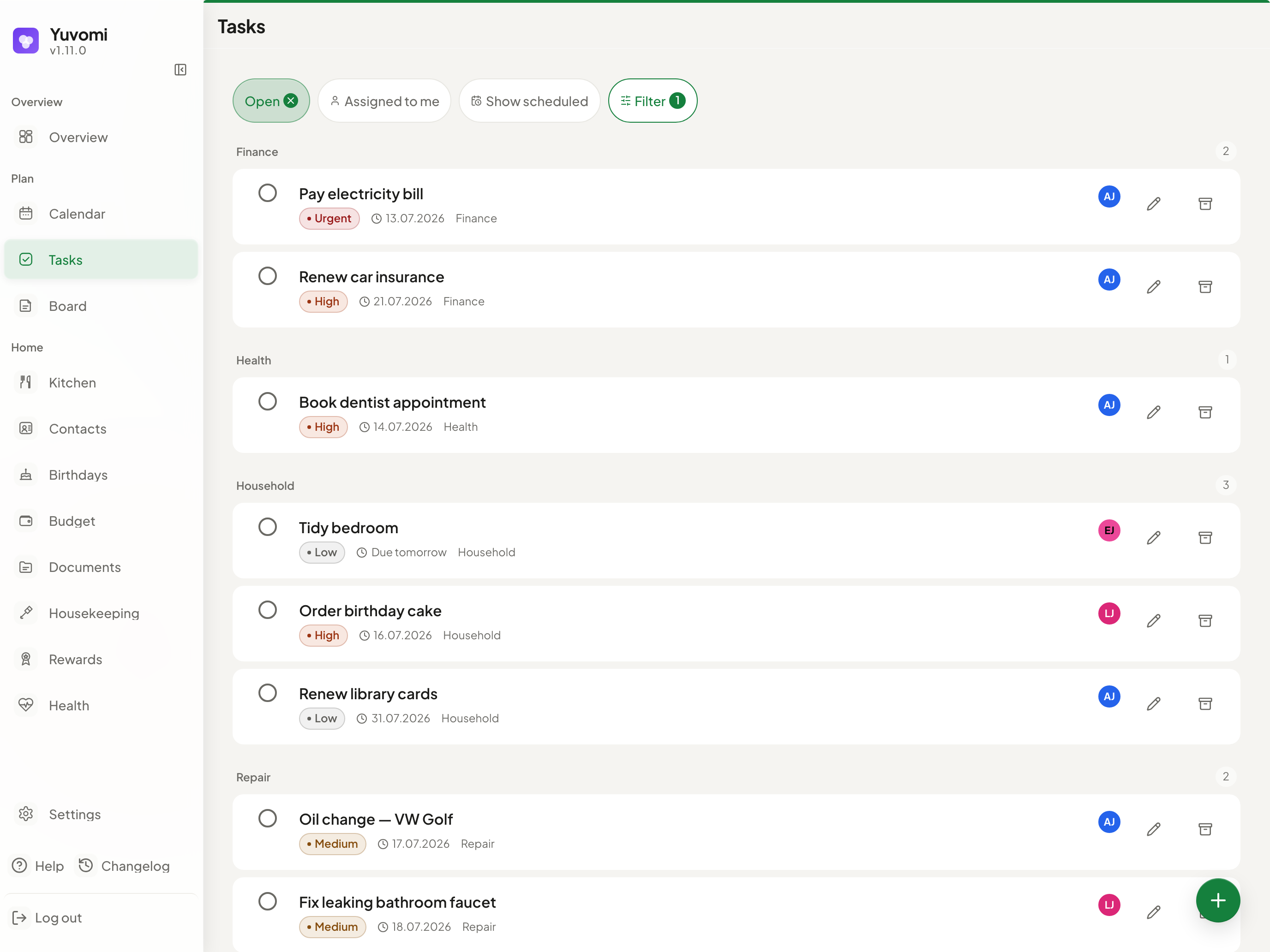
Self-hosted family planner for tasks, calendar, shopping, meals, and budget
Alternative to: cozi, familywall, skylight
About
Versions (423)
v2.87.0
2026-11-09Added
- Every release carries a signed tarball of the app. Next to the container image, each
GitHub release now has
yuvomi-<version>-dist.tar.gz, aSHA256SUMSfile and a build provenance attestation that proves GitHub built both from the release tag of this repository (gh attestation verify yuvomi-<version>-dist.tar.gz -R ulsklyc/yuvomi; steps in the installation guide). For now the tarball holds the same files as GitHub’s source download. The YunoHost package and the Proxmox script will install from it next, so that later releases can ship a built web app there without changing how those installations update. A release only becomes visible once the tarball is on it, so no channel picks up a release without its file.
Fixed
- Storage and backup errors in settings say what happened, in your language (#2622). When document storage or a WebDAV backup failed without a technical class to show, settings put an English server sentence (“WebDAV upload failed.”) into the translated message instead of the app’s own sentence. A connection test without URL, username or password now says so. A backup that fails on this server, for example because the local file is missing, is no longer reported as a refusal of the WebDAV server. The technical class of a storage failure is shown only to the administrator in the storage settings, not to members uploading or opening a document. A malformed notification channel form answers with a general error instead of an engine message.
Security
- Two administrators demoting each other no longer leave the household without one (#2612). When two administrators removed each other’s admin role at the same moment and each also set a new password, both changes could pass the “at least one administrator must remain” check and both went through, so nobody could open the administration any more. The check and the change now happen in one step: one of the two demotions is refused, and one administrator stays.
- A demoted administrator loses admin rights on every device (#2611). The role of a signed-in browser was taken from the stored session, and a demotion only updated the sessions that existed at that moment. A sign-in that was still checking the password, or a request starting the SSO link, could save the session again with the old administrator role and keep it for up to 90 days, past module rights as well. The role now comes from the account on every request, so a demotion applies to every session at once.
- A calendar feed no longer serves a member whose module was taken away (#2615). The six subscription links (calendar, birthdays, inventory deadlines, cycle, schedule, waste) never asked the member’s module permission, so somebody set to “no access” for the calendar kept receiving every household event in their calendar app, other members’ private ones included. Such a feed now stays empty instead. The subscription itself stays valid and fills again once access is given back; “read only” keeps delivering, and administrators are not affected.
- Medication reminders reach only members who may see Health, and never a household notification channel (#2602, #2598). The medication scheduler sends on its own instead of going through the regular reminder delivery, and checked neither filter that path has. A member whose Health permission was set to none still got “Ibuprofen” by push and on their channels, and a caregiver kept getting another person’s doses (“Anna: Ibuprofen”) after their access to Health was taken away. And every dose went to the household’s shared channels (ntfy, Gotify, webhook or e-mail), private medications included, plus one copy per caregiver with the person’s name in front. Now a recipient with Health set to none is skipped (the dose is still logged), and a dose goes out only by push and to channels the recipient owns, whatever the medication’s visibility - like every other health reminder, as SECURITY.md promises. Reading access and administrators are unaffected.
- Error texts of CalDAV, CardDAV and iCloud servers no longer reach the browser. When a calendar or contacts server refused a connection test, a sync or a calendar listing, the answer carried the raw text of the server or the DAV library, with its address, port and path. The answer now names the kind of failure instead: rejected sign-in, an HTTP status, or an unreachable server with its network code. Settings show that class to the administrator in their own language.
- Google, Outlook, feed imports, holiday sync and the logo search no longer pass foreign error
texts to the browser. Missing configuration answered with the names of server variables, a
failed Google or Microsoft request with the text of their libraries, and an unreachable feed,
website or waste collection source with the network error naming host and port. These answers
now carry a fixed sentence with the kind of failure (
reason, and the class such asHTTP 503orECONNREFUSEDindetail); missing configuration and an expired Outlook sign-in are cases of their own. - Database, filesystem and WebDAV texts no longer reach the browser from backups, documents,
modules, shared expenses, notification channels and shopping-list mail. A failed WebDAV
backup test repeated the server’s status line with its internal host and path, a broken
module folder answered with the absolute path on the server, and a database error while saving
a shared expense or a notification channel went out as a 400 with SQL text. Own input errors
keep their sentence; everything else now answers with a fixed sentence (500), and a refusing
WebDAV or document storage server with its class (
HTTP 507,ECONNREFUSED) indetail. - Connection tests and stored error messages no longer carry foreign error texts. The
connection test of a DMS or recipe provider, the SMTP test, a failed waste source refresh, the
last WebDAV backup and document storage error, a notification channel’s last test and a module
that fails to load returned or stored the raw text of the network stack, the mail library or the
filesystem, with hosts, ports and server paths. They now carry a fixed sentence or the class of
the failure (
HTTP 507,ECONNREFUSED); the app’s own sentences, such as a provider’s refused status or a manifest check, stay.
Upcoming: foundation release 2.88.0 (toolchain)
- The next release changes how Yuvomi is built and what it runs on, not what it does. It is planned for Wednesday, 11 November 2026, and carries no new feature; pages, data and the database stay as they are. This note is the advance notice for it.
- Outside a container, Node.js 24.12 or newer becomes the minimum. The container image already runs on Node 24 and needs nothing, and so do the YunoHost package and the Proxmox script. A bare-metal install on Node 22 has to update Node before it updates Yuvomi.
- The web app ships built. Vite bundles and minifies it and ships source maps; nothing
changes on screen. For authors of third-party modules:
/api.js,/i18n.jsand/utils/html.jsstay importable, every other app file moves into the bundle under a hashed name, and a module that imports one of those stops loading. - Yuvomi will need Chrome and Edge 105, Firefox 115 or Safari 15.4 (iOS 15.4). Today it still starts down to Chrome 87, Firefox 79 and Safari 14.1. Chrome before 99, Firefox before 97 and Safari before 15.4 then get a short page that names the versions instead of the app; Chrome 99 to 104 and Firefox 97 to 114 still start, with single screens that can stay empty. Update the browser or the device’s system beforehand.
- The release tarball carries the built app.
yuvomi-<version>-dist.tar.gzgets adist/folder next to the source; the YunoHost package and the Proxmox script already install from the tarball and pick it up with their normal update. - The way back stays open. The release does not change the database, so pinning the
previous image tag
2.87.0returns to this version with your data untouched (installation guide, “Pinning a version”). That way is tried once before the release is tagged.