
Yuvomi
Self-hosted family planner for tasks, calendar, shopping, meals, and budget
Alternative to: cozi, familywall, skylight
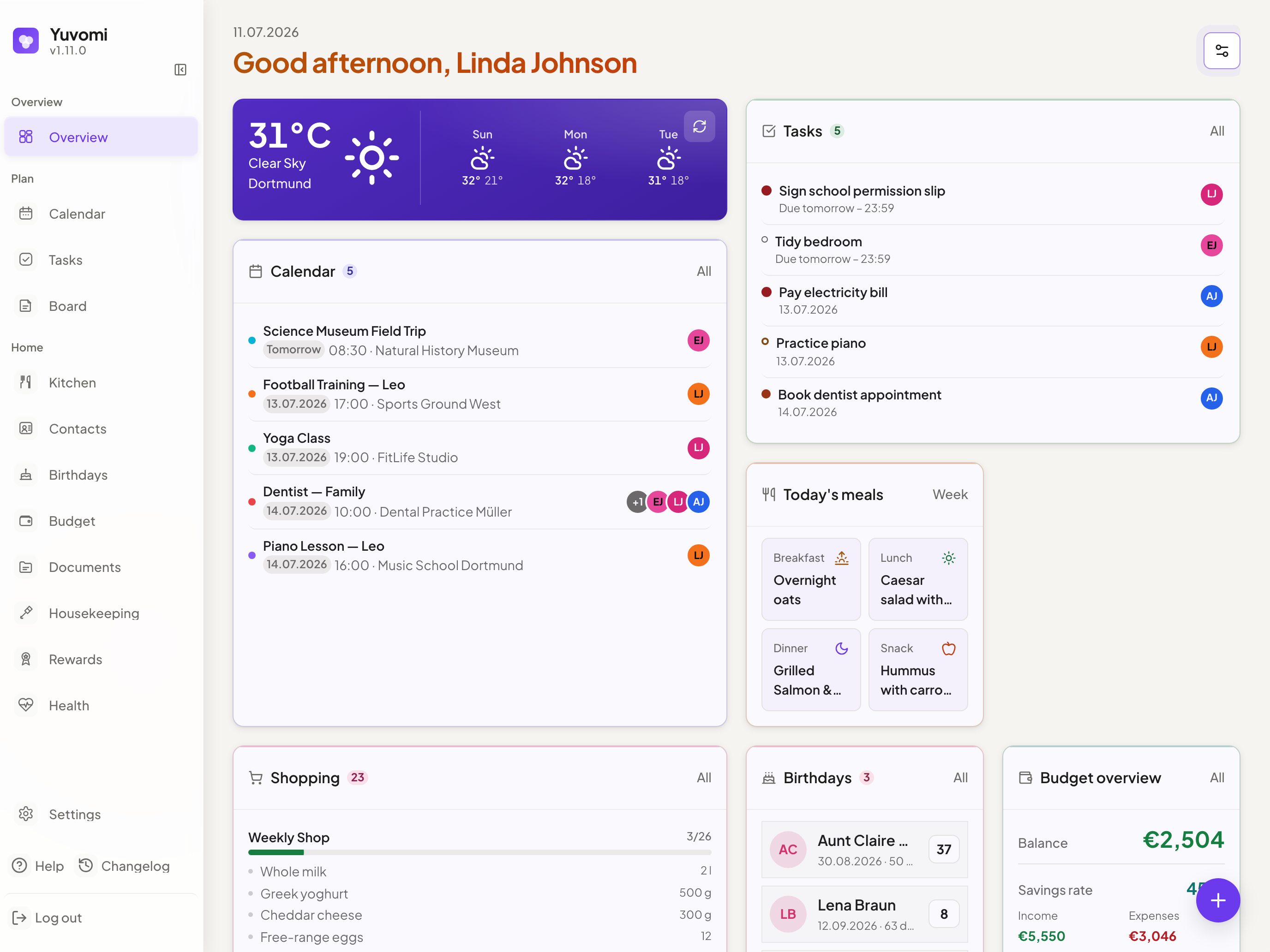
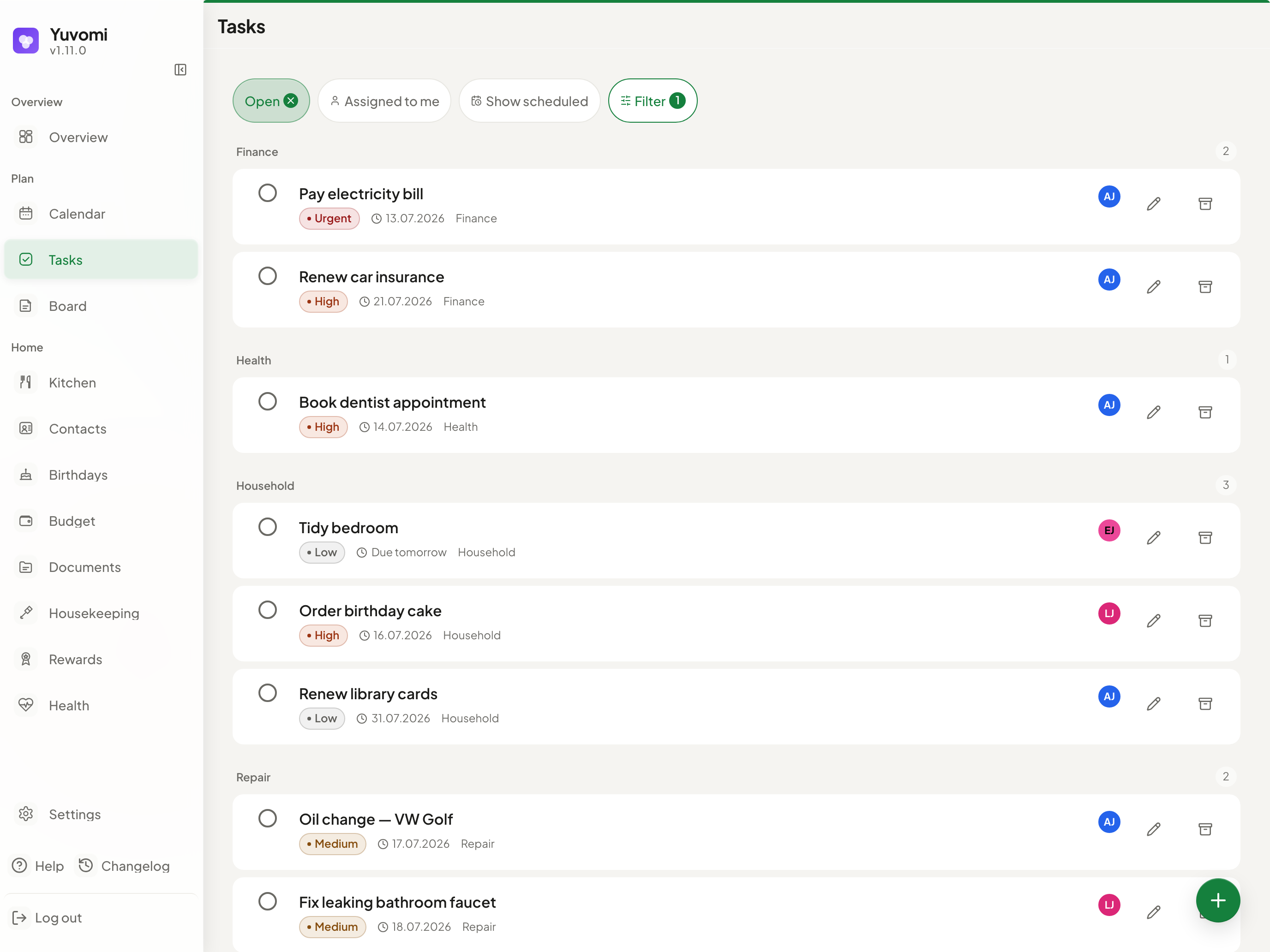
Yuvomi keeps a household organized in one private place: tasks, shared calendar, shopping lists, meal planning, budget, and more, without cloud accounts or subscriptions. It runs as a Docker or Podman container on any home server or NAS and ships as a mobile-first PWA with 16 independent modules covering everything from chores and rewards to health tracking and document storage.
Yuvomi Docker Compose example
Self-host Yuvomi on your own server, homelab, or VPS starting from this Docker Compose example.
It runs Yuvomi in Docker containers using the official ghcr.io/ulsklyc/yuvomi:latest image, with persistent volumes and automatic restarts preconfigured.
Review the environment variables and adjust them to your setup, save the file as compose.yml (or docker-compose.yml), and start the stack with docker compose up -d.
services:
  yuvomi:
    image: ghcr.io/ulsklyc/yuvomi:latest
    volumes:
      - data:/data
      - backups:/backups
    restart: unless-stopped
    environment:
      NODE_ENV: "production"
      # Secret used to sign session cookies. Generate with `openssl rand -hex 32`.
      SESSION_SECRET: "changeme"
      # SQLCipher AES-256 key that encrypts the database. Generate with `openssl rand -hex 32`. Set it before first boot — changing it later makes the existing database unreadable.
      DB_ENCRYPTION_KEY: "changeme"
      # Container timezone. Also used for scheduled backups.
      TZ: "UTC"
      # Set to true when running behind an HTTPS reverse proxy so session cookies get the Secure flag. Keep false for plain-HTTP access.
      SESSION_SECURE: "false"
    healthcheck:
      test: ["CMD", "node", "-e", "require('http').get('http://localhost:3000/health', r => process.exit(r.statusCode === 200 ? 0 : 1))"]
      interval: 30s
      timeout: 10s
      retries: 3
      start_period: 10s

volumes:
  data:
  backups:
Values set to changeme are required — replace them with your own
values before starting Yuvomi.
Prefer a managed setup? WinterFlow installs, configures, and updates Yuvomi for you using this same Docker Compose configuration.