
Yuvomi
Self-hosted family planner for tasks, calendar, shopping, meals, and budget
Alternative to: cozi, familywall, skylight
About
Versions (423)
v2.85.0
2026-11-04Added
- Stock: the minimum belongs to the product, and running low is read over all its batches
(part 3 of #1448). Toothpaste with 1 in the bathroom, 8 in the attic and a minimum of 3 no
longer reads as running low: the household has 9. Milk with 1 l, 1 l and 2 l against a minimum
of 5 is running low once, as one product. Existing minimums move to their product once on
update; where batches of one product had different ones, the highest is kept, which warns early
rather than late. The minimum in the item dialog now sets it for the product with all its
batches, and a new batch leaves it alone unless you change the field. A product with several
batches shows “Running low” or “Out of stock” with a cart that puts the shortfall over all
batches on the shopping list; its batches keep their expiry but no longer say “Running low”
each. A product whose last batch is used up shows its minimum and counts as out of stock only
when it has one; without a minimum it is listed plainly and adds nothing to the number on the
pantry tab. Renaming an item, or changing its unit, takes its minimum along, unless the new name
already has one of its own; the old name, left without items, keeps none, so a rename does not
change the number on the pantry tab. The running low filter lists products, and “Add all to
shopping list” adds each product once. The number on the pantry tab counts a product once, also
when it is running low and has an expired batch. For API clients,
productsinGET /api/v1/pantryadditionally returnsmin_quantityandtotal_quantity,import-pantrytakes aquantitywithpantry_product_id, andGET /api/v1/kitchen/summarycountslowandoutper product. - A Caddy example for automatic HTTPS.
deploy/caddy/holds an example Compose deployment that puts Yuvomi behind Caddy, which obtains and renews Let’s Encrypt certificates and keeps the app port off the host. It is an example next tonginx.conf.example, not tested in CI; the Caddy image is pinned by version and digest and Dependabot keeps it current. (#2445) - A new installation generates its own session secret and database key. Leave
SESSION_SECRETandDB_ENCRYPTION_KEYunset and the first start creates both and keeps them in.secrets/next to the database (/data/.secrets/in the container, readable only by the user Yuvomi runs as). Every later start reads the same files, so nobody has to runopensslbefore the first start, and app stores and NAS catalogs no longer need to ask for the secrets or build them in. A value you set yourself, directly or through_FILE, still wins. Existing installations do not change: a database that runs without a key today keeps running without one, because a key now would encrypt it without anyone having asked. The generated key lies on the same volume as the database, so it protects a database file or backup that leaves the machine, not a stolen volume; a key of your own kept elsewhere is stronger. To start a new installation unencrypted on purpose, setDB_ENCRYPTION_AUTO_KEY=false; deleting theDB_ENCRYPTION_KEYline no longer does that. - Admins can see the generated database key to keep a copy. Settings → Household → Backup and restore shows it on request, because without it your backups cannot be opened once the server’s storage is lost. The key appears only after a click and is not cached; viewing it is logged without the value. A key from your own configuration is never shown - the page says where it comes from - and a signed-in device of the native app cannot read it.
- Settings → Account lists the phones signed in with the native app and pairs a new one. Each signed-in device shows its name, platform and when it was last used, and can be signed out after a confirmation. “Pair a device” shows a code that is valid for five minutes and once: as a QR code for a second device, behind “Open in app” for the phone the page is open on, and as text to type. A household that signs in only with single sign-on has no password to type into an app, and this is its way in. While a code is open, the page names a device that has just signed in, so a phone you do not recognise stands out and can be signed out on the spot.
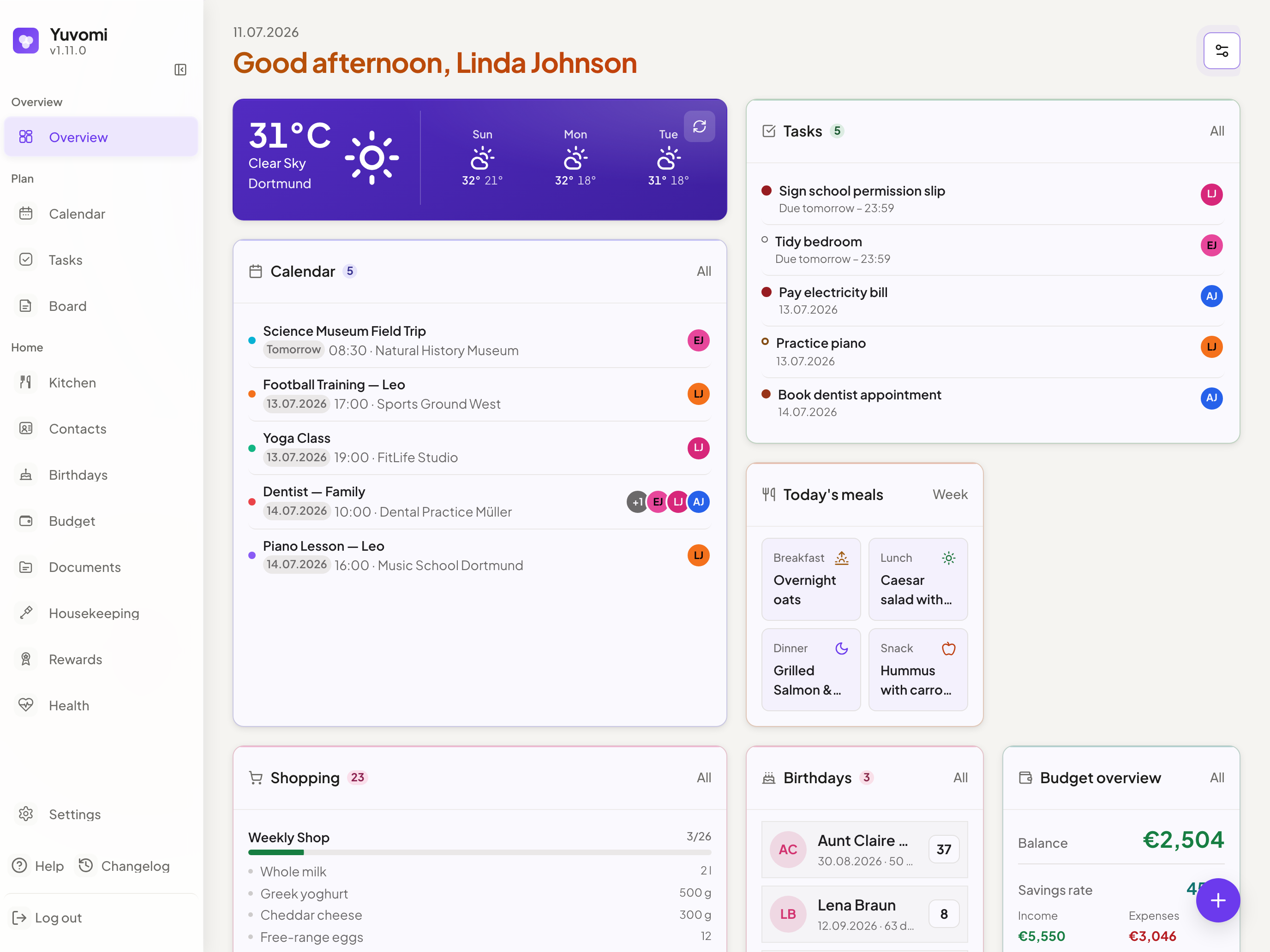
- The Overview has its own tile arrangement on the phone. On a phone, tapping Customize shows a “Phone tiles” mode that lets you reorder and show or hide tiles independently of the desktop layout. Options (calendar limit, task filters, shopping-list selection, etc.) follow the desktop arrangement, so only the order and visibility are separate. “Same as desktop” removes the phone arrangement and goes back to following the desktop. (#2109)
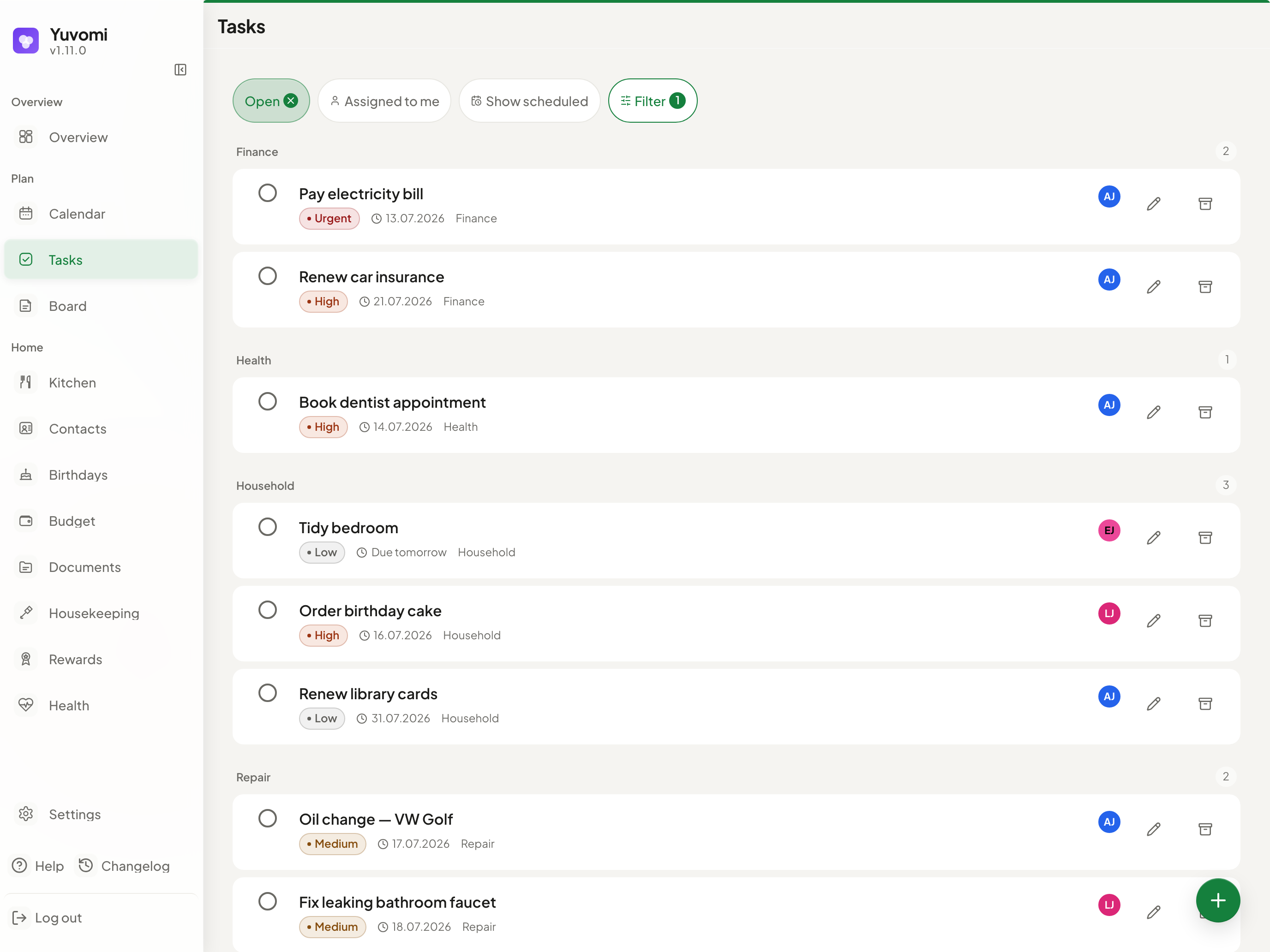
- A recurring task can hand itself along. A series like “take out the bin” used to hang on the same person forever; a rotation pool of at least two people now gives each follow-up instance to the next member in a fixed order (#1763, migration 277). The order chosen in the pool is the order the task is handed along in. The series remembers a position, not a person: a member who leaves the pool does not restart it at the first person - Kevin’s round stays Kevin’s, then Max, then Kevin again - and a deactivated account (#1381) is skipped while it cannot sign in. If the running instance already belongs to the first member, the first hand-over goes to the second one (Kevin, Anna, Max - not Kevin, Kevin). The detail view names the next member up from the same calculation that hands out the next instance, and a task without rotation behaves exactly as before.
Deprecated
min_quantityon a pantry item (/api/v1/pantry) is deprecated and will be removed in the first minor release on or after 2027-03-01 (part 3 of #1448), at least 90 days after this release, as MODULES.md promises for/api/v1. The minimum belongs to the product now. Until the field goes, it returns the minimum of the item’s product, and writing it on an item (create with a number, replace or partial update when the field is sent, null clears) sets the minimum of the product for all its batches, so a client that worked yesterday keeps working. A replace or create without the field no longer clears it. Read the minimum fromproductsinGET /api/v1/pantry; writing it on the product itself comes with a later part of #1448, before the field goes.
Fixed
- A birthday keeps the color you give it in the calendar. The birthday sync wrote its own red back onto every birthday event each time it ran, which is on every visit to Birthdays and every reminder check. Giving several birthdays the same color looked as if a color could be used only once: the one changed last kept it, the earlier ones fell back to red. New birthdays still start in red; after that the color is the calendar’s. Reported by email.
- The weather tile no longer shows your coordinates as the place name. With coordinates but no
place name set, the tile and the API showed the raw position in full precision
(
54.31665773950043, 10.116079422296027), the exact location of the home for everyone who sees the overview. Without a name the tile now shows none, andcityin/api/v1/weatherisnull. Reported for the Home Assistant app in ulsklyc/yuvomi-home-assistant#4. - The Budget title stands in full next to the month in every language. From 390px up the title was cut off in eleven languages (“Presupues…” in Spanish even at 430px), because the month only moved to a row of its own below 390px. The head now measures: whenever the title would be cut off next to the month, the month takes the row below it, at any width; a short title such as Japanese keeps the month beside it also on a narrow phone. Paging through the months and scrolling the head away behave as before. The Greek Budget page title is shorter (“Οικονομικά”), the navigation keeps the full name. (#2443)
- “Sign out on other devices” says that it signs out the native app too. The server already ended signed-in devices along with the other sessions; the hint under the button did not mention it.
- Deleting the first occurrence of a recurring event also stops its reminder. A reminder on a series belongs to its first occurrence, and after that occurrence was deleted it still showed in the bell and arrived as a notification, also for a deleted first occurrence coming from an imported calendar (ICS, CalDAV, Apple, Google). The reminder now stays silent and returns if the occurrence is restored. Reminders of later occurrences and of a first occurrence that was moved rather than deleted are unchanged.
- Long page titles stand in full next to search and a tool on phones. Below 390px the search button and the one tool beside the title (the import in Birthdays, categories in Notes) move into a ”…” menu, and in Documents the search joins the menu that is already there, so the head stays on one row and the title is no longer cut off. “Search” is the first entry and opens the same search field; a search term you entered keeps the field visible. The Waste page title is shorter in every width (“Waste” instead of “Waste collection”), the navigation keeps the full name.
- Copying a new API token or a calendar feed link over plain HTTP no longer claims success. On an installation reached without HTTPS the browser offers no clipboard, yet both copy buttons said “copied”. They now say that copying did not work and select the value, so you can copy it by hand - which matters most for an API token, since it is shown only once.
- The command-line backup check and backup command find a key Yuvomi stored itself. The restore
check (
node server/check-backup.js) and the Docker Compose backup command shown on the backup page and in the installation guide now read the key the same way the server does: fromDB_ENCRYPTION_KEY, fromDB_ENCRYPTION_KEY_FILE, or from.secrets/. Before, both stopped on an installation whose key came from a file. Neither ever creates a key. If you copied the backup command into a cron job, copy it again from the installation guide. - The message about the
DB_ENCRYPTION_KEYplaceholder no longer suggests clearing the line to run unencrypted. On a new installation that now generates a key. It namesDB_ENCRYPTION_AUTO_KEY=falseinstead. - Running
install.shagain keeps a session secret or database key that comes from a file. WithSESSION_SECRET_FILEorDB_ENCRYPTION_KEY_FILEin.env, a rerun asked for a new value or generated one and wrote it next to the_FILEline. Yuvomi then refused to start because both were set, and a new database key would not have opened the existing database anyway. The installer now keeps the_FILEline, writes no second value and says the secret is reused. The web installer already did this. - Stopping the container no longer takes ten seconds and a hard kill. Inside the image the server runs as
process 1, which ignores a stop signal it has no handler for, so
docker stopandpodman stopwaited out their timeout and then killed it in the middle of requests, syncs and backups. The server now handles SIGTERM and SIGINT: it stops taking connections, lets running requests, syncs and backups finish for up to eight seconds, closes the database (the write-ahead log is folded back in) and exits with code 0. A second signal exits at once. - Renaming a shopping category also renames it in recipes, meals and stock. Until now only the items on the shopping lists followed the new name. Recipe ingredients, meal ingredients, recurring meals and stock kept the old one, so their ingredients landed under a name that no longer exists: at the bottom of the list, and ticking them off failed with “Invalid category”. Deleting a category now moves these rows to the same fallback category as the shopping items.
- Task defaults follow the new-task dialog in a one-person household. Visibility and editing-lock defaults stay out of the way when nobody else can read tasks. Saved choices remain intact and reappear when needed. The editing-lock switch and its hint no longer overlap. The defaults description also uses the same form of address as its neighbouring hints (#2366).
Security
- Document storage names no longer use a regular expression that slows down on long runs of dashes. Trimming the dashes around the folder and file part of a stored document’s name used a pattern CodeQL flags as polynomial. The step before it already collapsed every run into one dash, so uploads were not slowed down in practice; the name stays exactly the same.
- A shared-expense guest only reaches its own account routes (GHSA-q7gc-2cc9-w8fj). A guest account is meant to see Shared expenses and nothing else, and every other module already refused it. The account routes did not: they answer before that check, so a signed-in guest could read the household’s account list with the members’ contact details. The account routes now ask the same list as the rest of the API. A guest keeps signing in and out, its own account details and the changelog; everything else there is refused, and members notice nothing.