
Yuvomi
Self-hosted family planner for tasks, calendar, shopping, meals, and budget
Alternative to: cozi, familywall, skylight
v2.77.2
2026-10-15Added
- Budget overview: expense categories and subcategories show their share of the total. The share stands quietly after the amount, the same way the Statistics tab already shows it. A category is measured against the total of all expenses, a subcategory against the total of its category; income rows stay as they are. The share is calculated in one place for both pages, so the Statistics tab now also writes a share below one percent as “<1 %” instead of “0%”, and formats the number in the language and region you have chosen.
Fixed
-
Docker: the image starts again on every platform, and an image without a runtime package is no longer published (#2006). The 2.77.1 image for 64-bit ARM (linux/arm64) stopped at startup with “Cannot find package ‘googleapis’”: the Google and CalDAV libraries were declared as optional, and the install in the build dropped them without a word on that platform (120 instead of 137 packages) while the build still passed. Both are now regular dependencies, and the build loads every runtime package on each platform and fails instead of shipping an image that cannot start. The public-holiday lookup no longer relies on a package that only came along with the Google library.
-
Budget: a private subscription no longer keeps a shared expense, and its bookings stay right when two changes meet (#2004). A subscription in another currency waits for the exchange rate before it books its expense, and another change to the same subscription could land in that moment. When somebody switched it to private while another save was still waiting, the expense came back as shared and showed in the household budget. A paused subscription could keep an expense, an earlier amount or the old currency could win over the one you saved last, marking a payment as made while somebody saved or paused the subscription could move the paid expense to the next due date or remove it, and marking it as made twice in a row could leave the subscription pointing at the wrong expense. Each booking is now written from the subscription as it is at that moment; a switch to private takes effect right away, and everything else, including a switch to shared, waits until the rate is in. A paid expense is handed over the moment you mark the payment as made, so it stays on the day you paid. As long as the rate of a currency does not change in between, it no longer matters which rate arrives first. If a subscription is deleted while you mark a payment as made, the paid expense stays in the budget, as it does when you delete it afterwards, and if the rate cannot be fetched after a payment was marked, the payment is still saved instead of answering with an error that invites marking it twice. The last payment of a subscription with an end now stays in the budget; until now completing the subscription removed it. The completed subscription still leaves the monthly total of subscriptions and the preview of coming months.
-
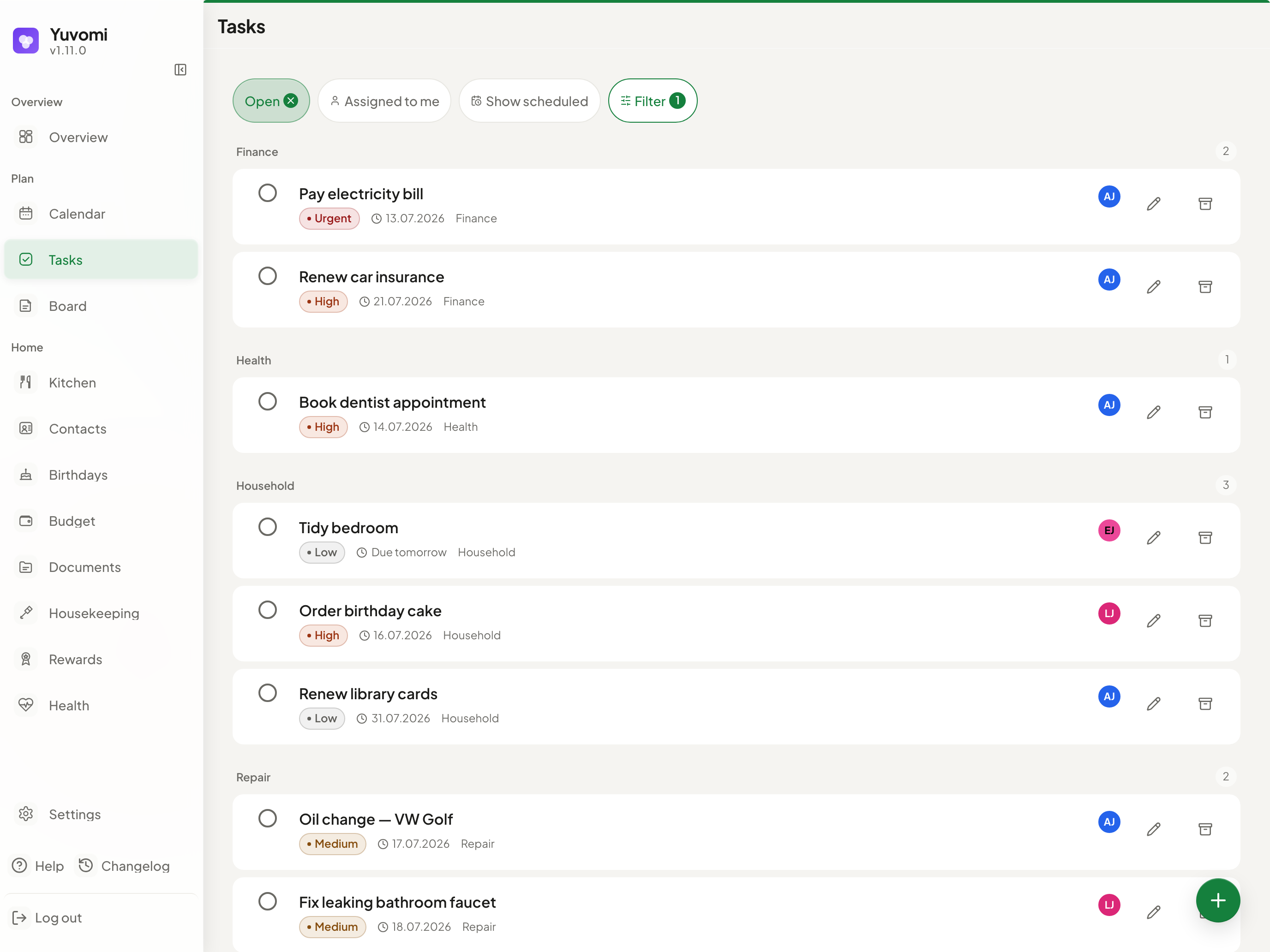
Subscriptions: reactivating a completed subscription no longer books its last payment a second time (#2009). When a subscription with an end had its last payment marked as made and was then switched back on with more payments or a later end date, the last paid day was booked and counted again. Completing a subscription now moves its next payment past the paid day, so a reactivated subscription continues with the payment after it. A completed subscription no longer shows a due date in the list or in its details, and its dialog notes that the next payment date only applies once you include it in the budget again. To switch it back on, it needs a later end date or more payments, and the dialog says so at that field before saving. A completed subscription with a number of payments could not be edited at all until now, not even its notes, without asking for more payments; it can now be edited and stays completed.
-
Subscriptions: a payment can no longer be booked on a completed subscription (#2011). “Mark as renewed” was still offered on a completed subscription, and each use counted another payment that never happened, set the completion again and moved the next payment further out, so a later reactivation started too late. A completed subscription no longer shows the action, the swipe for it or its payment reminder, which no longer exists once it is completed. If somebody else in the household completed it in the meantime, the app says so in your language and the list shows the current state. For API clients:
POST /api/v1/budget/subscriptions/:id/renewon a completed subscription is refused with 409 andreason: "subscriptions_subscription_completed". -
Recipes: an error message is in your language and names the cause (#1909). The recipes page showed the server’s own text when something could not be saved, planned, matched or put on a shopping list, whatever the app language, in English or in German - for example “Recipe not found” when somebody else in the household had deleted the recipe in the meantime. A recipe that no longer exists, an ingredient that is no longer in the recipe, a pantry item chosen for an ingredient that was deleted in the meantime and a shopping list that is gone now get a sentence in the language of the app. When the recipe, the ingredient or the list is gone, the page takes exactly that out of what it shows, without reloading the whole list, and the dialog of the action closes; if a recipe source has replaced the ingredients, the new ones show the next time you open the page. When only the chosen pantry item is gone, the matching dialog stays open with your choices and offers the current pantry. Deleting a recipe somebody else has already deleted counts as done instead of bringing the row back with an error. Saving a meal in the meal plan whose chosen recipe was deleted in the meantime says so as well. When choosing a picture for a recipe, a picture that cannot be used keeps its own message, and any other failure there shows the general message instead of the browser’s own, untranslated text. Any other failure on the page shows the general message instead of the server’s text. For API clients: those answers of
/api/v1/recipescarry areasonnext toerror(recipes_recipe_not_found,recipes_ingredient_not_found,recipes_selected_pantry_item_not_found,shopping_list_not_found), planning a meal with an unknownrecipe_idon/api/v1/mealscarriesmeals_selected_recipe_not_found, the German texts of those answers are now English, and the status codes are unchanged. A recipe you have just deleted stays hidden while you can still undo it, an open matching dialog saves into the list you see, an ingredient that is gone goes in every spelling the server treats as the same, and an answer that arrives after you have moved to another page - even if you have come back since - changes and draws nothing and leaves the focus where it is. -
Subscriptions: an error message is in your language and names the cause (#1909). The subscriptions tab showed the server’s own English sentence when something could not be saved, renewed or deleted, whatever the app language, for example “Subscription not found.” when somebody else in the household had deleted the subscription in the meantime. A subscription, category or payment method that no longer exists, a category or payment method name that is already taken, an end date before the next payment, a number of payments that is not above the payments already made, a logo file whose content does not match its type and a logo search without result now get a sentence in the language of the app. When the subscription, category or payment method is gone, the page fetches the list, the figures and the categories again and the dialog of the action closes (the manage dialog opens again with the current entries); a filter on a category or payment method that is gone goes back to all first, and deleting something that is already gone counts as deleted. If the category or payment method chosen in the subscription dialog was deleted in the meantime, the dialog stays open with your input and offers the current ones; saving answered with a server error before. Adding a category or payment method and reordering them in the manage dialog showed no message of its own when it failed and now does. A subscription deleted while its payment in a foreign currency was being booked into the budget no longer leaves a budget entry without subscription behind. Any other failure shows the general message instead of the server’s text. For API clients: those answers of
/api/v1/budget/subscriptionscarry areasonnext toerror(subscriptions_subscription_not_found,subscriptions_category_not_found,subscriptions_payment_method_not_found,subscriptions_selected_category_not_found,subscriptions_selected_payment_method_not_found,subscriptions_category_exists,subscriptions_payment_method_exists,subscriptions_end_before_next_payment,subscriptions_occurrence_count_too_low,subscriptions_logo_content_mismatch,subscriptions_no_logo_found); a subscription with an unknowncategory_idorpayment_method_idis a 400 instead of a 500, and the other status codes are unchanged. -
Calendar: an imported series saved from the form keeps its times on every server (#1993). Saving an imported series stores the time as you see it in the household’s time zone, next to the series’ own time zone. The calendar view and the ICS feed then read that time in the zone the server process runs in, so the same series could show at different times after a container was rebuilt with another
TZ. The time is now always read in the household’s time zone, and the series continues on the clock of its own zone. Also affected: CalDAV and iCloud. They received the household’s digits unchanged, labelled with the event’s own zone. This applied to imported single events with their own zone as well as to series. If your household time zone differs from the zone of such an event, Yuvomi now sends a different clock time to CalDAV and iCloud the next time the event is pushed - the one you saw in the form. A series you edited in Yuvomi is lined up with its rule on the clock of its own zone, so the provider no longer counts an extra occurrence on the day before. Google is unchanged. Not yet covered: the dashboard countdown of an imported series whose own zone differs from the household’s can still name a day next to the one the calendar shows (#1998). -
Documents: an error message is in your language and names the cause (#1909). The documents page showed the server’s own English sentence when something could not be saved, moved or deleted, whatever the app language, for example “Folder not found.” when somebody else in the household had deleted the folder in the meantime. Folders and documents that no longer exist, a folder name that is already taken, a folder that would be nested too deep, a file type that is not allowed, a file whose content does not match its type, an empty file and a document storage that does not respond now get a sentence in the language of the app. When the folder or document is gone, the page fetches folders and documents by itself and an open dialog closes, also when a deletion meets a document that is gone (it may only have become invisible to you, so this is not reported as deleted). If the folder chosen when uploading or editing a document, or the parent chosen for a new folder, was deleted in the meantime, the dialog stays open with your input and offers the current folders. Not covered: uploading a whole folder into a folder deleted in the meantime still lists the failure per file and needs the dialog to be opened again, as before. Linking a document from a DMS or sending one to it names a removed DMS account, a document gone in the DMS, an already linked or already stored document and an unreachable DMS. The failures listed after uploading a folder use the same sentences. Uploading into or moving a document to a folder deleted in the meantime answered with a server error and now says that the folder is gone. Any other failure shows the general message instead of the server’s text. For API clients: those answers of
/api/v1/documentscarry areasonnext toerror(documents_folder_not_found,documents_selected_folder_not_found,documents_folder_exists,documents_folder_too_deepwithparams.limit,documents_document_not_found,documents_file_type_not_allowed,documents_file_content_mismatch,documents_file_empty,documents_storage_failed,dms_account_not_found,dms_document_not_found,dms_document_already_linked,dms_document_already_stored,dms_unreachable); a document with an unknownfolder_idis a 400 instead of a 500, also when the folder disappears while the file is being stored, an empty file is reported as empty instead of as an invalid data URL, a local failure while linking or sending to a DMS is a 500 instead of a 502, and the other status codes are unchanged. A reload after an action - deleting, archiving, moving, saving, linking from a DMS - that finishes after you have moved to another page, even if you have come back since, draws nothing there and leaves the focus where it is (#2001). -
Housekeeping: creating or editing a housekeeper profile saves again (#1976). Since 2.75.0 the “Add” button in the profile dialog did nothing: no message, no profile, and the dialog stayed open. Its buttons had lost the connection to the form they belong to, and find it again.
-
Housekeeping: only admins are offered to create or edit a housekeeper profile. A member with write access to Housekeeping saw “Create profile” and the edit button next to each housekeeper, and saving was refused, because profiles are an admin task. Members now open the profile to read it, as with read-only access, and the empty overview says that an admin creates the profile. Checking in and out and keeping open visits stay with every member who may write. For API clients:
GET /api/v1/housekeeping/workerscarriescan_managenext todata, true when the caller may create and edit profiles. -
A series end set in the repeat options ends on the same occurrence in every calendar (#1974). The end date was saved as the end of that day in UTC. Google, CalDAV and iCloud read that moment: east of UTC they showed one occurrence more (a daily series at 00:30 in Berlin also on the day after the end), west of UTC one fewer (at 23:30 in Los Angeles the last day was missing), and a synced series with its own time zone ended early in Yuvomi as well. The end is now saved as the date you picked, and each calendar receives the end of that day in the time zone it computes the series in - as a UTC time next to a timed start, as RFC 5545 requires, and as a date for all-day series. Series saved before this update keep the end they have; it is applied the next time the repeat options are changed. Two smaller cases from the same report: an end that came back from another calendar as a UTC time showed the following day in the edit form west of UTC, and an end with a time but no time zone reached Google as UTC instead of the series’ local time.