
Yuvomi
Self-hosted family planner for tasks, calendar, shopping, meals, and budget
Alternative to: cozi, familywall, skylight
v2.41.1
2026-08-25Fixed
-
WebDAV backup rotation deleted the newest backup instead of the oldest (#853). On a Synology - and on anything else running Apache
mod_dav- the file listing was read back without a single timestamp, and the rotation then removed from the wrong end. Every scheduled run uploaded a fresh backup and deleted it seconds later, while the seven oldest stayed. A household could keep the feature switched on for months and never hold a recent remote backup.The namespace prefix in a WebDAV answer is the server’s to choose. Nextcloud writes
<d:getlastmodified>;mod_davpublishes live properties under a prefix of its own, as<lp1:getlastmodified>. The parser insisted onD:ord:, found no date, and substituted “now” for every file - which did not fail, it tied. A tie sorts to nothing, so what was left was the server’s own order: by name, oldest first.slice(keep)then cut the newest end off.Three things changed, and the first one is the fix: the prefix is now read as whatever the server sent, including none. Second, a missing timestamp stays missing instead of becoming “now” - an invented date is worse than an absent one, because it quietly turns a sort into an equality. Third, ordering leans on the timestamp Yuvomi itself wrote into the filename, which no server quirk can touch, and falls back to
getlastmodifiedonly for files it did not name.On top of that the rotation will no longer delete the file it just uploaded, whatever the sort says. Should a server ever confuse the ordering again, that now costs one surplus old backup rather than the only fresh one.
Also fixed along the way: a server answering with absolute
hrefs (which RFC 4918 allows) had its paths pasted onto the base URL, so thoseDELETEs went nowhere and the folder grew without bound. -
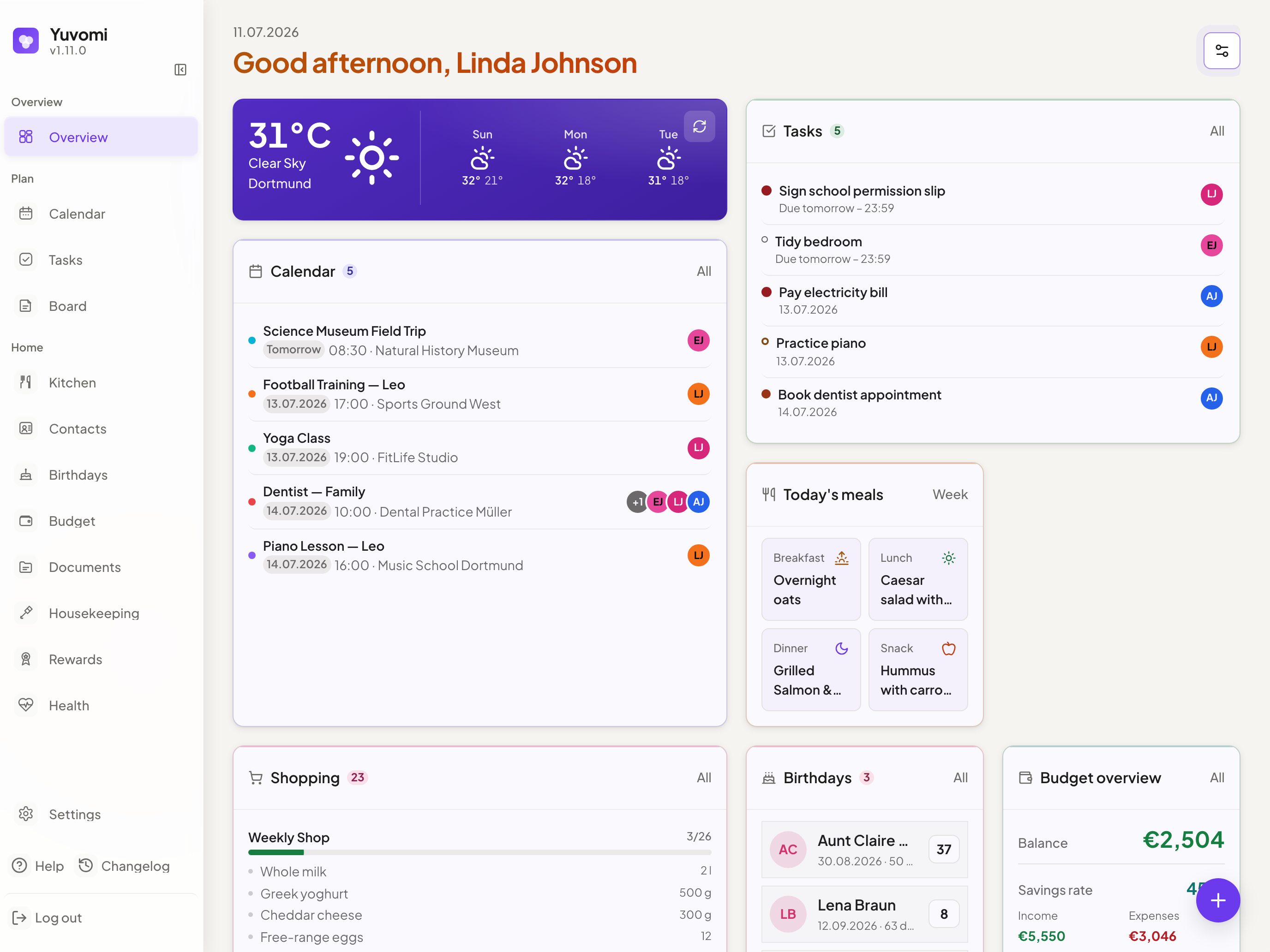
Editing an event repainted it in a colour nobody picked (#856). Open an event, change the assignee or just the title, save - and the event came back in the palette’s first blue. Nothing had touched the colour. It happened to every event whose colour was not literally one of the ten swatch values: an assignee’s avatar colour, an
RFC 7986 COLORfrom a CalDAV server, or the#007AFFthat events carried before the OKLCH palette arrived.The colour picker matched the stored colour against its ten swatches to decide which one to mark active. The two palettes involved share no value at all - avatar colours are the old iOS system set (
#007AFF,#34C759, …), event colours the OKLCH set (#587DCE,#3CA368, …) - so for those events no swatch lit up. The picker looked as though no colour was set. Saving then read the active swatch, found none, and fell back toEVENT_COLORS[0].Two things changed. The picker now shows the colour the event actually has, as an extra swatch in front of the palette, so it stops claiming nothing is set. And saving follows one rule: a save that did not touch the colour does not change it - without an active swatch the event keeps the colour it already had, and only a genuinely new event falls back to the palette.
Swatch matching is also no longer case-sensitive.
#587dceand#587DCEare the same colour, and CalDAV servers routinely send the lower-case form.
Changed
- The colour picker no longer greys itself out when someone is assigned. It used to, with the
note “colour is overridden by the assigned person(s)” - and that had been untrue since 2.35.0.
Since #815 the event’s own colour comes first in the priority order, and because
calendar_events.colorisNOT NULLand rejects an empty string too, an event always has one. The assignee’s colour has not tinted anything since; the note promised what the code had stopped doing, and the greyed-out picker took a choice away to keep that promise. Both are gone. Who an event belongs to is still shown, by the avatar stack beside it.