
openGym
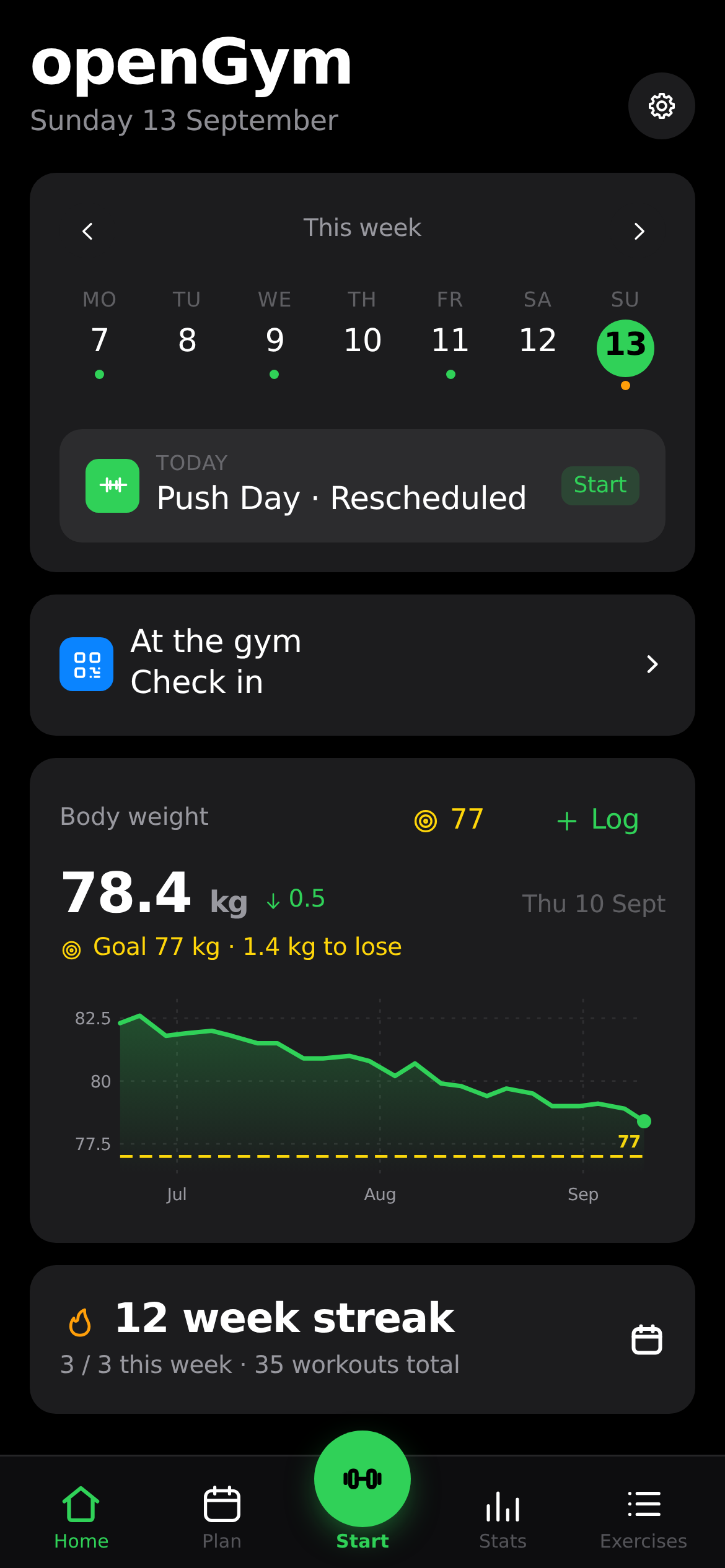
Self-hosted gym and body-weight tracker with workout planning and muscle recovery tracking
Alternative to: strong, hevy, fitnotes
About
Versions (28)
v1.2.3
2026-07-31Changelog
v1.2.3 — 2026-07-31
How hard a set was, in whichever of the two scales you already think in — and the ratings your old app recorded come across with the rest of your history. Plus: the phone stops locking itself mid-workout, the rest timer can hand time back as well as take it, and Settings is grouped by what each thing actually affects.
The screen stays on while you train
- ☀️ Keep screen awake — Settings → During a workout, on by default. Locking, unlocking and finding your place again between every set was the single most annoying thing about logging on a phone. The screen now stays lit for as long as a workout is running and lets go the moment you finish it, so nothing is held while you are not training.
- It survives a tab switch. Browsers release the lock whenever the page stops being visible, which is exactly what happens when you glance at a message. The lock is taken again each time the app comes back, rather than dying the first time you look away.
- It follows the workout, not the screen you are on. Checking Stats mid-session keeps the screen awake.
- Where it isn’t available, it says so. iOS grants no wake lock in Low Power Mode, and older browsers have no Wake Lock API at all — the first is silent, the second shows the row disabled rather than offering a switch that does nothing. Needs HTTPS, like every other modern browser capability.
Rest timer: take 15 seconds off, too
- ⏳ A −15s button next to +15s. The timer could only ever be extended or skipped outright; now it goes both ways. Taking off more than is left finishes the rest rather than counting into the negative — the same thing Skip does.
- Rearranged so three controls fit. The clock and the progress bar take the top row and the controls sit underneath: −15 and +15 together in number-line order, Skip pushed to the far edge so the button that ends the rest is not next to the one you tap to buy more time. On a wide screen it stays on one line. Tap targets are bigger than they were.
- The bar is nearly opaque. The set rows underneath were reading through it and making the clock hard to pick out.
Settings, grouped by what it affects
- General (language, units) · During a workout (rest timer, keep screen awake, sounds, effort per set) · Notifications · Appearance (theme, body diagram, accent) · Data.
- The old grouping mixed axes: “Units & timer” put a display preference next to two workout behaviours, language sat under Appearance, and Load starter plan was buried between the backup actions and the destructive reset. Data now reads in the order you would use it — fill the plan, bring history over from another app, restore a backup, export one, wipe everything.
- Nothing was removed and no setting changed its meaning.
Effort per set: RIR or RPE (#21)
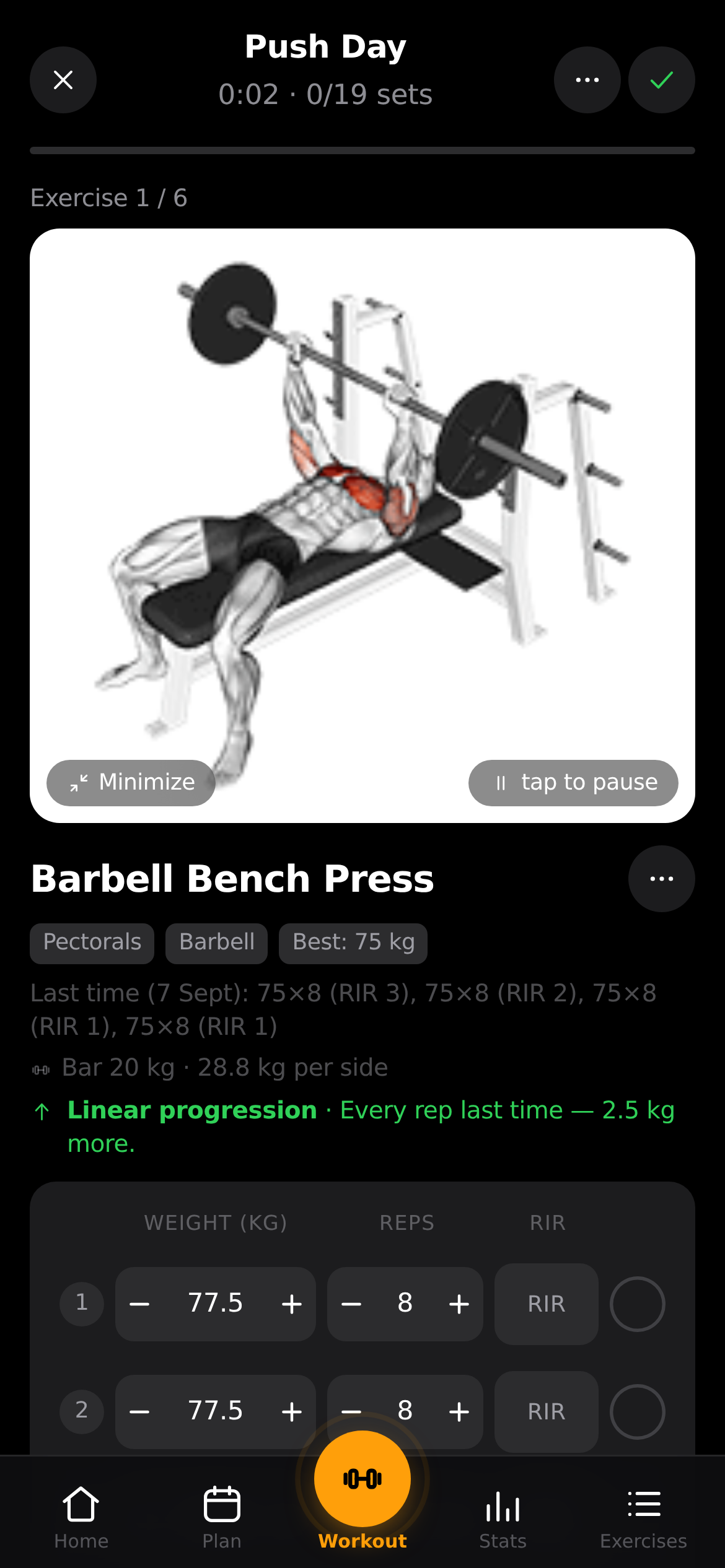
- 🎯 A third column on a working set, off by default. Settings → Effort per set switches it between Off, RIR and RPE. It only appears on weighted rep sets: a plank or a treadmill row has nowhere to put it.
- Two names for the same judgement. RIR counts the reps you left in the tank; RPE reads the same effort off a 10-point scale, so RPE ≈ 10 − RIR. The setting has an (i) that lays the two scales side by side in a conversion table rather than explaining them in a paragraph.
- Each set keeps the scale it was logged with. Switching the setting changes what new sets ask for and nothing else — history is never silently rewritten, and a set logged as RIR 2 still reads back as RIR 2 years later.
- An unrated set stays unrated. Blank and 0 are different things: RIR 0 says the set went to
failure. So
−on an untouched cell leaves it empty,+starts at the bottom of the scale and walks up in even steps, and stepping back off the bottom clears the cell again — a mistap is always undoable. - Nothing else reads the value. Progression rules and estimated 1RM are unaffected; the rating is yours to look at, not an input to the maths.
- Upgrading keeps the column you had: a profile still carrying the old
showRirflag — from this device, a sync, or a backup restored later — comes across as RIR.
Import brings your ratings with it
- 📥 The RPE Hevy and Strong export is no longer dropped. An
RPEcolumn is read into the set, as is anRIRcolumn if a file has one, and the import summary says how many sets arrived with a rating — plus where to switch the column on if it’s off. - A blank cell stays unrated rather than becoming 0. A written-out
0counts as a rating on the RIR scale (a set to failure) but not on RPE, which starts at 1 — apps write 0 there to mean “nothing here”, and reading it as an effort would stamp one on every unrated set in the file. - Ratings above the scale are capped instead of thrown away, and junk in the column is ignored without losing the set.
- Backups already carried both fields and the setting, since a backup is the whole state — there are now tests pinning that, so it can’t quietly stop being true.