openGym
Self-hosted gym and body-weight tracker with workout planning and muscle recovery tracking
Alternative to: strong, hevy, fitnotes
About
Versions (28)
v1.2.0
2026-07-23Changelog
v1.2.0 — 2026-07-23
A complete visual redesign. Same app, same data — every screen redrawn.
A designed interface, not an assembled one
- 🎨 Rebuilt design system. One type scale carrying hierarchy through size instead of making everything bold, a neutral surface ramp instead of saturated blue-greys, hairline separators instead of outlined boxes, and motion that acknowledges a press rather than animating for decoration. Light and dark are both first-class, and the eight accent colours now pick their label colour by measured contrast — the default green in light mode was failing WCAG AA on every primary button before.
- ✏️ A hand-drawn icon set (77 icons, single stroke weight, drawn on one 24×24 grid) replaces every emoji in the interface. Emoji render differently on each platform, sit on their own baseline and can’t take a theme colour, which is what made the old UI feel stitched together. Icons inherit the surrounding text colour and optical size.
- 🏋️ Routine icons. Picking an icon for a routine now offers a grouped set — strength, equipment, cardio, recovery — instead of an emoji keyboard. Routines you already made keep their look: the old emoji are mapped forward automatically, so nothing to migrate and nothing to redo.
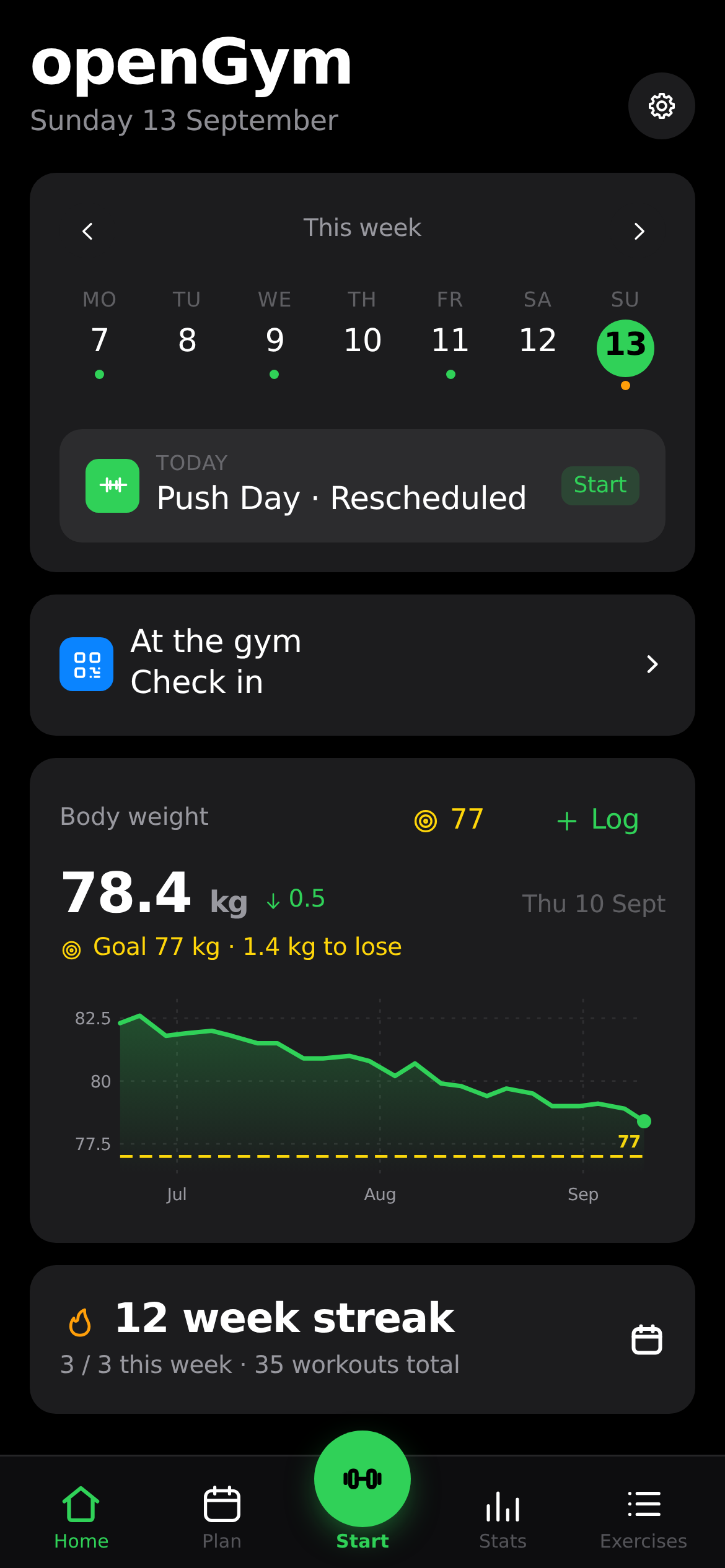
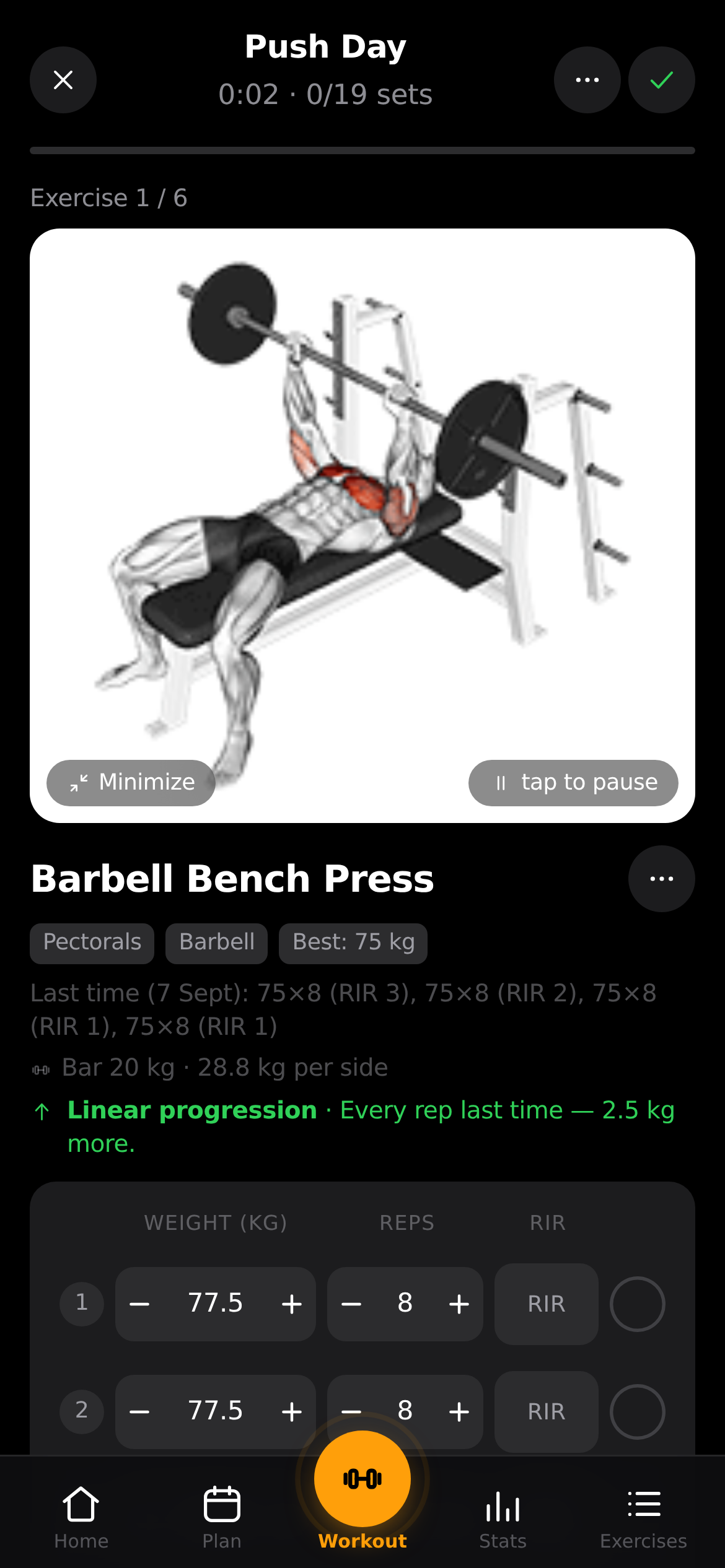
- ▶️ New tab bar with a raised Start button that turns into a pulsing orange Resume while a workout is running.
- 🏠 Home reads as a plan for today — week strip, today’s session as one tappable row, body weight, and your streak.
Charts
- 📈 Axis labels, gridlines and the target-weight line are visible again in dark mode. They were painted with colour variables that no longer existed, which silently fell back to black on black — and to no stroke at all for the lines.
- 💬 The hover readout stays on screen. It used to be positioned with a fixed offset that assumed one label width, so the first and last point pushed it under the chart’s clip; it’s now placed from its measured size and kept inside the frame, dropping below the point when the point sits high enough that the label would cover the value it reports.
- 🖱️ It also goes away again — moving off the chart now clears the readout, crosshair and marker, which previously stayed until you hovered somewhere else.