
openGym
Self-hosted gym and body-weight tracker with workout planning and muscle recovery tracking
Alternative to: strong, hevy, fitnotes
About
Versions (28)
v1.1.3
2026-07-22Changelog
v1.1.3 — 2026-07-22
Admin dashboard for self-hosters (opt-in — off by default), equipment filtering, and workout-screen fixes.
Admin dashboard
- 🛠️ Admin dashboard (Settings → Admin dashboard) for whoever runs the instance: a users overview with workout counts and last-active times, plus a per-user drill-down into their full workout history and body-weight log.
- 🟢 Live “training now” — see who’s mid-workout in real time, with their current exercise and set progress, updated by a lightweight heartbeat while a workout is on screen.
- 🚫 Disable / enable accounts — a disabled account is signed out and locked out everywhere until you re-enable it.
- 🔑 Invite-only signup (optional) — require an invite code to create a profile; generate and revoke codes from the dashboard. Existing accounts are unaffected.
- ⚙️ Configured via environment:
ADMIN_UIDS(comma-separated user ids who are admins) andINVITE_ONLY=1; both default off, so a fresh instance stays open with no admin. See.env.example. Admin access is gated by your passkey and enforced server-side.
Exercises & workout
- 🏋️ Filter exercises by equipment (#6). A second filter row under the body parts lets you narrow the list to what you actually have — body weight, dumbbell, barbell, cable, band, and so on — in both the Exercises library and the exercise picker. The options adapt to what you’ve already selected and are ordered by how many exercises use them, so every combination on screen has results behind it and the row stays short. Building a bodyweight-only plan is now two taps per body part.
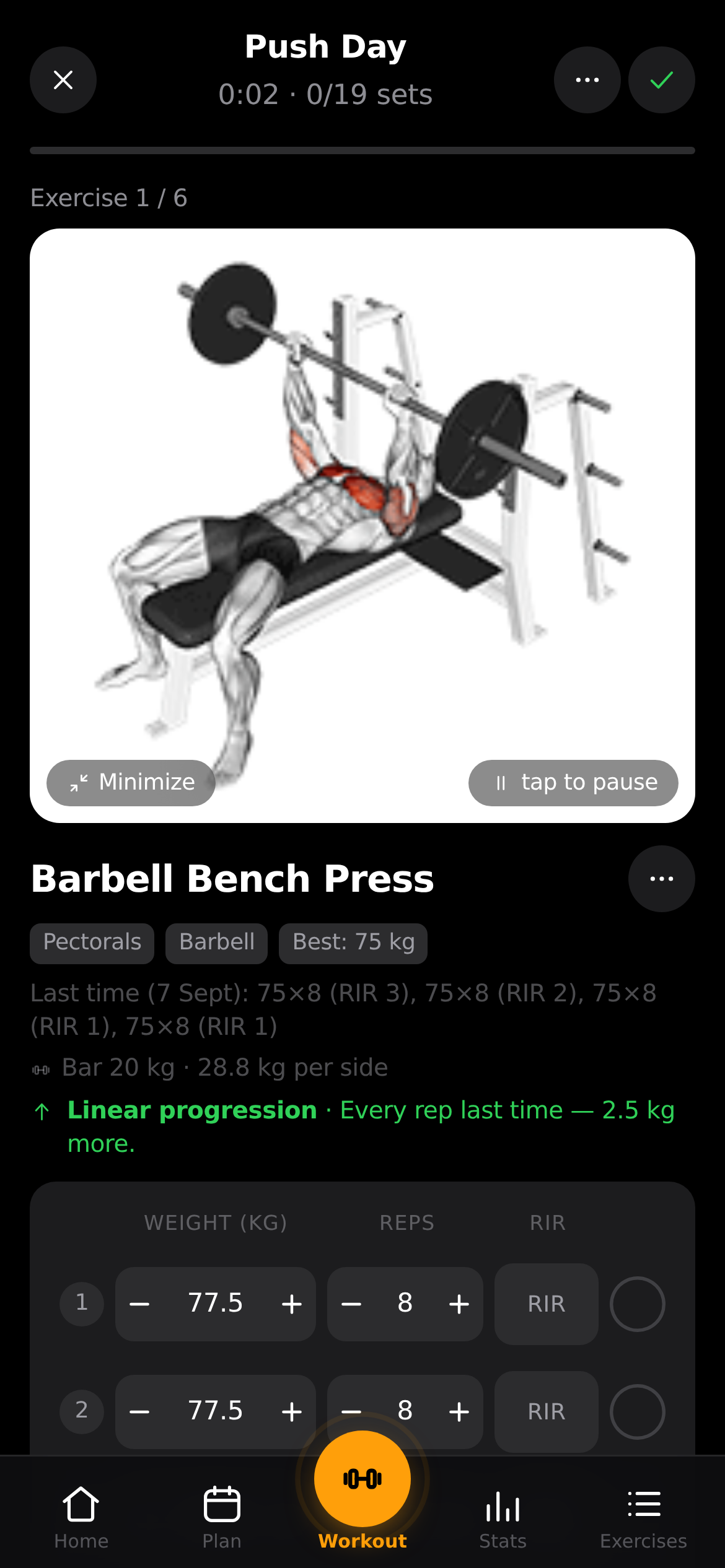
- 🔎 Minimize the exercise animation during a workout (#12). A ⤡ Minimize / ⤢ Expand button on the animation shrinks it to a thin strip so the set rows sit right under your thumb — no more scrolling past a big GIF to tick off a set. Your choice is remembered and applied to every exercise and future workout until you change it, so you set it once. Tapping the animation still pauses/plays it as before.
- ⏱️ Fixed: the rest timer froze at 0:01 (#14) instead of counting down to the end. It also meant the timer could only be cleared with Skip, and a redundant “rest over” push notification could still fire.