NutriTrace
Self-hosted personal nutrition and calorie tracker
Alternative to: myfitnesspal, cronometer, lose it, waistline
About
Versions (95)
v1.0.0-rc.47
2026-06-05Added
- Tap a food on the Foods tab to open a quick-view sheet with the full Nutrition Facts label, brand, and barcode, plus Add to Diary and Edit buttons right on the sheet. Replaces the previous behavior of jumping straight to the full Food Editor for a glance-at-info action. The full Food Editor is still one tap away via the Edit button.
- Scheduled automatic backups. Settings, Backup, Schedule lets you pick a time and frequency (daily, weekly, monthly) and the app writes a full backup on schedule. Server-side installs get an admin UI with optional ENV-lock for managed deployments; the Android app writes scheduled backups locally for offline-only users too.
- Copy diary items to another day. A unified Copy sheet (one item or a whole meal) lets you pick the target date and meal in one flow. Reached from the item kebab menu and the meal action menu.
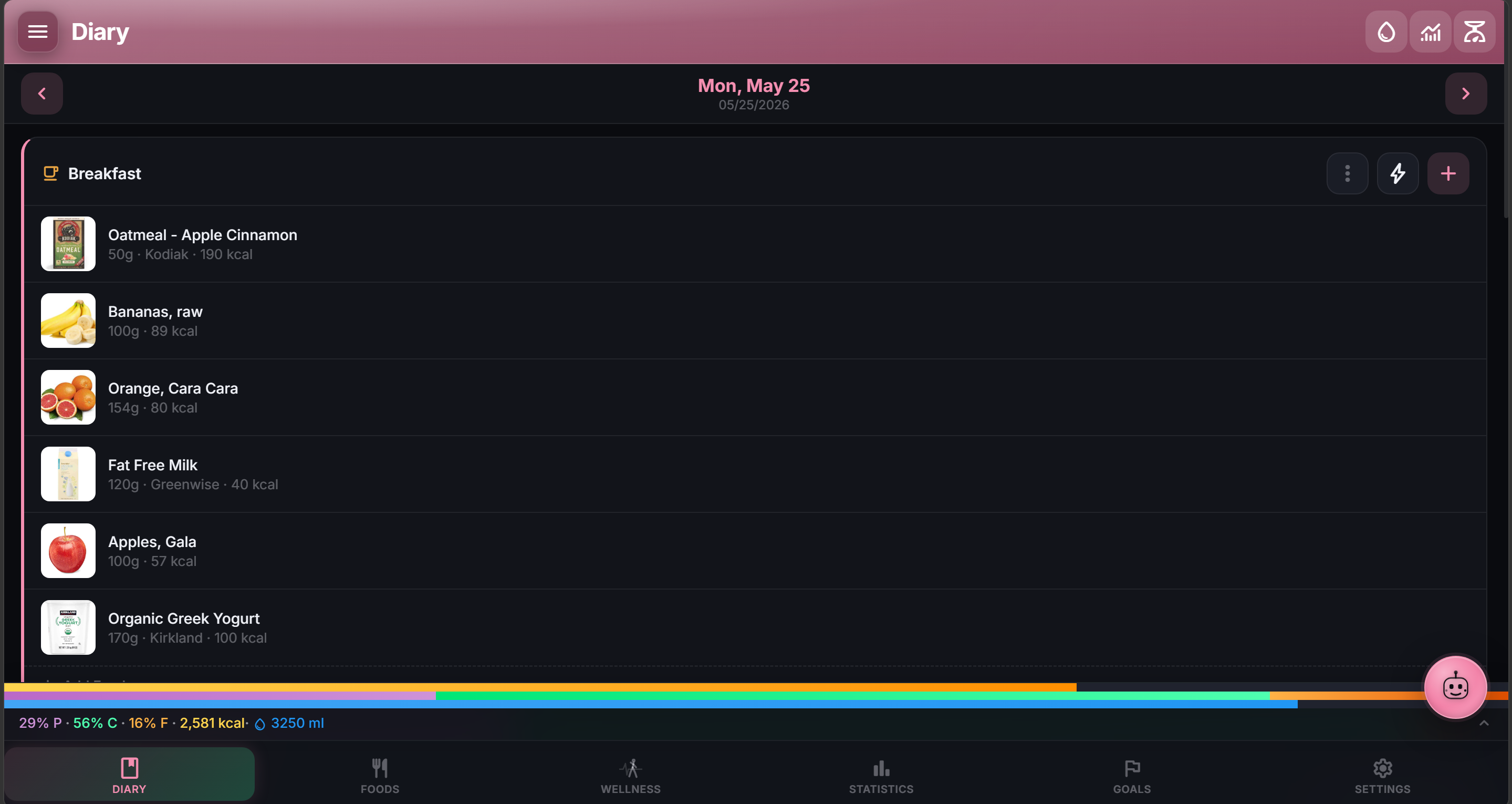
- Nutrient drill-down in the Diary Nutrition Summary. Tap any row (Sodium, Protein, Fiber, etc.) to expand it in place and see the top contributing foods sorted by contribution descending. ”+ N more items” is itself tappable to show the full list. (Issue #58, reported by @duplaja)
- Recipe / saved meal ingredient picker now searches every food source, not just your local catalog. Source filter chips (Local, OFF, USDA, Mealie, From Others) and a barcode scan button now appear inside the picker, gated by what you have enabled in Settings. Picking from a non-local source auto-saves the food to your local catalog first. (Issue #59, reported by @gnome161)
Fixed
- Sidebar was missing the Wellness link for users whose only wellness source was Health Connect or Google Health. Both nav surfaces now check the same set of sources. (Issue #62, reported by @duplaja)
- Imported foods showed the wrong photo after a sync round when multiple Open Food Facts products had structurally identical image filenames. Cache keys are now derived from the full URL, and existing installs will redownload cleanly on the next sync. (Issue #61, reported by @nomad64)
- Sharing a log file or crash report from Diagnostics only saved the filename, not the actual contents. Files now route through the cache directory before sharing, which Android exposes to other apps. (Issue #60, reported by @nomad64)
- AI proposal cards stayed visible after the photo entry was committed. Now clears on commit and on the next message.
Both the Docker image and the Android APK need updating to pick up this release. APK attached below; rebuild the container for browser users.