LiftTrace
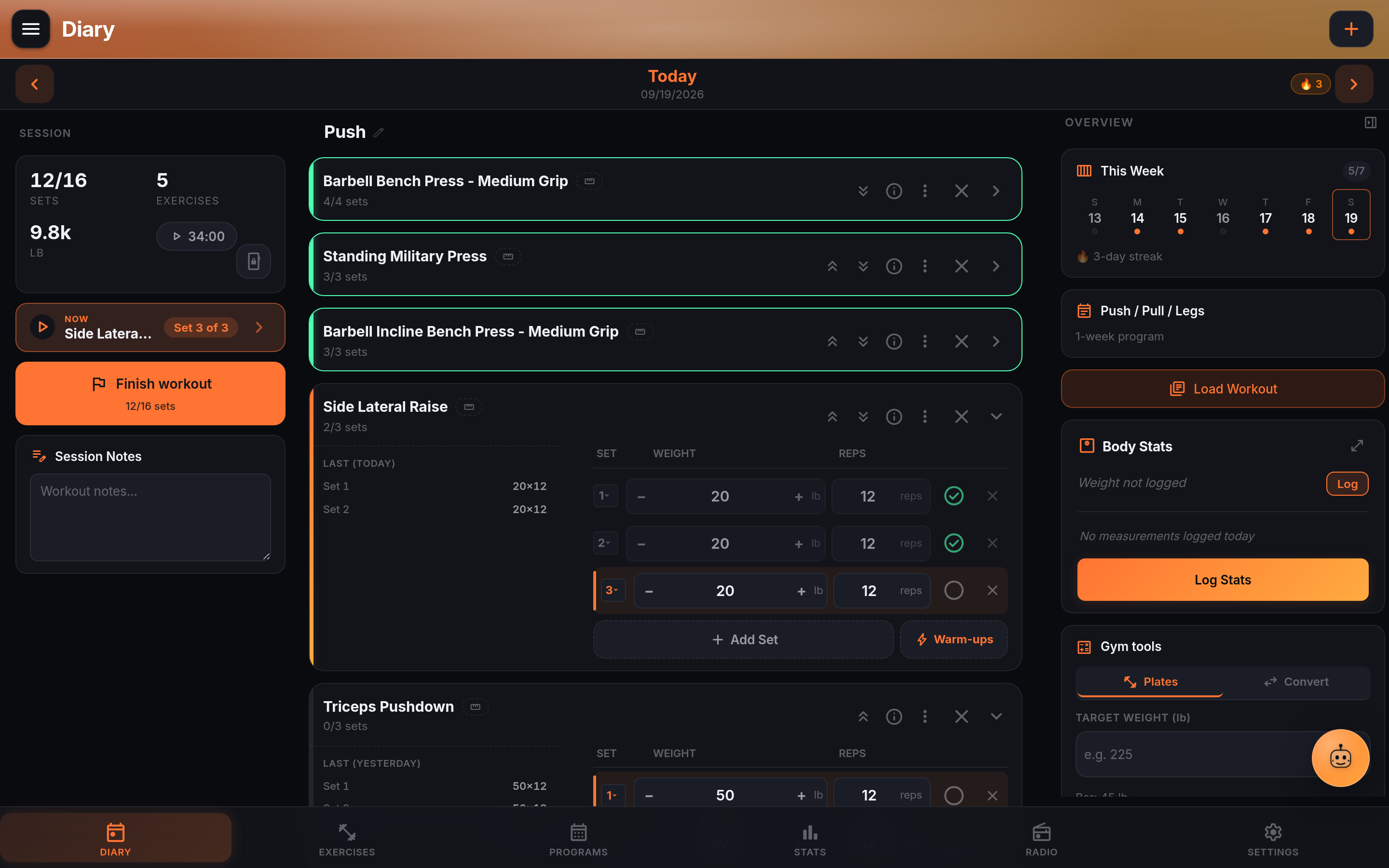
Self-hosted weightlifting tracker with programs, PR tracking, and an AI coach
Alternative to: strong, hevy
About
Versions (42)
v1.0.0-rc.2
2026-05-25v1.0.0-rc.2 — 2026-05-25
Added
- Gradient banner style as a third option for Settings → Appearance → Page Banners (between Animated and Off). A compact-height header filled with your active accent color over a subtle glass overlay; header action icons pick up a matching frosted-glass pill so they stay legible against the saturated background.
Changed
- Page Banners default for new installs is now Gradient instead of Animated. Existing users keep whatever they had; the new default only applies to users finishing or skipping the first-launch wizard.
- Goal Celebrations toggle moved from Settings → Workout to Settings → Appearance, next to Reduce Motion. Same toggle, same behavior; the move groups all visual-effect controls together and matches NutriTrace’s layout.
- Notification Delivery card simplified. Push service status shows a single “Configured” pill with one Test button at the top of the card, instead of a separate subtext block and Send-Test row.
Fixed
- Re-opening a completed workout summary no longer re-fires the “Workout Complete” notification. Tapping “View Workout Summary” on a previously-completed session now just opens the summary, instead of re-running the celebration / save / timer-reset path. Affects both local notifications and any configured push service (Gotify, ntfy, Apprise). Also stops the same path from clobbering today’s running rest timer if you opened a past day’s summary mid-session.