
FileRise
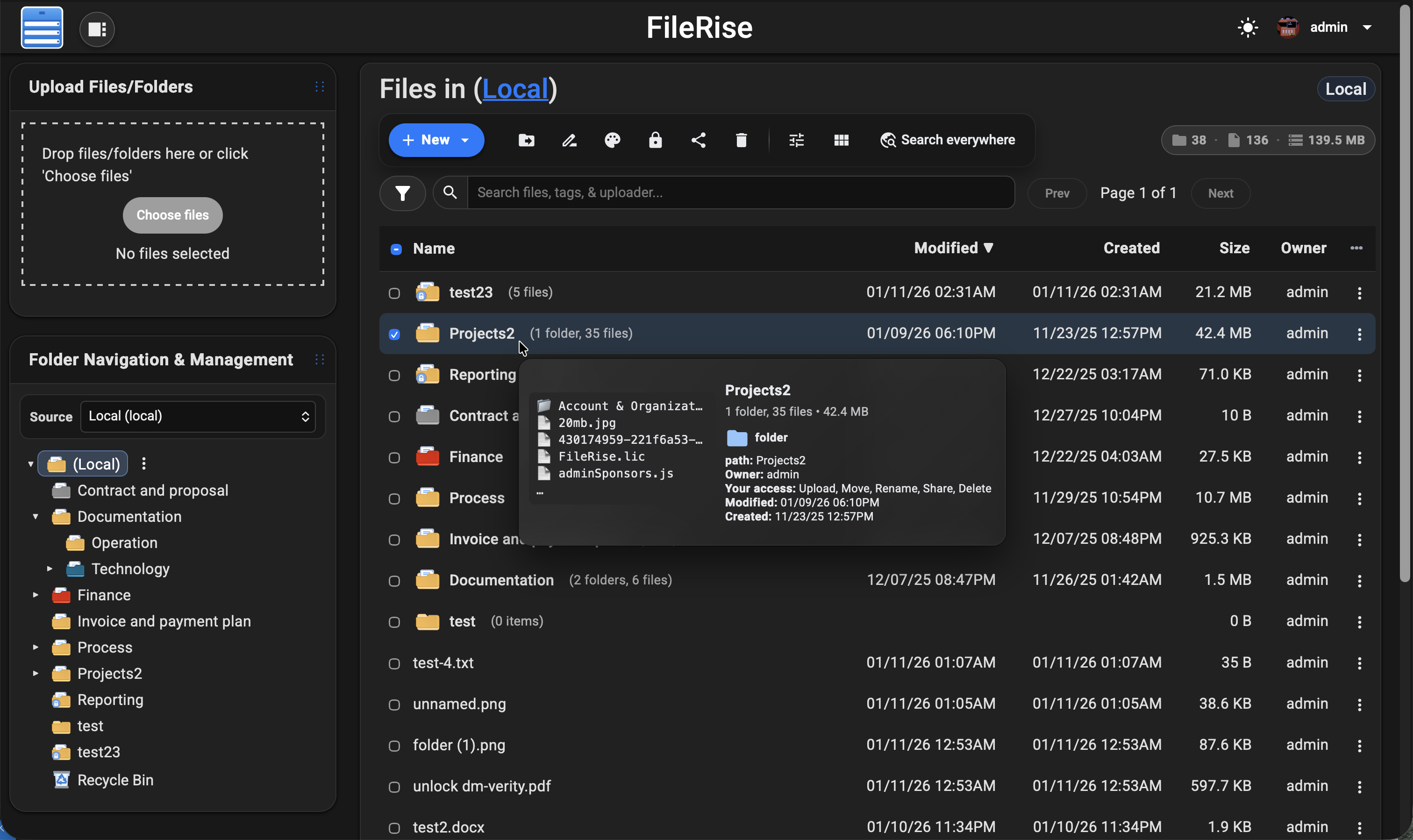
Web file manager with uploads, tagging, share links and an in-browser editor
Alternative to: dropbox, google drive, onedrive, box
About
Versions (100)
v3.0.1
2026-01-15Changes 01/14/2026 (v3.0.1 Archive update + login focus)
release(v3.0.1): archive create/extract upgrades (7z + RAR via unar) + login focus fix (closes #82)
Commit message
release(v3.0.1): archive create/extract upgrades (7z + RAR via unar) + login focus fix (closes #82)

- add 7z archive format option for multi-file downloads (worker + download streaming)
- expand extraction to support ZIP + 7z formats via 7z, with RAR preferring unar when available
- harden archive extraction against traversal, symlinks, zip-bombs, and empty/escaped outputs
- improve archive job robustness (stale job cleanup, clearer queued/worker errors, correct MIME/filenames)
- UI: archive format selector + name normalization, better “Extract Archive” handling, i18n updates
- fix login screen focus (auto-focus username when login prompt shows)

Closes #82
Added
- Archive download format selector (ZIP / 7z) in the “Download Selected Files as Archive” modal.
- 7z archive creation support in the background worker (
zip_worker.php) using7zz/7z. - RAR extraction prefers
unarwhen available (FOSS-friendly); falls back to7zwhen needed. - Archive detection helper
isArchiveFileName()supporting:.zip,.7z,.tar.*,.gz,.bz2,.xz,.rar- RAR split parts like
.r01,.r02, etc.
Changed
- “ZIP” language → “Archive” language across UI, admin notes, and translations.
- Archive job enqueue + download endpoint now supports a
formatfield (zipor7z):- download streaming sets correct extension + MIME type (
application/ziporapplication/x-7z-compressed) - filename normalization strips any existing
.zip/.7zand applies the chosen extension
- download streaming sets correct extension + MIME type (
- Archive extraction is no longer ZIP-only:
- ZIP still uses
ZipArchive - non-ZIP formats use
7zlisting (7z l -slt) + extraction of an allow-listed set - RAR parts like
.r01map to their base.rar/.part1.rarautomatically
- ZIP still uses
- Archive queue robustness
- stale queued/working jobs are cleaned up (PID checks + cmdline sanity where available)
- queued jobs that never start can surface a clearer error message (“worker did not start…”)
Fixed
- Login UX: auto-focus username field when the login prompt appears (reduces “why can’t I type?” friction).
- Extract action visibility: Extract button/menu now appears for supported archive formats (not just
.zip). - Better extraction feedback: extraction API returns optional
warningtext; UI shows success + warning separately when partial issues occur.
Security / Hardening
- Archive extraction safety controls:
- blocks absolute paths / traversal (
../) and unsupported folder names - skips dotfiles (configurable) instead of extracting hidden entries by default
- detects and skips symlinks and removes any symlinks created during extraction
- zip-bomb limits: max uncompressed bytes + max files (configurable)
- prunes empty outputs that indicate partial/broken extraction and removes any files that escape the extraction root
- blocks absolute paths / traversal (
Docker
- Image now installs 7zip + unar so archive create/extract works out-of-the-box with FOSS tooling.
- Ubuntu repo components are restricted to
main universe(avoids non-free repos by default).
v3.0.1
Full Changelog
SHA-256 (zip)
b24fc6b5775d1f78ab73d2c876795941b28575702bae1e5664957402d723852a FileRise-v3.0.1.zip