
wallabag
Self-hostable app for saving web pages to read later, with clean content extraction
Alternative to: pocket, instapaper
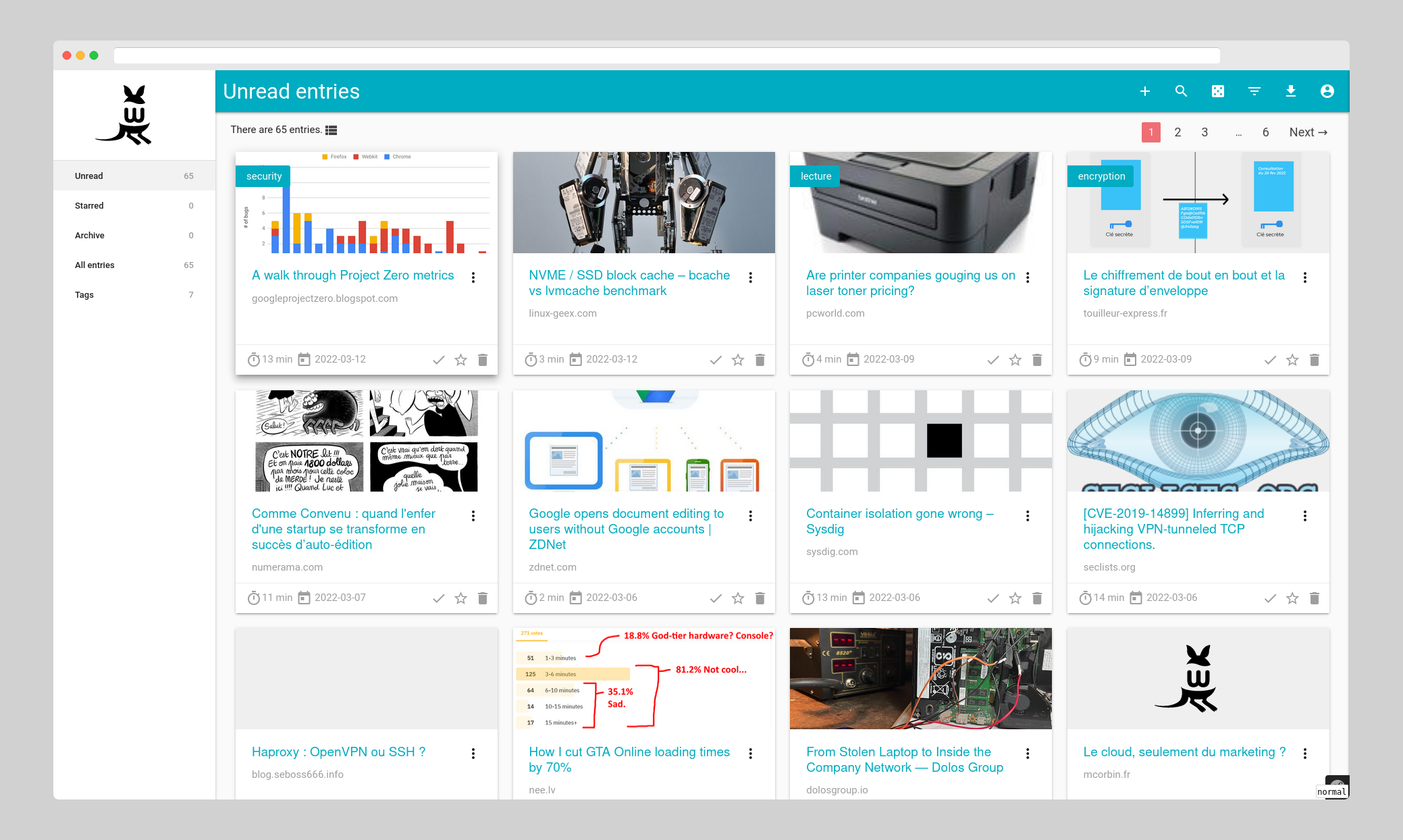
wallabag is a web application that lets you save web pages for later reading: click, save, and read whenever you want. It extracts the article content so you won't be distracted by ads, pop-ups, or clutter, and offers tagging, full-text search, annotations, and browser/mobile clients to send pages straight from wherever you read.
wallabag Docker Compose example
Self-host wallabag on your own server, homelab, or VPS starting from this Docker Compose example.
It runs wallabag in Docker containers using the official wallabag/wallabag:latest, mariadb:lts, redis:alpine images, with persistent volumes and automatic restarts preconfigured.
Review the environment variables and adjust them to your setup, save the file as compose.yml (or docker-compose.yml), and start the stack with docker compose up -d.
services:
  wallabag:
    image: wallabag/wallabag:latest
    depends_on:
      db:
        condition: service_healthy
      redis:
        condition: service_healthy
    volumes:
      - images:/var/www/wallabag/web/assets/images
    restart: unless-stopped
    environment:
      # Root password of the bundled MariaDB; used on first run to create the wallabag database and user.
      MYSQL_ROOT_PASSWORD: "wallaroot"
      SYMFONY__ENV__DATABASE_DRIVER: "pdo_mysql"
      SYMFONY__ENV__DATABASE_HOST: "db"
      SYMFONY__ENV__DATABASE_PORT: "3306"
      SYMFONY__ENV__DATABASE_NAME: "wallabag"
      SYMFONY__ENV__DATABASE_USER: "wallabag"
      SYMFONY__ENV__DATABASE_PASSWORD: "wallapass"
      SYMFONY__ENV__DATABASE_CHARSET: "utf8mb4"
      SYMFONY__ENV__DATABASE_TABLE_PREFIX: "wallabag_"
      # Public URL where your wallabag instance is reachable. Used to build links in the UI and emails.
      SYMFONY__ENV__DOMAIN_NAME: "http://localhost"
      # Application secret used to sign sessions and tokens. Change this to a long, random value.
      SYMFONY__ENV__SECRET: "ovmpmAWXRCabNlMgzlzFXDYmCFfzGv"
      # Friendly name shown as the two-factor / instance issuer.
      SYMFONY__ENV__SERVER_NAME: "Your wallabag instance"
      # Interface language (e.g. en, fr, de).
      SYMFONY__ENV__LOCALE: "en"
      # DSN of the SMTP server used to send emails, e.g. smtp://user:pass@host:port.
      SYMFONY__ENV__MAILER_DSN: "smtp://127.0.0.1"
      # From-address used for outgoing emails.
      SYMFONY__ENV__FROM_EMAIL: "wallabag@example.com"
      # Set to true to allow public self-registration of new users.
      SYMFONY__ENV__FOSUSER_REGISTRATION: "false"

  db:
    image: mariadb:lts
    restart: unless-stopped
    environment:
      MYSQL_ROOT_PASSWORD: "wallaroot"
    volumes:
      - db_data:/var/lib/mysql
    healthcheck:
      test: ["CMD", "/usr/local/bin/healthcheck.sh", "--innodb_initialized"]
      interval: 20s
      timeout: 3s
      retries: 5

  redis:
    image: redis:alpine
    restart: unless-stopped
    healthcheck:
      test: ["CMD", "redis-cli", "ping"]
      interval: 20s
      timeout: 3s
      retries: 5

volumes:
  images:
  db_data:
Prefer a managed setup? WinterFlow installs, configures, and updates wallabag for you using this same Docker Compose configuration.