
VoiceStudio
Open-source, fully-local ElevenLabs alternative for voice cloning, dubbing, and transcription
Alternative to: ElevenLabs
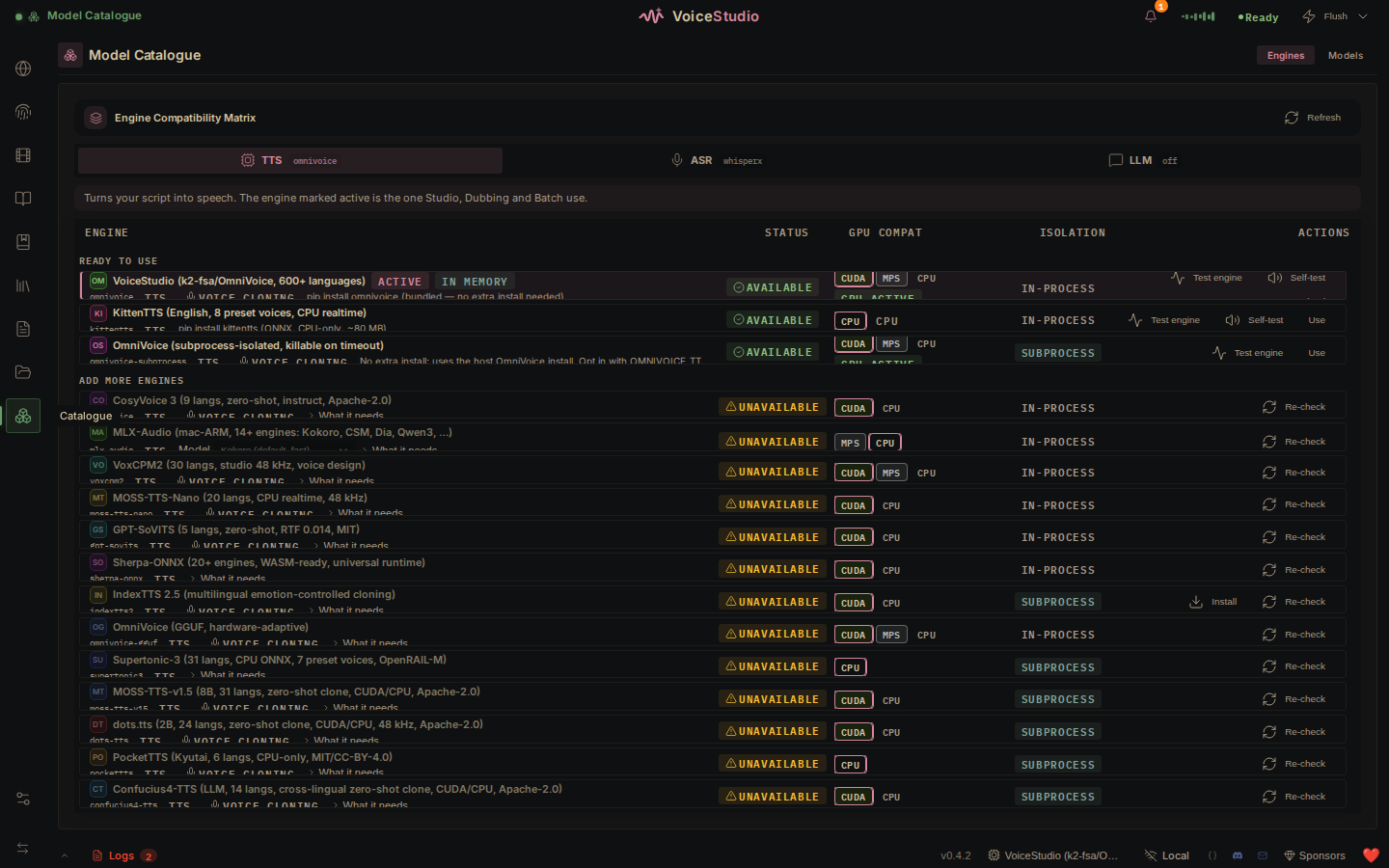
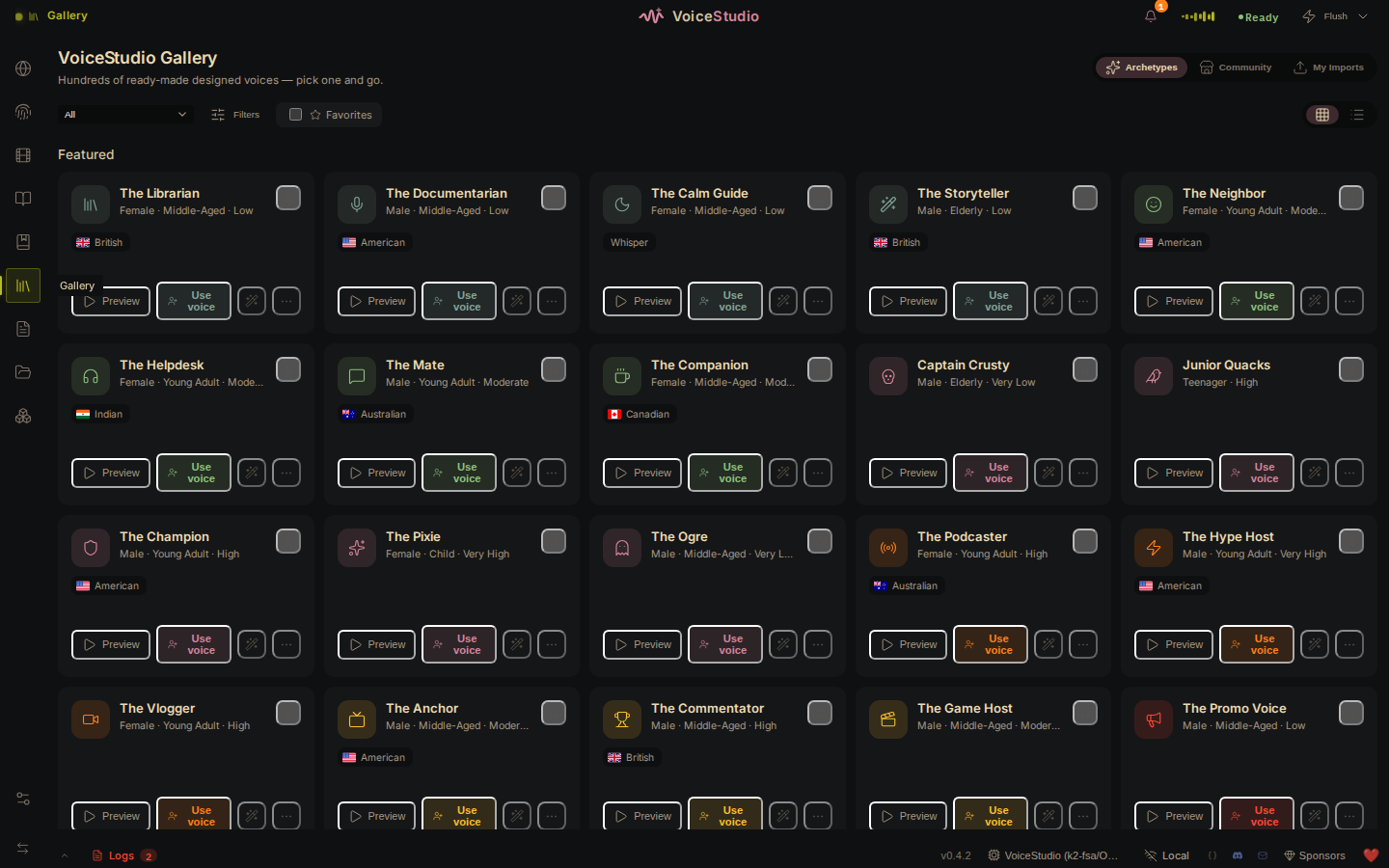
VoiceStudio is a fully-local, open-source voice AI studio for voice cloning, voice design, video dubbing, dictation, transcription, and audiobook creation in 646 languages. It runs 16 TTS engines and 11 ASR engines entirely on your own hardware, requiring no account, API key, or subscription. A headless Docker deployment exposes the same studio as a browser-accessible web app, with optional CUDA, ROCm, or CPU-only profiles.
VoiceStudio Docker Compose example
Self-host VoiceStudio on your own server, homelab, or VPS starting from this Docker Compose example.
It runs VoiceStudio in Docker containers using the official ghcr.io/debpalash/omnivoice-studio:stable image, with persistent volumes and automatic restarts preconfigured.
Review the environment variables and adjust them to your setup, save the file as compose.yml (or docker-compose.yml), and start the stack with docker compose up -d.
services:
  omnivoice:
    image: ghcr.io/debpalash/omnivoice-studio:stable
    restart: unless-stopped
    volumes:
      - data:/app/omnivoice_data
    environment:
      # Where HuggingFace model weights are cached. Kept inside the data
      # volume so the ~4 GB of models downloaded on first use survive restarts.
      HF_HOME: "/app/omnivoice_data/huggingface"
      # Optional HuggingFace access token, only needed to download gated models.
      HF_TOKEN: ""
      # Root directory for the project database, user voices, settings and logs.
      OMNIVOICE_DATA_DIR: "/app/omnivoice_data"
      PYTHONPATH: "/app/backend"
      PYTHONUNBUFFERED: "1"
      # Bind the backend to all interfaces inside the container so the reverse
      # proxy can reach it (external exposure is controlled by the proxy).
      OMNIVOICE_BIND_HOST: "0.0.0.0"
      # Headless server mode: relaxes the desktop-only loopback origin gate so
      # the web UI works behind Docker NAT / a reverse proxy.
      OMNIVOICE_SERVER_MODE: "1"
      # API key protecting server-mode settings, diagnostics and admin routes.
      # Set this to a long random string.
      OMNIVOICE_API_KEY: "changeme"
      # TCP port for the authenticated worker control plane (remote GPU workers).
      OMNIVOICE_WORKER_PORT: "7443"
      # Public host that remote GPU workers use to reach this control plane.
      # Leave empty unless you attach remote workers.
      OMNIVOICE_WORKER_ENDPOINT_HOST: ""

volumes:
  data:
Values set to changeme are required — replace them with your own
values before starting VoiceStudio.
Prefer a managed setup? WinterFlow installs, configures, and updates VoiceStudio for you using this same Docker Compose configuration.