
TeamMapper
Host and create your own mindmaps, and collaborate with your team
Alternative to: mindmeister, miro
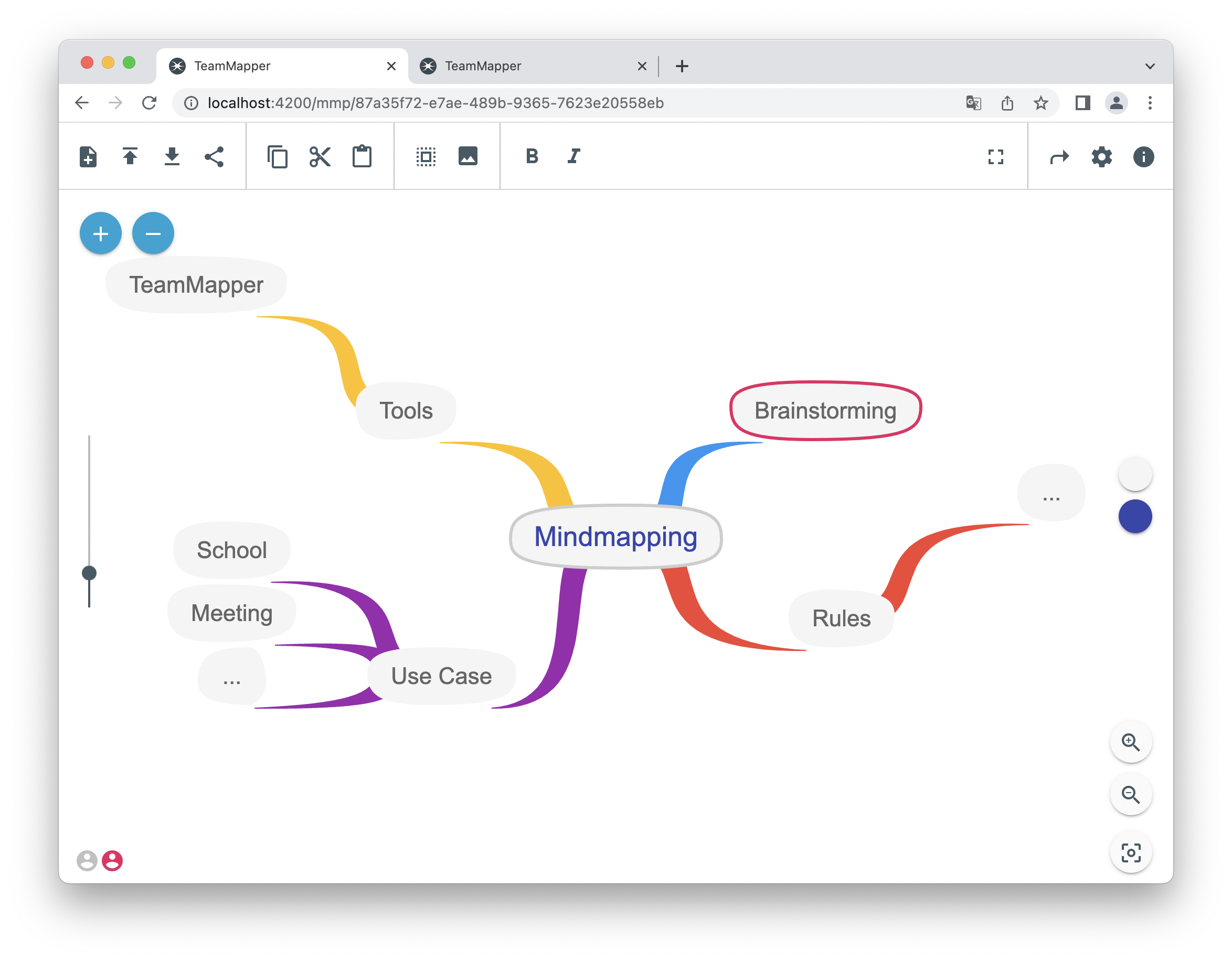
TeamMapper is a self-hosted mindmapping tool that lets you create, host, and share mindmaps with your team. Real-time collaboration is powered by WebSockets, with support for images, colors, fonts, links, and export to JSON, Mermaid, SVG, PDF, and PNG.
TeamMapper Docker Compose example
Self-host TeamMapper on your own server, homelab, or VPS starting from this Docker Compose example.
It runs TeamMapper in Docker containers using the official ghcr.io/b310-digital/teammapper:latest, postgres:15-alpine images, with persistent volumes and automatic restarts preconfigured.
Review the environment variables and adjust them to your setup, save the file as compose.yml (or docker-compose.yml), and start the stack with docker compose up -d.
services:
  teammapper:
    image: ghcr.io/b310-digital/teammapper:latest
    depends_on:
      - postgres
    environment:
      # Run mode. Use PROD for a production deployment.
      MODE: "PROD"
      # Network address the server binds to inside the container.
      BINDING: "0.0.0.0"
      # Name of the PostgreSQL database TeamMapper connects to.
      POSTGRES_DATABASE: "teammapper-db"
      # Hostname of the PostgreSQL service (the "postgres" service below).
      POSTGRES_HOST: "postgres"
      # Password TeamMapper uses to connect to PostgreSQL.
      POSTGRES_PASSWORD: "teammapper"
      # Port the PostgreSQL service listens on.
      POSTGRES_PORT: "5432"
      # Whether TeamMapper connects to PostgreSQL over SSL.
      POSTGRES_SSL: "false"
      # Reject unauthorized SSL certificates (only relevant when POSTGRES_SSL is true).
      POSTGRES_SSL_REJECT_UNAUTHORIZED: "false"
      # PostgreSQL user TeamMapper connects as.
      POSTGRES_USER: "teammapper-user"
      # Abort database queries running longer than this many milliseconds.
      POSTGRES_QUERY_TIMEOUT: "100000"
      # Abort database statements running longer than this many milliseconds.
      POSTGRES_STATEMENT_TIMEOUT: "100000"
      # Automatically delete maps that have not been accessed for this many days.
      DELETE_AFTER_DAYS: "30"
      # Enable AI-assisted features (requires additional AI configuration).
      AI_ENABLED: "false"
    restart: unless-stopped

  postgres:
    image: postgres:15-alpine
    environment:
      # Directory where PostgreSQL stores its data inside the container.
      PGDATA: "/var/lib/postgresql/data/pgdata"
      # Name of the database created on first start.
      POSTGRES_DB: "teammapper-db"
      # Password for the PostgreSQL user.
      POSTGRES_PASSWORD: "teammapper"
      # Port PostgreSQL listens on.
      POSTGRES_PORT: "5432"
      # Name of the PostgreSQL user created on first start.
      POSTGRES_USER: "teammapper-user"
    volumes:
      - postgres_data:/var/lib/postgresql/data/pgdata
    restart: unless-stopped

volumes:
  postgres_data:
Prefer a managed setup? WinterFlow installs, configures, and updates TeamMapper for you using this same Docker Compose configuration.