
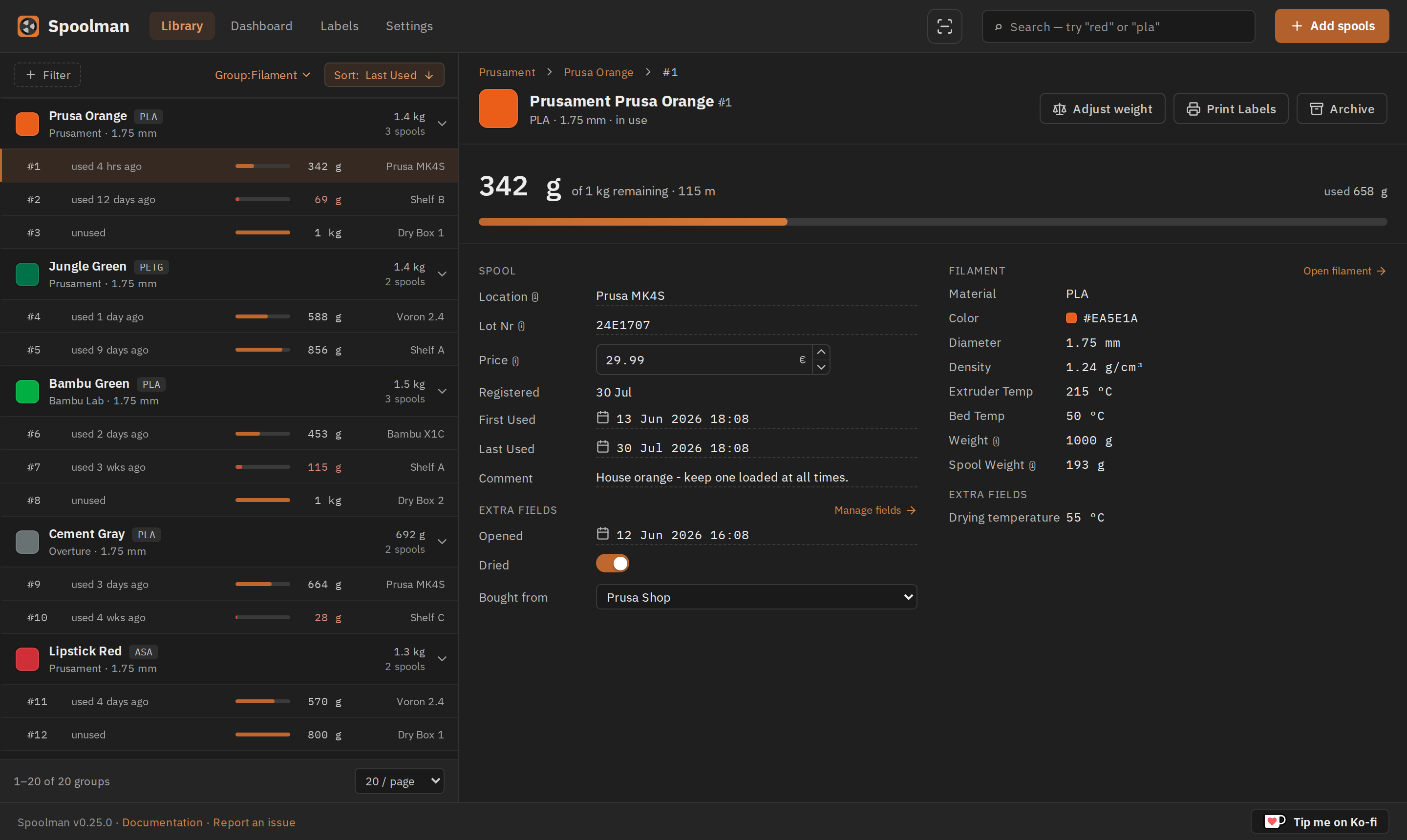
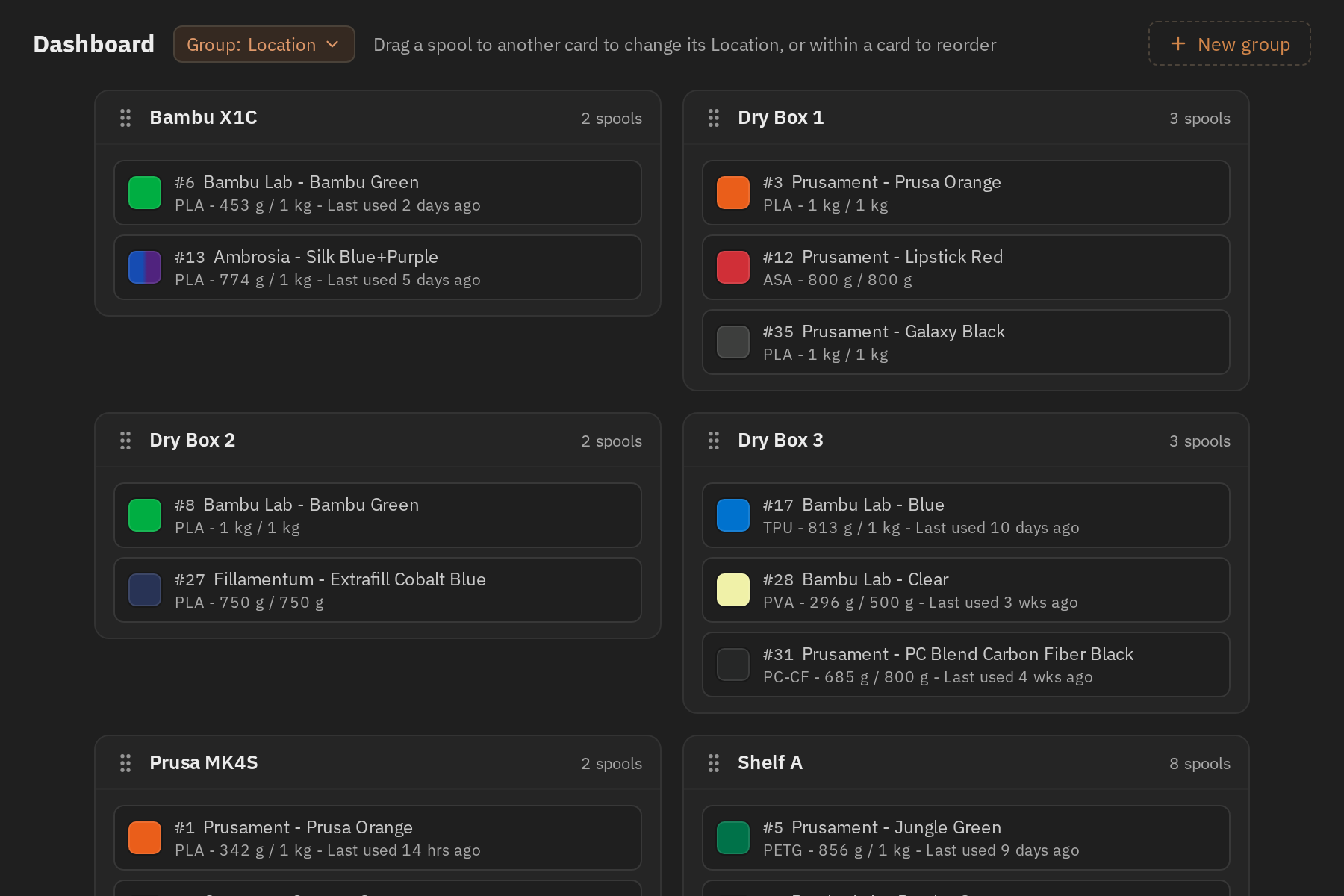
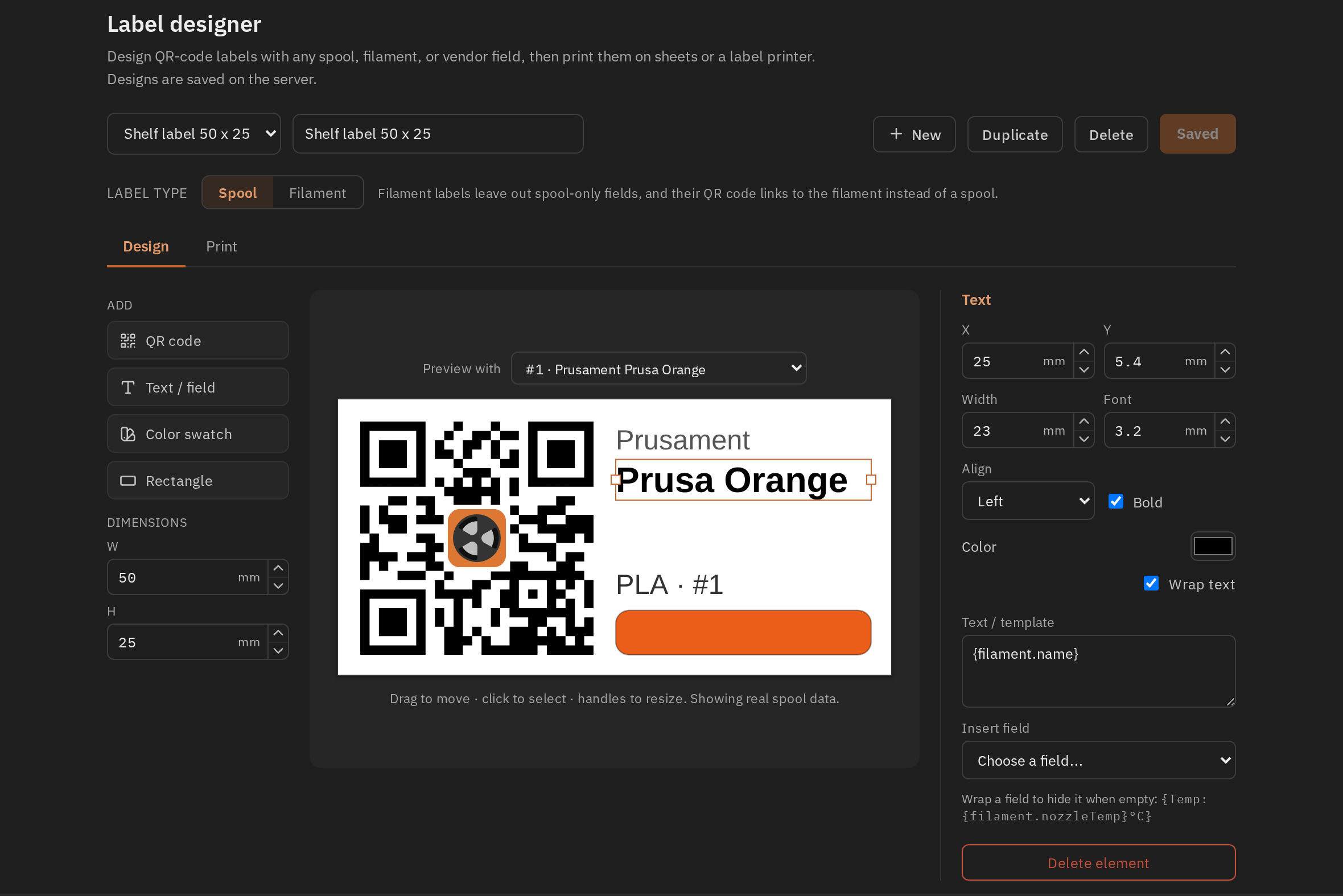
Spoolman is a self-hosted web service for managing 3D printer filament spools and monitoring their usage. It acts as a central database that integrates with OctoPrint and Klipper/Moonraker to update spool weights as prints progress, and includes a web client with search, filtering, custom fields and QR code label printing.
Spoolman Docker Compose example
Self-host Spoolman on your own server, homelab, or VPS starting from this Docker Compose example.
It runs Spoolman in Docker containers using the official ghcr.io/donkie/spoolman:latest image, with persistent volumes and automatic restarts preconfigured.
Review the environment variables and adjust them to your setup, save the file as compose.yml (or docker-compose.yml), and start the stack with docker compose up -d.
services:
  spoolman:
    image: ghcr.io/donkie/spoolman:latest
    restart: unless-stopped
    volumes:
      - data:/home/app/.local/share/spoolman
    environment:
      # Timezone used by the server, e.g. Europe/Stockholm.
      TZ: "UTC"
      # Logging level: DEBUG, INFO, WARNING, ERROR or CRITICAL.
      SPOOLMAN_LOGGING_LEVEL: "INFO"
      # Automatic nightly backup of the SQLite database.
      SPOOLMAN_AUTOMATIC_BACKUP: "TRUE"
      # Serve Spoolman under a sub-path (e.g. /spoolman). Leave empty to serve at the root.
      SPOOLMAN_BASE_PATH: ""
      # Collect Prometheus metrics in the database.
      SPOOLMAN_METRICS_ENABLED: "FALSE"
      # Periodically check GitHub for a newer Spoolman release.
      SPOOLMAN_UPDATE_CHECK: "TRUE"
      # URL of an external filament database to import items from. Set to an empty string to disable.
      EXTERNAL_DB_URL: "https://donkie.github.io/SpoolmanDB/"
      # External database sync interval in seconds (0 = sync only on start-up).
      EXTERNAL_DB_SYNC_INTERVAL: "3600"

volumes:
  data:
Prefer a managed setup? WinterFlow installs, configures, and updates Spoolman for you using this same Docker Compose configuration.