
Scriberr
Self-hosted AI audio transcription with speaker diarization
Alternative to: Otter.ai, Rev, Trint
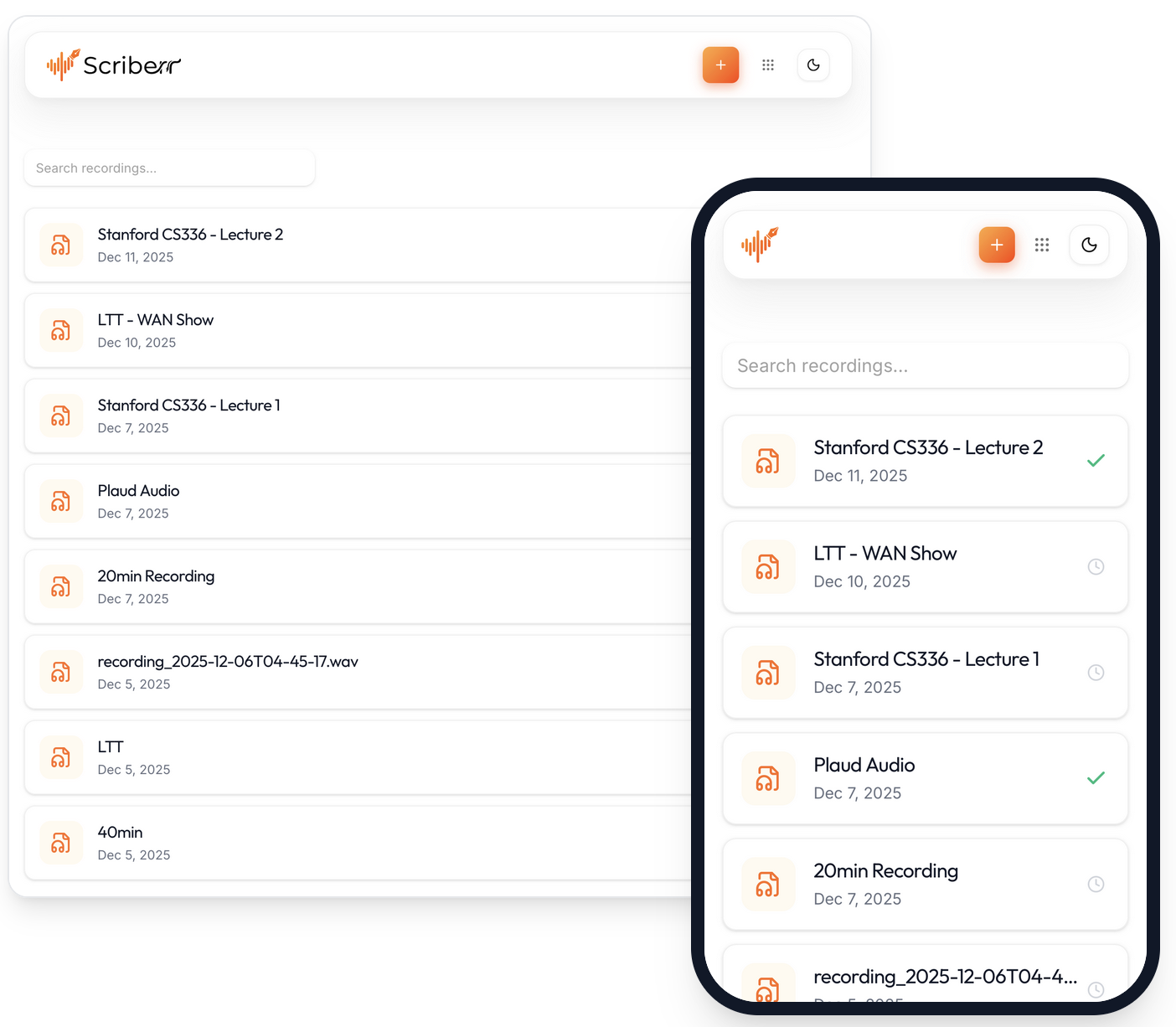
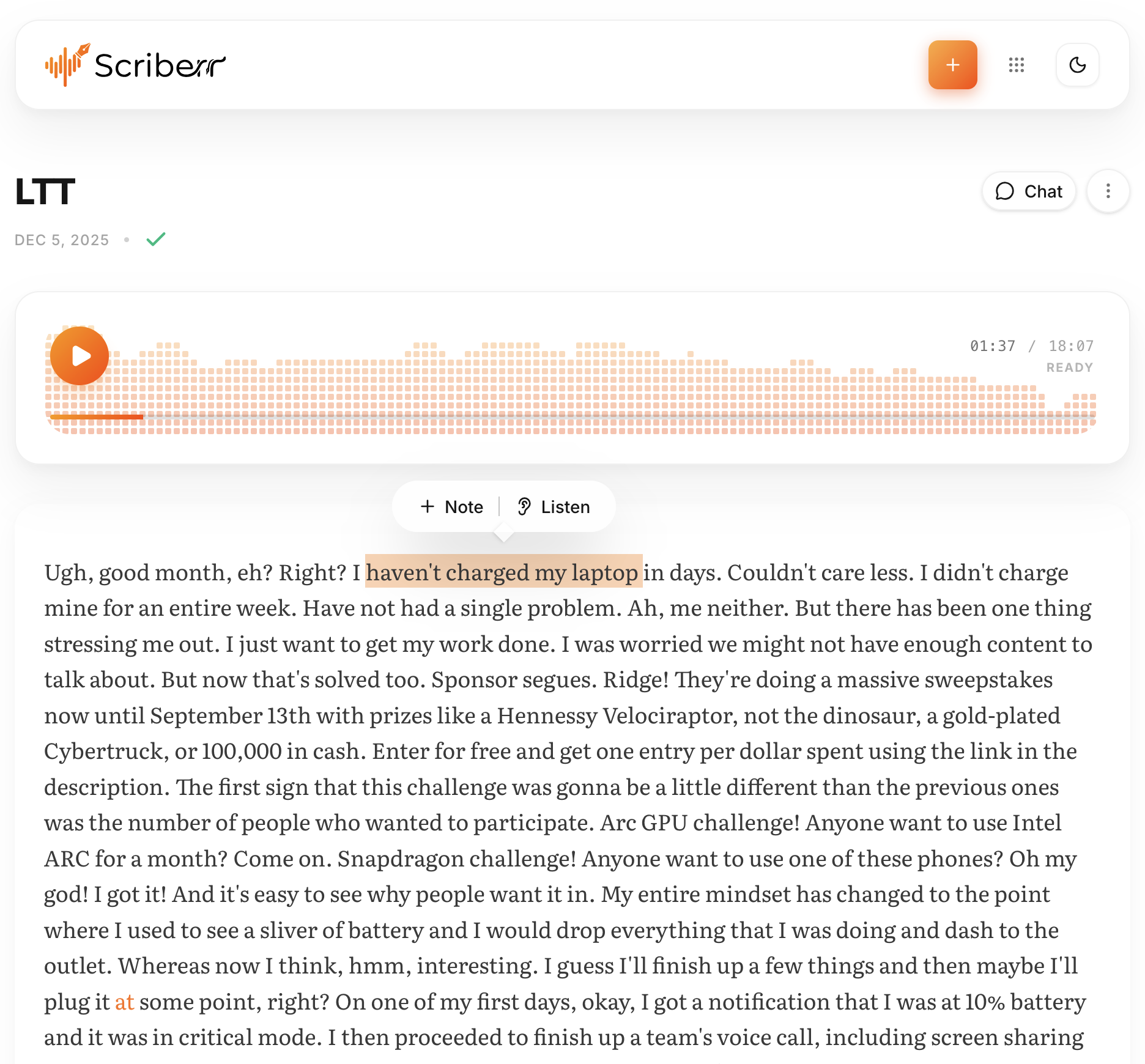
Scriberr transcribes audio and video entirely offline using local ML models such as Whisper or NVIDIA Parakeet, with automatic speaker diarization to identify who said what. It includes an AI chat feature powered by local LLMs or OpenAI-compatible APIs for summarizing recordings and asking questions about them, plus built-in recording, note-taking, and folder-watching for automated processing.
Scriberr Docker Compose example
Self-host Scriberr on your own server, homelab, or VPS starting from this Docker Compose example.
It runs Scriberr in Docker containers using the official ghcr.io/rishikanthc/scriberr:latest image, with persistent volumes and automatic restarts preconfigured.
Review the environment variables and adjust them to your setup, save the file as compose.yml (or docker-compose.yml), and start the stack with docker compose up -d.
services:
  scriberr:
    image: ghcr.io/rishikanthc/scriberr:latest
    volumes:
      - scriberr_data:/app/data
      - env_data:/app/whisperx-env
    environment:
      # Host user ID the container runs as. Match your host user to avoid volume permission errors.
      PUID: "1000"
      # Host group ID the container runs as. Match your host group to avoid volume permission errors.
      PGID: "1000"
      # Application environment. Must stay "production" for the Docker image.
      APP_ENV: "production"
      # Send session cookies only over HTTPS. Set to "false" only if serving over plain HTTP without TLS.
      SECURE_COOKIES: "true"
      # Comma-separated list of allowed CORS origins (e.g. https://scriberr.example.com). Empty allows same-origin only.
      ALLOWED_ORIGINS: ""
      # Optional OpenAI API key to enable AI chat/summarization via OpenAI-compatible models.
      OPENAI_API_KEY: ""
    restart: unless-stopped

volumes:
  scriberr_data:
  env_data:
Prefer a managed setup? WinterFlow installs, configures, and updates Scriberr for you using this same Docker Compose configuration.