
PinePods
Self-hosted podcast manager for playing, downloading, and tracking podcasts
Alternative to: spotify, apple podcasts, pocket casts
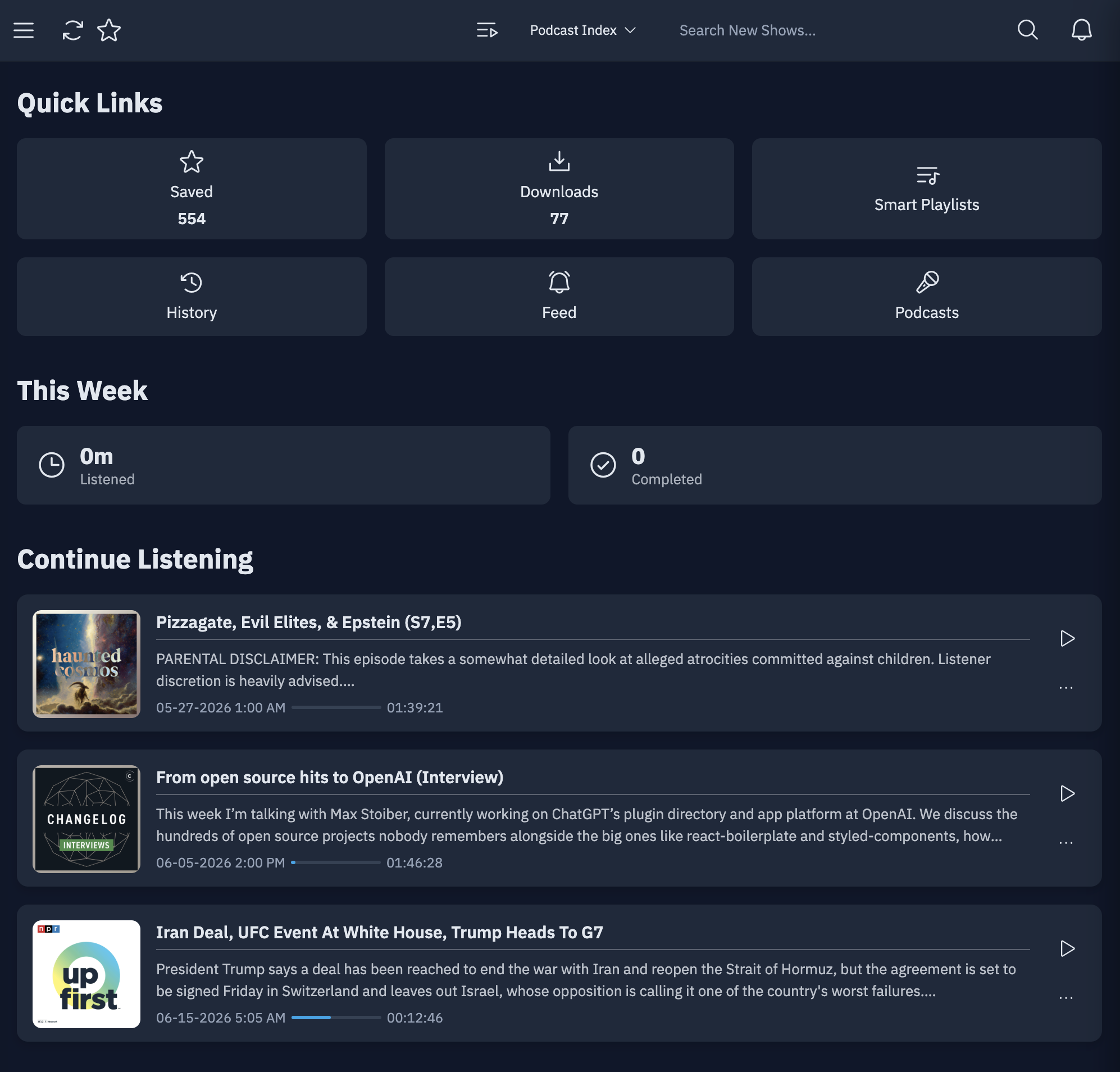
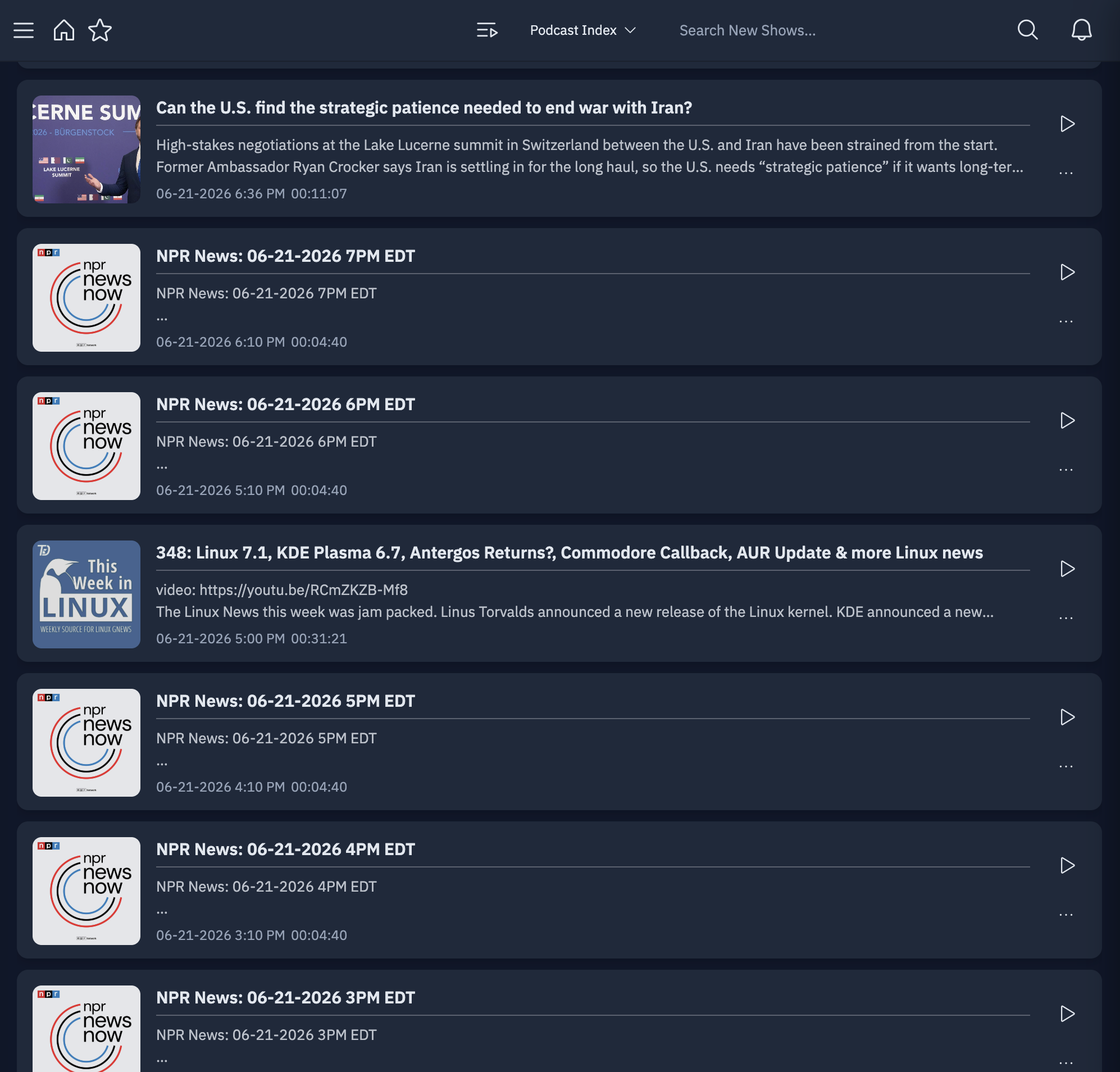
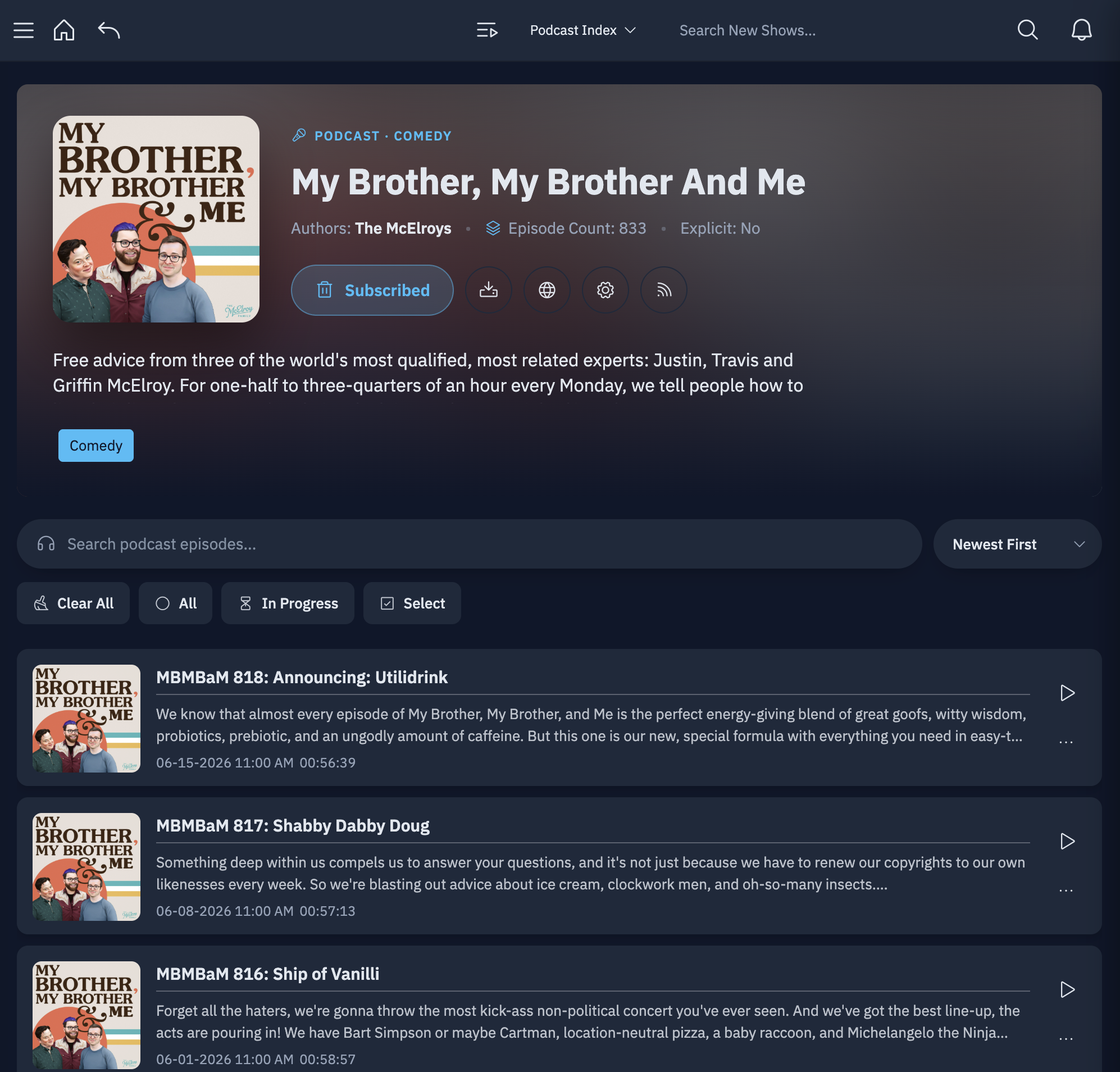
PinePods is a complete, self-hosted podcast management system written in Rust. One server serves your whole household, with subscriptions, history, queue, and downloads synced across web, desktop, and mobile clients. It includes a built-in gpodder-compatible sync server, smart playlists, OIDC/SSO, and multi-user support.
PinePods Docker Compose example
Self-host PinePods on your own server, homelab, or VPS starting from this Docker Compose example.
It runs PinePods in Docker containers using the official postgres:18, valkey/valkey:8-alpine, madeofpendletonwool/pinepods:latest images, with persistent volumes and automatic restarts preconfigured.
Review the environment variables and adjust them to your setup, save the file as compose.yml (or docker-compose.yml), and start the stack with docker compose up -d.
services:
  db:
    image: postgres:18
    environment:
      POSTGRES_DB: "pinepods_database"
      POSTGRES_USER: "postgres"
      POSTGRES_PASSWORD: "myS3curepass"
      PGDATA: "/var/lib/pgdata/pgdata"
    volumes:
      - pgdata:/var/lib/pgdata
    healthcheck:
      test: ["CMD", "pg_isready", "-U", "postgres", "-d", "pinepods_database"]
      interval: 10s
      timeout: 5s
      retries: 5
    restart: unless-stopped

  valkey:
    image: valkey/valkey:8-alpine
    restart: unless-stopped

  pinepods:
    image: madeofpendletonwool/pinepods:latest
    environment:
      # Podcast search API used to find new podcasts (self-hostable, see the PinePods docs)
      SEARCH_API_URL: "https://search.pinepods.online/api/search"
      # Podcast people API used to look up hosts and guests
      PEOPLE_API_URL: "https://people.pinepods.online"
      # Public URL where PinePods is reachable (used for generated links and RSS feeds)
      HOSTNAME: "http://localhost:8040"
      DB_TYPE: "postgresql"
      DB_HOST: "db"
      DB_PORT: "5432"
      DB_USER: "postgres"
      # Password of the PostgreSQL database user
      DB_PASSWORD: "myS3curepass"
      DB_NAME: "pinepods_database"
      VALKEY_HOST: "valkey"
      VALKEY_PORT: "6379"
      # Enable debug mode for additional logging
      DEBUG_MODE: "false"
      # User and group ID the server runs as (owner of downloads and backups)
      PUID: "911"
      PGID: "911"
      # Server timezone
      TZ: "UTC"
      # Default interface language (e.g. en, de, fr, es)
      DEFAULT_LANGUAGE: "en"
    volumes:
      - downloads:/opt/pinepods/downloads
      - backups:/opt/pinepods/backups
    depends_on:
      db:
        condition: service_healthy
      valkey:
        condition: service_started
    restart: unless-stopped

volumes:
  pgdata:
  downloads:
  backups:
Prefer a managed setup? WinterFlow installs, configures, and updates PinePods for you using this same Docker Compose configuration.