
PiGallery2
Fast directory-first photo gallery website for low-resource servers
Alternative to: google photos, flickr, smugmug
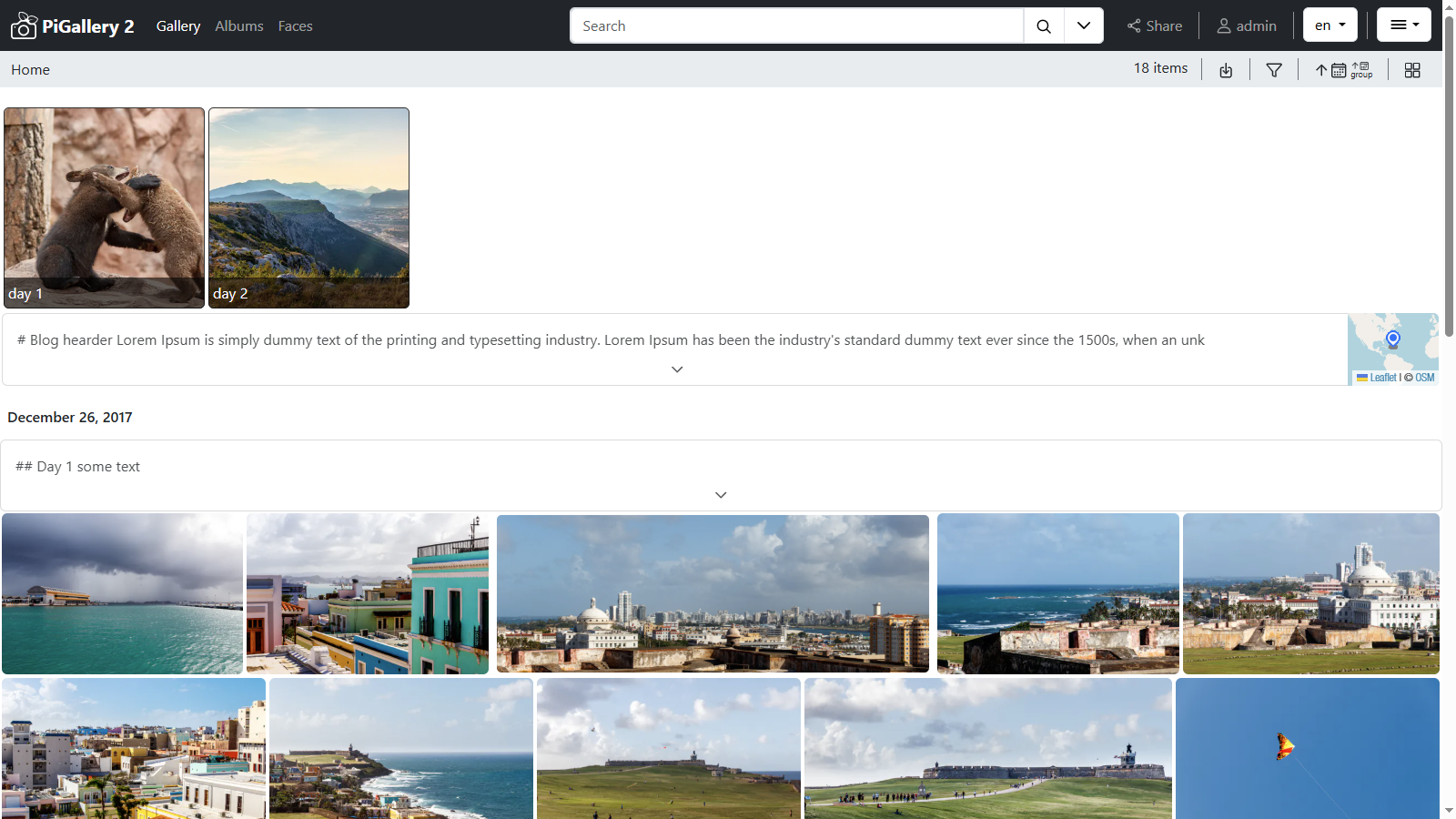
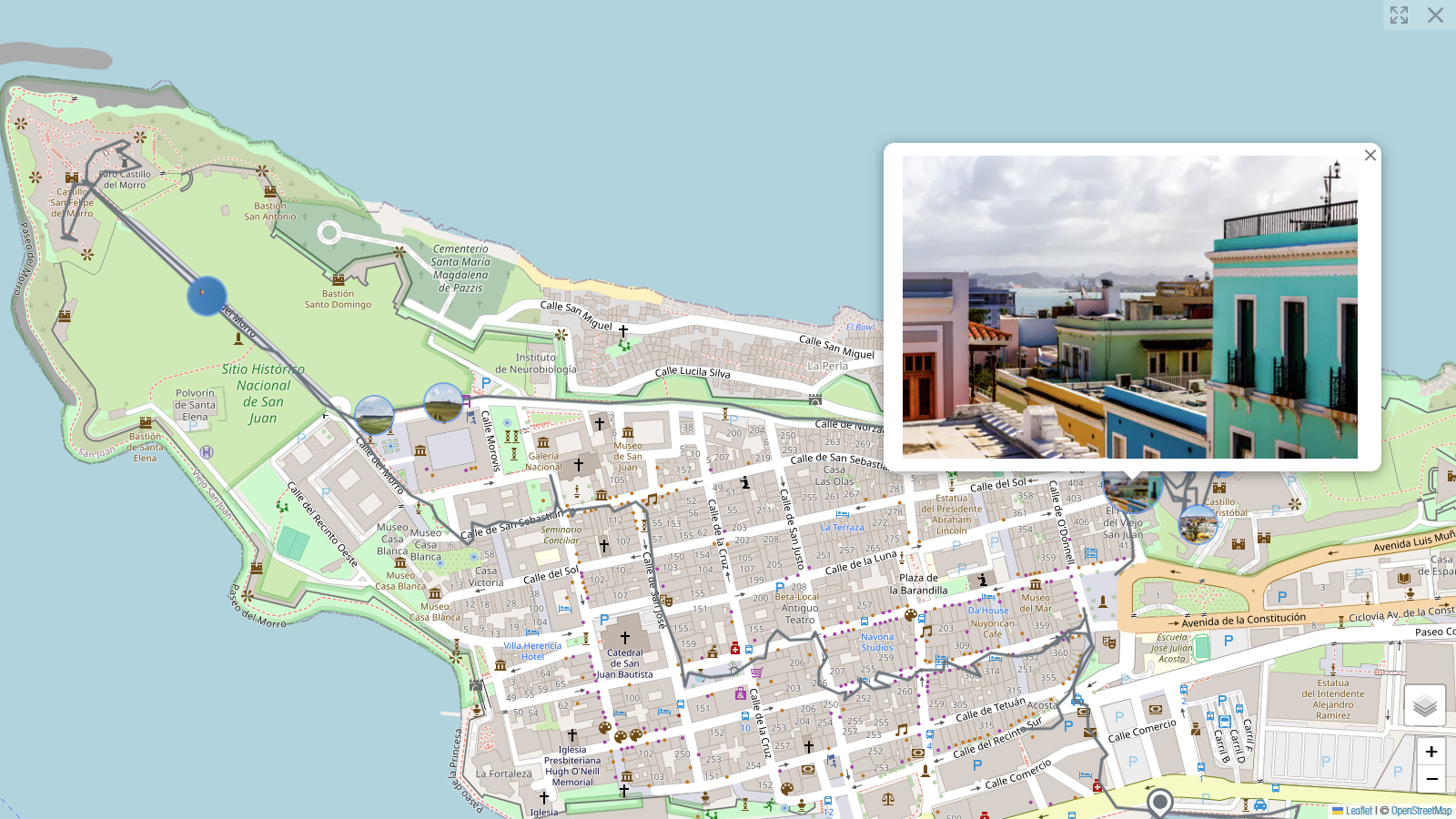
PiGallery2 is a fast, directory-first photo gallery website optimized for low-resource servers such as the Raspberry Pi. Point it at your photo folder and it shows your folder structure as it is, without ever modifying your files. It offers a photo viewer, map view, advanced search and sharing, and is run with Docker.
PiGallery2 Docker Compose example
Self-host PiGallery2 on your own server, homelab, or VPS starting from this Docker Compose example.
It runs PiGallery2 in Docker containers using the official bpatrik/pigallery2:latest image, with persistent volumes and automatic restarts preconfigured.
Review the environment variables and adjust them to your setup, save the file as compose.yml (or docker-compose.yml), and start the stack with docker compose up -d.
services:
  pigallery2:
    image: bpatrik/pigallery2:latest
    deploy:
      resources:
        limits:
          # Less than 1GB may work but triggers slow garbage collection more often.
          memory: 3G
    environment:
      # Runtime mode. Set to "debug" for full debug logging.
      NODE_ENV: "production"
    volumes:
      - config:/app/data/config
      - db:/app/data/db
      # Your photo library. PiGallery2 never modifies these files.
      - images:/app/data/images
      - tmp:/app/data/tmp
    restart: unless-stopped

volumes:
  config:
  db:
  images:
  tmp:
Prefer a managed setup? WinterFlow installs, configures, and updates PiGallery2 for you using this same Docker Compose configuration.