
Papra
Minimalistic document management and archiving platform
Alternative to: docuware, m-files, evernote
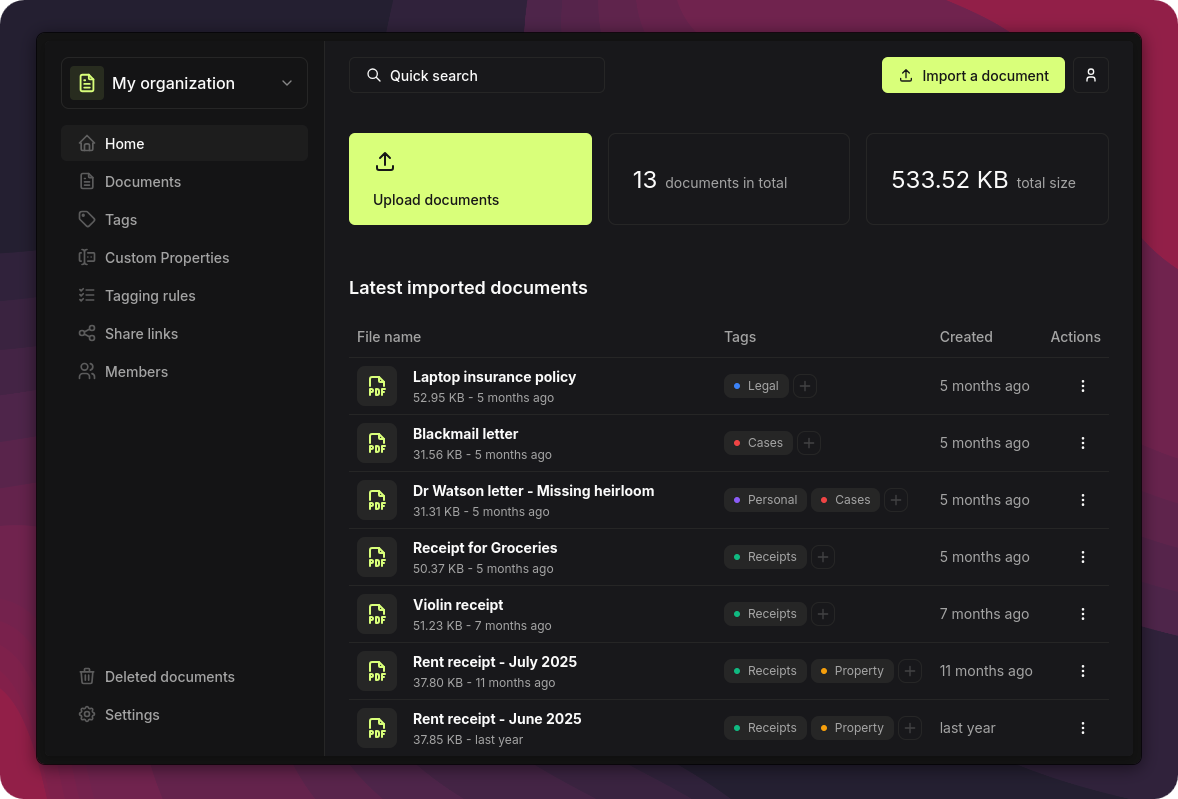
Papra is a self-hosted document management and archiving platform for storing, organizing, and retrieving personal documents long-term. It offers full-text search, tag-based organization, email ingestion for automatic imports, and content extraction from scanned documents and images. Documents can be shared via links with expiration dates and password protection, and organizations support multi-user collaboration.
Papra Docker Compose example
Self-host Papra on your own server, homelab, or VPS starting from this Docker Compose example.
It runs Papra in Docker containers using the official ghcr.io/papra-hq/papra:latest image, with persistent volumes and automatic restarts preconfigured.
Review the environment variables and adjust them to your setup, save the file as compose.yml (or docker-compose.yml), and start the stack with docker compose up -d.
services:
  papra:
    image: ghcr.io/papra-hq/papra:latest
    restart: unless-stopped
    volumes:
      - app_data:/app/app-data
    environment:
      # Secret used to sign authentication tokens. Must be at least 32 characters.
      # Generate a secure value with: openssl rand -hex 48
      AUTH_SECRET: "changeme-changeme-changeme-changeme-changeme"
      # Public URL where Papra is reachable. Used for auth cookies, links and CORS.
      APP_BASE_URL: "http://localhost:1221"
      # SQLite database location (relative to /app, kept inside the app_data volume).
      DATABASE_URL: "file:./app-data/db/db.sqlite"
      # Filesystem path where uploaded documents are stored (inside the app_data volume).
      DOCUMENT_STORAGE_FILESYSTEM_ROOT: "./app-data/documents"

volumes:
  app_data:
Values set to changeme are required — replace them with your own
values before starting Papra.
Prefer a managed setup? WinterFlow installs, configures, and updates Papra for you using this same Docker Compose configuration.