
PairDrop
Local file sharing in your web browser, inspired by Apple's AirDrop
Alternative to: AirDrop, Snapdrop
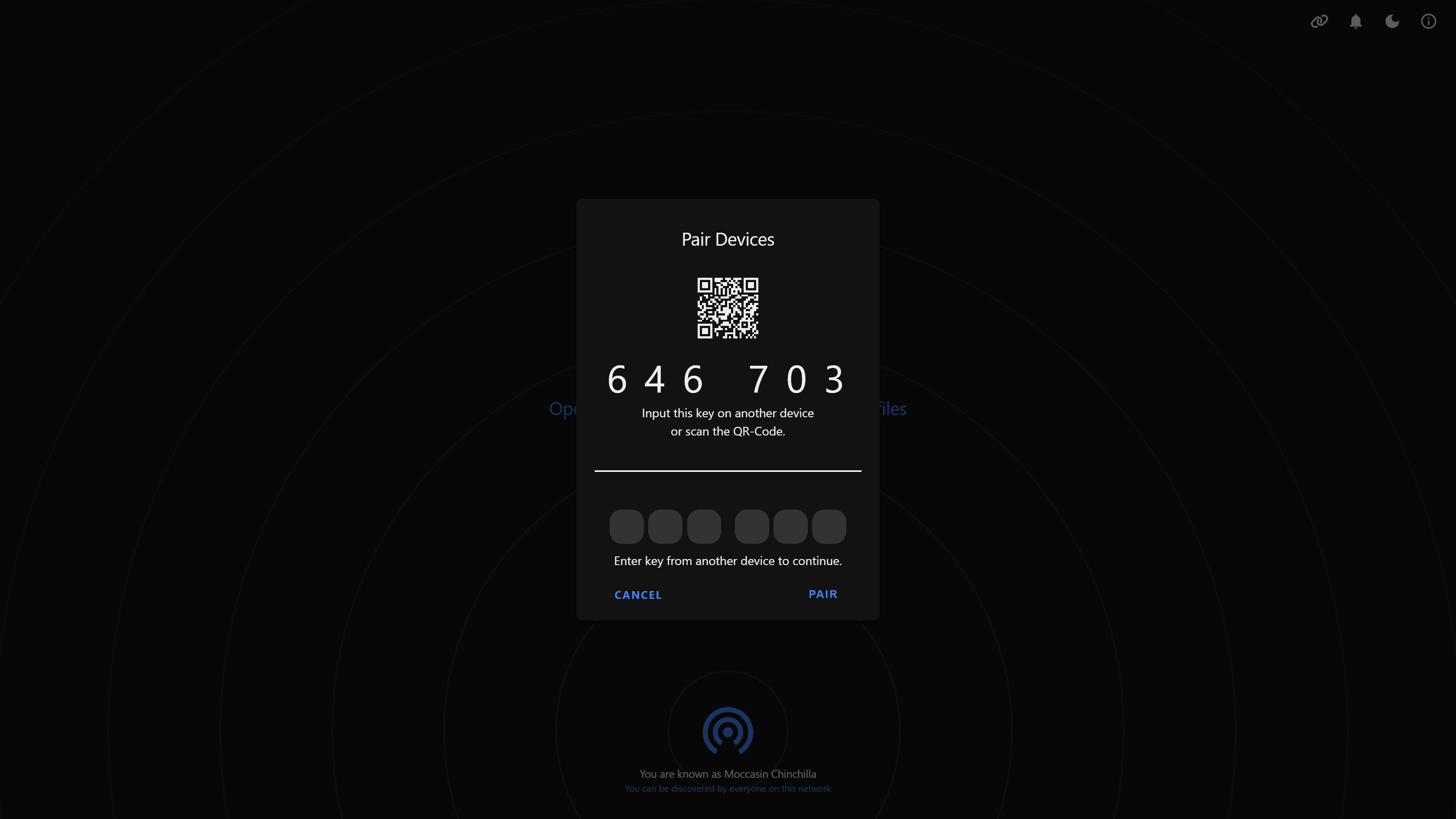
PairDrop is a multi-platform, AirDrop-like web app for sending images, documents, and text peer-to-peer between devices on the same local network, with no account or app install required. It also supports persistent device pairing via a 6-digit code or QR code and temporary public rooms for transferring files over the internet when devices aren't on the same network.
PairDrop Docker Compose example
Self-host PairDrop on your own server, homelab, or VPS starting from this Docker Compose example.
It runs PairDrop in Docker containers using the official ghcr.io/schlagmichdoch/pairdrop:latest image, with persistent volumes and automatic restarts preconfigured.
Review the environment variables and adjust them to your setup, save the file as compose.yml (or docker-compose.yml), and start the stack with docker compose up -d.
services:
  pairdrop:
    image: ghcr.io/schlagmichdoch/pairdrop:latest
    restart: unless-stopped
    environment:
      # Timezone used by the container.
      TZ: "Etc/UTC"
      # Enable a websocket fallback for peers on restrictive networks where a direct WebRTC connection can't be established.
      WS_FALLBACK: "false"
      # Limit clients to 1000 requests per 5 minutes.
      RATE_LIMIT: "false"
      # Path to a JSON file specifying custom STUN/TURN (ICE) servers. "false" uses the built-in defaults.
      RTC_CONFIG: "false"
      # Number of IPv6 hextets (1-7) used to group peers for local discovery. "false" disables IPv6 localization.
      IPV6_LOCALIZE: "false"
      # Log the used environment variables and peer IP debugging info.
      DEBUG_MODE: "false"
Prefer a managed setup? WinterFlow installs, configures, and updates PairDrop for you using this same Docker Compose configuration.