
Ovumcy
Privacy-first, self-hosted menstrual cycle tracker
Alternative to: flo, clue
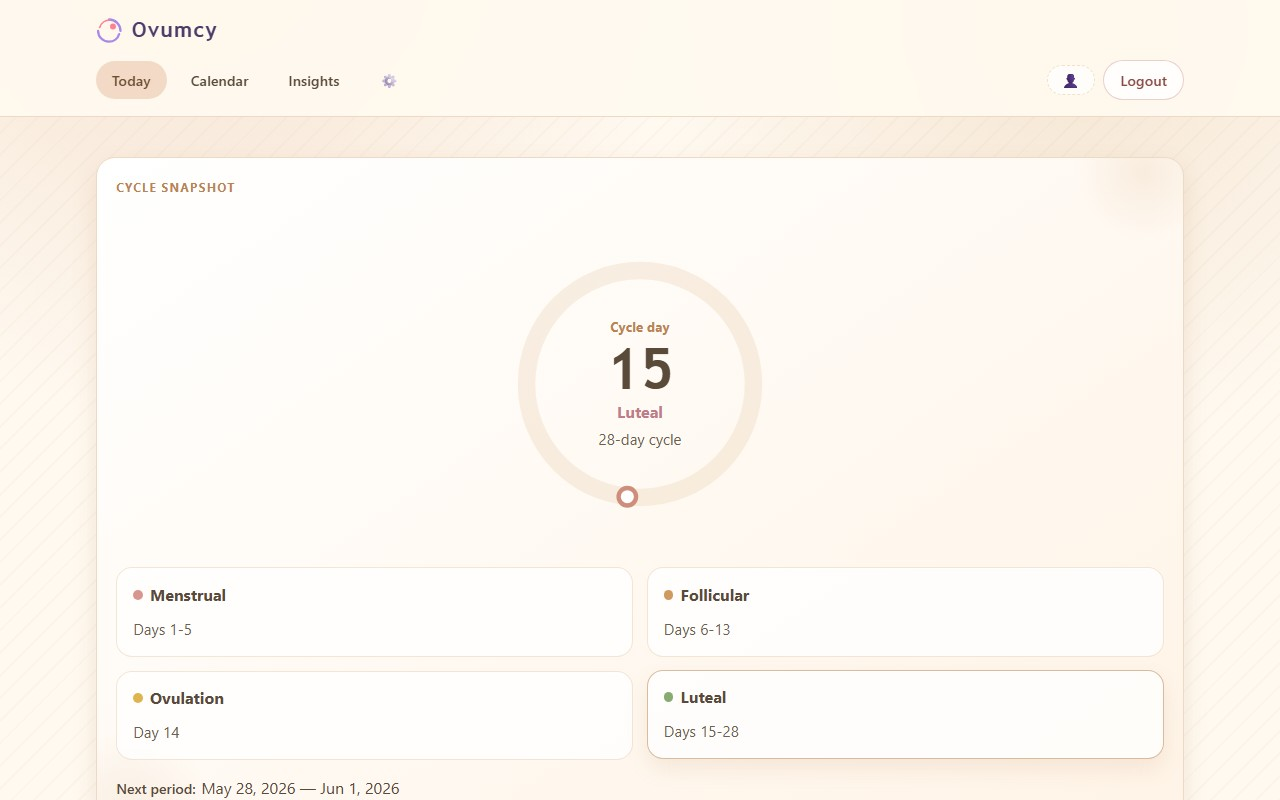
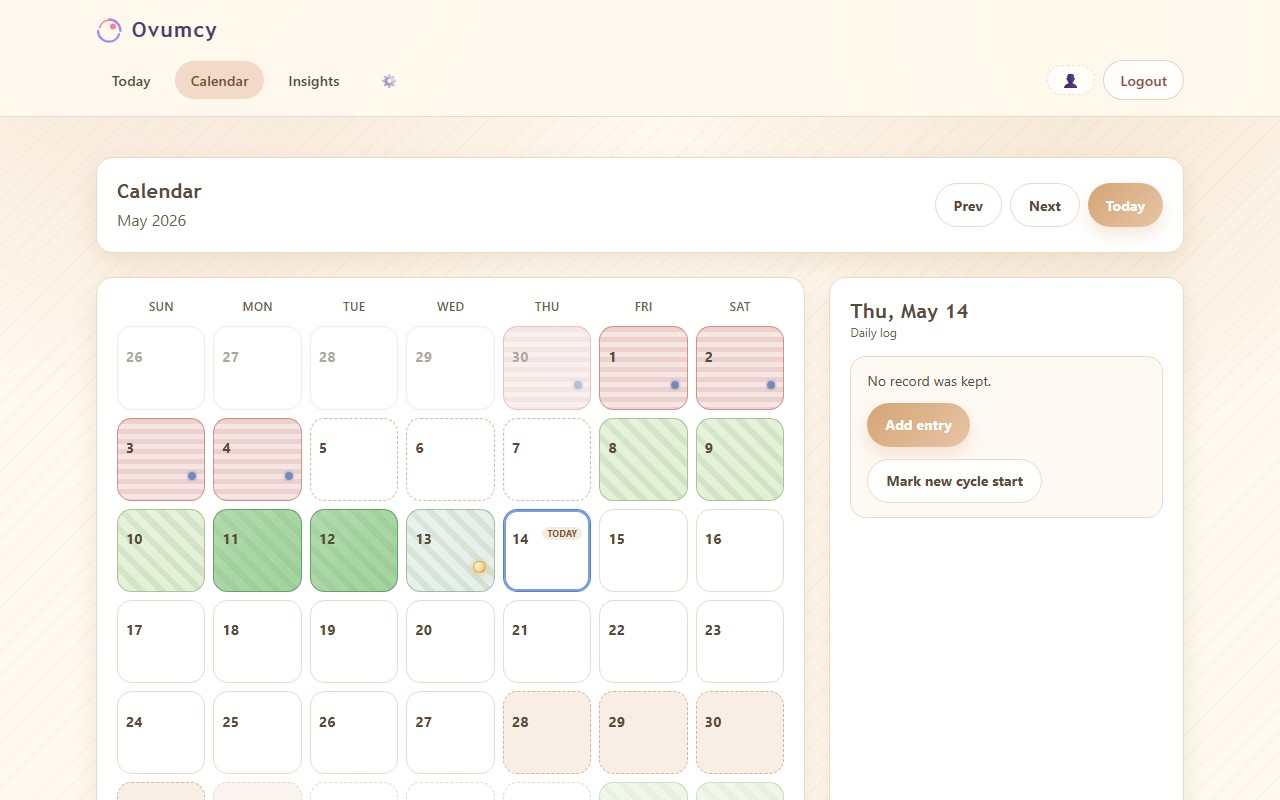
Ovumcy is a self-hosted menstrual cycle tracker that keeps period, symptom, and fertility data on your own server instead of a cloud vendor. It predicts upcoming periods, ovulation, and fertile windows, offers calendar and statistics views, reminders via webhook or calendar subscription, and CSV/JSON export. It supports optional OIDC/SSO sign-in with TOTP two-factor authentication.
Ovumcy Docker Compose example
Self-host Ovumcy on your own server, homelab, or VPS starting from this Docker Compose example.
It runs Ovumcy in Docker containers using the official ghcr.io/ovumcy/ovumcy-web:latest image, with persistent volumes and automatic restarts preconfigured.
Review the environment variables and adjust them to your setup, save the file as compose.yml (or docker-compose.yml), and start the stack with docker compose up -d.
services:
  ovumcy:
    image: ghcr.io/ovumcy/ovumcy-web:latest
    restart: unless-stopped
    init: true
    environment:
      # Container timezone.
      TZ: "UTC"
      # UI language. Supported: en, ru, es, fr, de, it
      DEFAULT_LANGUAGE: "en"
      # Account registration policy: open or closed.
      REGISTRATION_MODE: "open"
      # Database engine: sqlite (default) or postgres.
      DB_DRIVER: "sqlite"
      # Path to the SQLite database file inside the persistent data volume.
      DB_PATH: "/app/data/ovumcy.db"
      # Strong application secret. Generate with: openssl rand -hex 32
      # Rotating it invalidates every session, TOTP secret, stored webhook URL and calendar-feed URL.
      SECRET_KEY: "changeme"
      # Set to true only when the app is served over HTTPS (e.g. behind a TLS-terminating reverse proxy).
      COOKIE_SECURE: "false"
      # Enable only when the app is behind your own trusted reverse proxy.
      TRUST_PROXY_ENABLED: "false"
      # Optional OpenID Connect / SSO sign-in. Requires HTTPS, COOKIE_SECURE=true and a
      # redirect URL ending in /auth/oidc/callback.
      OIDC_ENABLED: "false"
      OIDC_ISSUER_URL: ""
      OIDC_CLIENT_ID: ""
      OIDC_CLIENT_SECRET: ""
      OIDC_REDIRECT_URL: ""
      # hybrid keeps local login alongside SSO; oidc_only removes local login/register.
      OIDC_LOGIN_MODE: "hybrid"
    security_opt:
      - no-new-privileges:true
    cap_drop:
      - ALL
    read_only: true
    tmpfs:
      - /tmp
    volumes:
      - ovumcy_data:/app/data
    healthcheck:
      test: ["CMD", "/app/ovumcy", "healthcheck"]
      interval: 30s
      timeout: 5s
      retries: 3
      start_period: 20s

volumes:
  ovumcy_data:
Values set to changeme are required — replace them with your own
values before starting Ovumcy.
Prefer a managed setup? WinterFlow installs, configures, and updates Ovumcy for you using this same Docker Compose configuration.