
ONLYOFFICE Docs
Self-hosted collaborative online office suite for documents, spreadsheets and presentations
Alternative to: google docs, google sheets, microsoft office, microsoft 365
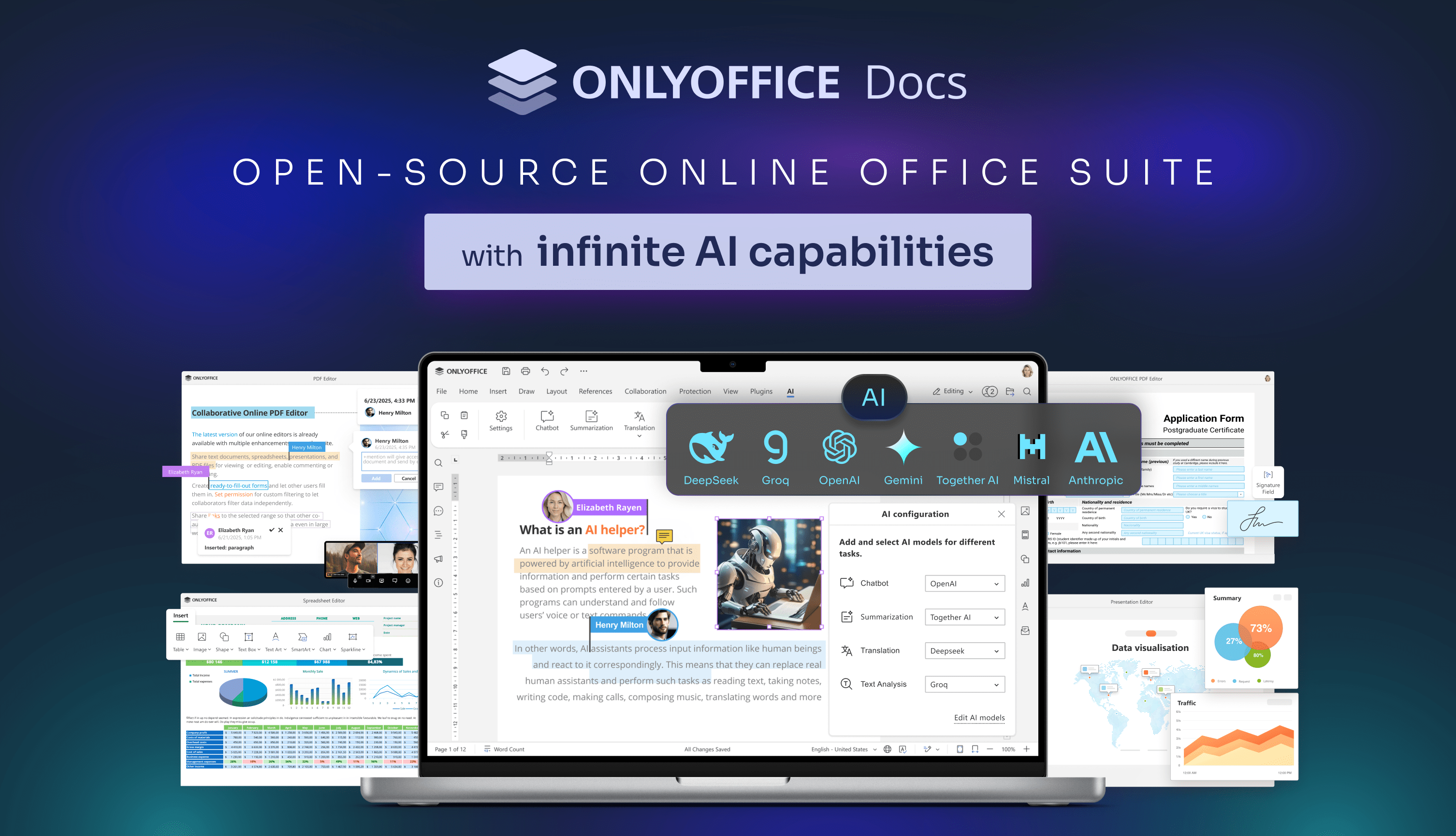
ONLYOFFICE Docs is a free, self-hosted online office suite with viewers and editors for text documents, spreadsheets, presentations, fillable PDF forms, and diagrams. It is fully compatible with Office Open XML formats (.docx, .xlsx, .pptx), supports real-time collaborative editing, commenting, and version history, and can be embedded into other platforms such as Nextcloud, Seafile, or ownCloud for in-browser document editing.
ONLYOFFICE Docs Docker Compose example
Self-host ONLYOFFICE Docs on your own server, homelab, or VPS starting from this Docker Compose example.
It runs ONLYOFFICE Docs in Docker containers using the official onlyoffice/documentserver:latest image, with persistent volumes and automatic restarts preconfigured.
Review the environment variables and adjust them to your setup, save the file as compose.yml (or docker-compose.yml), and start the stack with docker compose up -d.
services:
  onlyoffice-documentserver:
    image: onlyoffice/documentserver:latest
    restart: unless-stopped
    stdin_open: true
    stop_grace_period: 60s
    environment:
      # Enable JSON Web Token validation to secure the document editing API. Keep this on when the server is reachable over a network.
      JWT_ENABLED: "true"
      # Secret used to sign and validate the JWT. The integrating application (e.g. Nextcloud, Seafile) must use the same value.
      JWT_SECRET: "changeme"
      # HTTP header that carries the JWT on incoming requests.
      JWT_HEADER: "Authorization"
      # Also accept the token when it is passed inside the request body.
      JWT_IN_BODY: "true"
    healthcheck:
      test: ["CMD", "curl", "-f", "http://localhost:8000/info/info.json"]
      interval: 30s
      retries: 5
      start_period: 60s
      timeout: 10s
    volumes:
      - data:/var/www/onlyoffice/Data
      - logs:/var/log/onlyoffice
      - cache_files:/var/lib/onlyoffice/documentserver/App_Data/cache/files
      - example_files:/var/www/onlyoffice/documentserver-example/public/files
      - fonts:/usr/share/fonts

volumes:
  data:
  logs:
  cache_files:
  example_files:
  fonts:
Values set to changeme are required — replace them with your own
values before starting ONLYOFFICE Docs.
Prefer a managed setup? WinterFlow installs, configures, and updates ONLYOFFICE Docs for you using this same Docker Compose configuration.