
About
Versions (121)
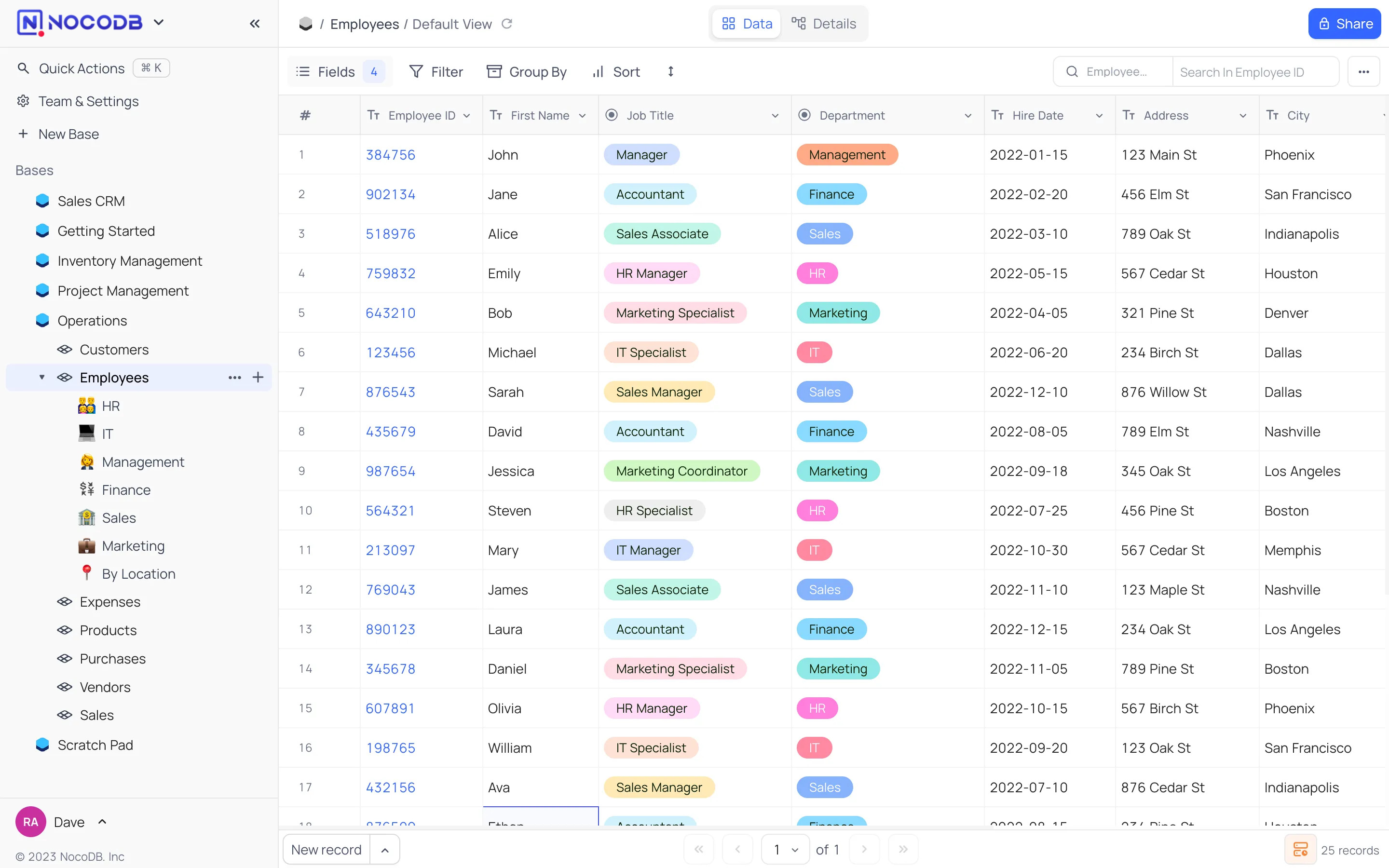
NocoDB allows building no-code database solutions with ease of spreadsheets.
NocoDB Docker Compose example
Self-host NocoDB on your own server, homelab, or VPS starting from this Docker Compose example.
It runs NocoDB in Docker containers using the official nocodb/nocodb:latest image, with persistent volumes and automatic restarts preconfigured.
Review the environment variables and adjust them to your setup, save the file as compose.yml (or docker-compose.yml), and start the stack with docker compose up -d.
services:
  nocodb:
    image: nocodb/nocodb:latest
    volumes:
      - data:/usr/app/data/
    restart: unless-stopped
    environment:
      NC_AUTH_JWT_SECRET: ""

volumes:
  data:
Prefer a managed setup? WinterFlow installs, configures, and updates NocoDB for you using this same Docker Compose configuration.