
LibrePhotos
Self-hosted photo management service with automatic face recognition and semantic search
Alternative to: google photos, apple photos, amazon photos
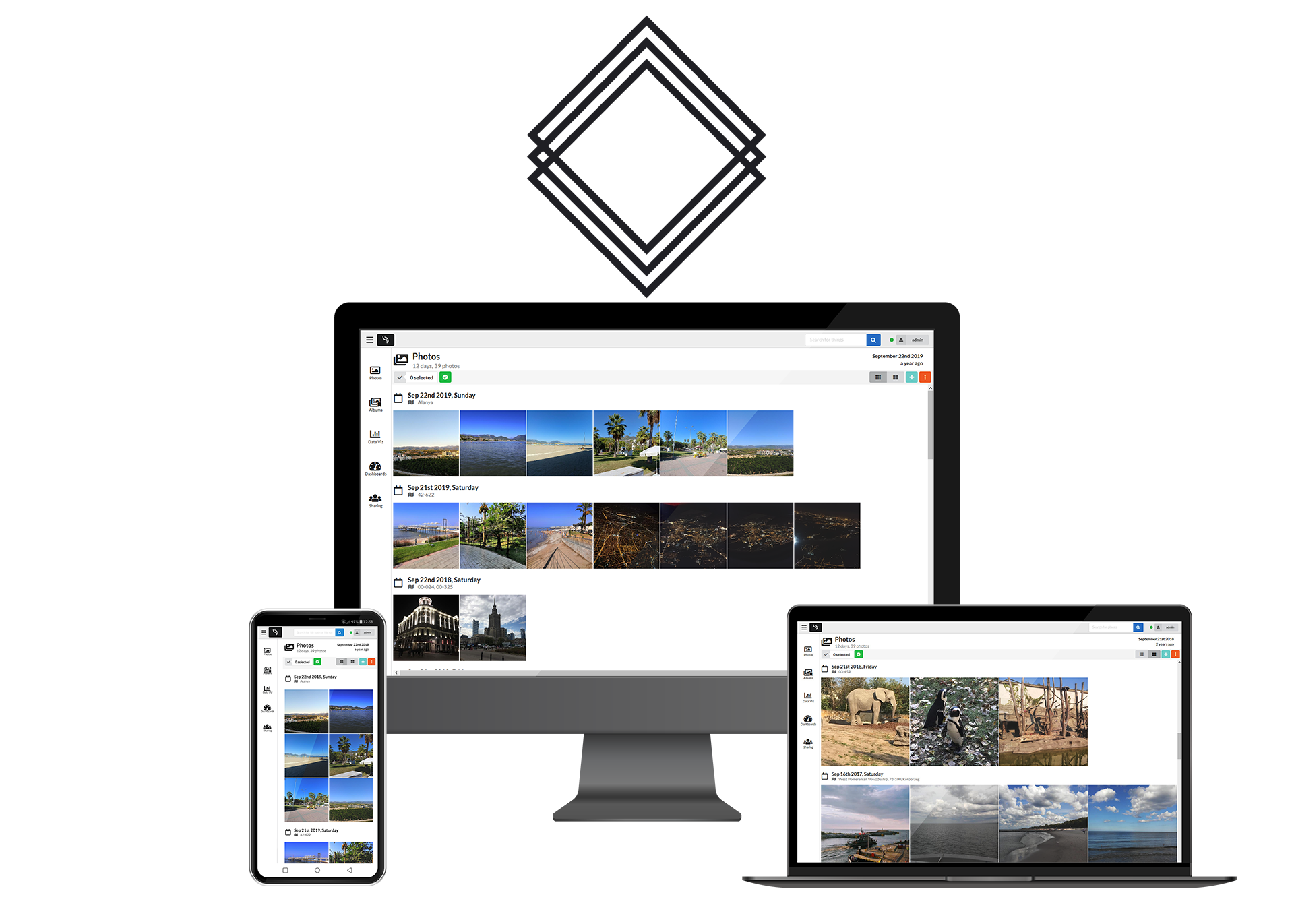
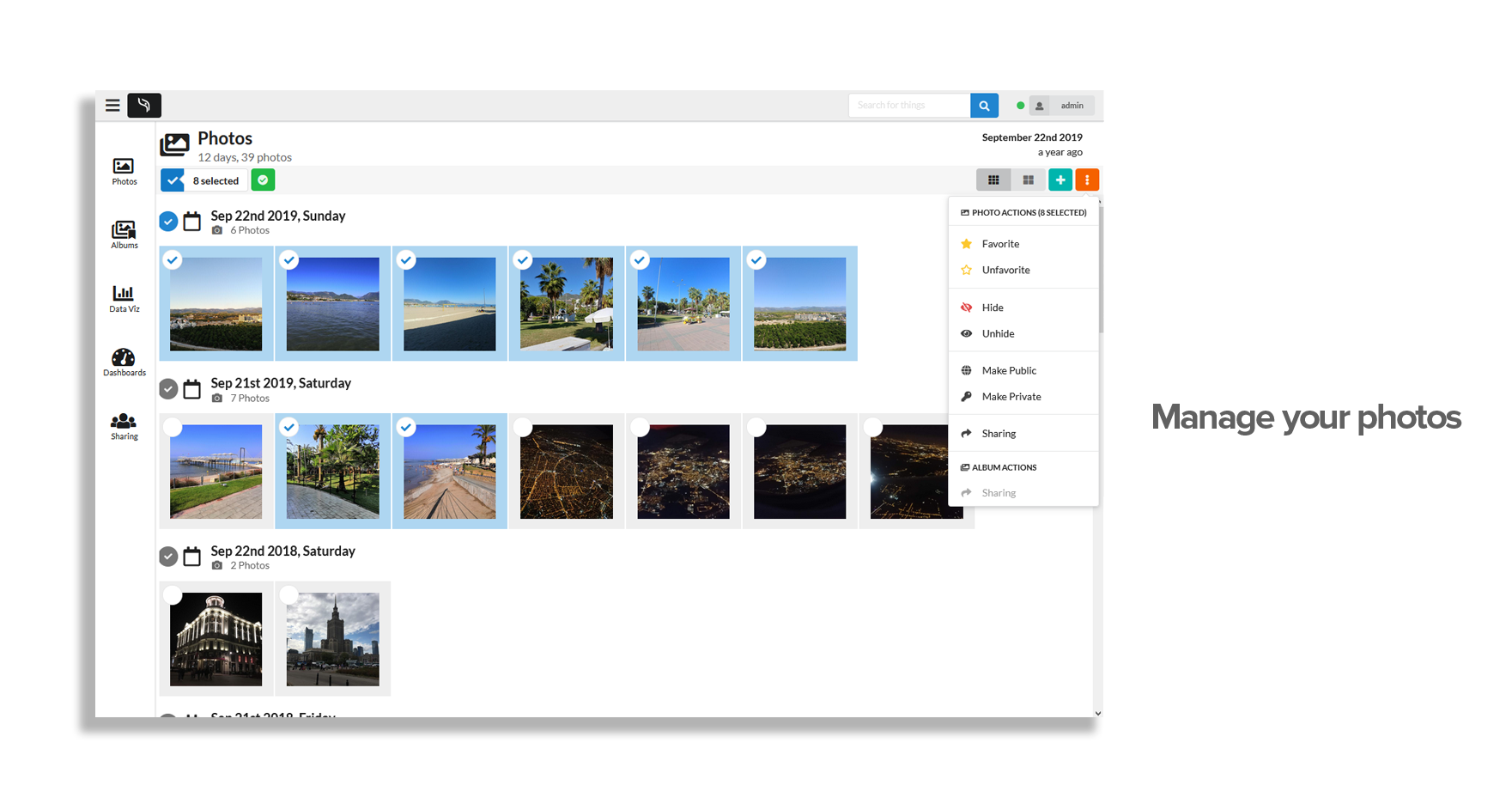
LibrePhotos is a self-hosted, open-source photo management service with automatic face recognition, object detection, and semantic search, powered by modern machine learning. It organizes photos and videos by timeline, people, places, and objects, offering a Google Photos-style experience that keeps a personal photo library fully under the owner's control.
LibrePhotos Docker Compose example
Self-host LibrePhotos on your own server, homelab, or VPS starting from this Docker Compose example.
It runs LibrePhotos in Docker containers using the official reallibrephotos/librephotos-proxy:latest, pgautoupgrade/pgautoupgrade:latest, reallibrephotos/librephotos-frontend:latest, reallibrephotos/librephotos:latest images, with persistent volumes and automatic restarts preconfigured.
Review the environment variables and adjust them to your setup, save the file as compose.yml (or docker-compose.yml), and start the stack with docker compose up -d.
services:
  proxy:
    image: reallibrephotos/librephotos-proxy:latest
    restart: unless-stopped
    volumes:
      - scan_data:/data
      - protected_media:/protected_media
    depends_on:
      - backend
      - frontend

  db:
    image: pgautoupgrade/pgautoupgrade:latest
    restart: unless-stopped
    environment:
      # Database user created on first start (must match the backend DB_USER).
      - POSTGRES_USER=docker
      # Password for the database user (internal to the compose network).
      - POSTGRES_PASSWORD=librephotos
      # Database/schema name (must match the backend DB_NAME).
      - POSTGRES_DB=librephotos
    volumes:
      - db:/var/lib/postgresql
    healthcheck:
      test: psql -U docker -d librephotos -c "SELECT 1;"
      interval: 5s
      timeout: 5s
      retries: 5

  frontend:
    image: reallibrephotos/librephotos-frontend:latest
    restart: unless-stopped

  backend:
    image: reallibrephotos/librephotos:latest
    restart: unless-stopped
    volumes:
      - scan_data:/data
      - protected_media:/protected_media
      - logs:/logs
      - cache:/root/.cache
    environment:
      # Django secret key used to sign sessions and tokens. Any non-empty string works.
      - SECRET_KEY=changeme
      # Internal hostname of the backend service; leave as-is.
      - BACKEND_HOST=backend
      # Email address of the admin account created on first start.
      - ADMIN_EMAIL=admin@example.com
      # Username of the admin account created on first start.
      - ADMIN_USERNAME=admin
      # Password of the admin account created on first start.
      - ADMIN_PASSWORD=changeme
      # Database backend driver; leave as-is.
      - DB_BACKEND=postgresql
      # Database/schema name (must match the db service).
      - DB_NAME=librephotos
      # Database user (must match the db service).
      - DB_USER=docker
      # Database password (must match the db service).
      - DB_PASS=librephotos
      # Hostname of the database service on the compose network.
      - DB_HOST=db
      # Database port.
      - DB_PORT=5432
      # Mapbox API key enabling reverse-geocoding/map features (optional).
      - MAPBOX_API_KEY=
      # Number of API worker processes; higher values use more RAM.
      - WEB_CONCURRENCY=2
      # Comma-separated path patterns to skip while scanning (optional).
      - SKIP_PATTERNS=
      # Allow uploading photos through the web UI.
      - ALLOW_UPLOAD=true
      # Public origin(s) trusted for CSRF/Django-admin access behind a custom domain (optional).
      - CSRF_TRUSTED_ORIGINS=
      # Disable Django debug mode in production; leave as-is.
      - DEBUG=0
    depends_on:
      db:
        condition: service_healthy

volumes:
  scan_data:
  protected_media:
  logs:
  cache:
  db:
Values set to changeme are required — replace them with your own
values before starting LibrePhotos.
Prefer a managed setup? WinterFlow installs, configures, and updates LibrePhotos for you using this same Docker Compose configuration.