
LibreBooking
Open-source resource scheduling solution
Alternative to: skedda, robin, deskbird, yarooms, resource central
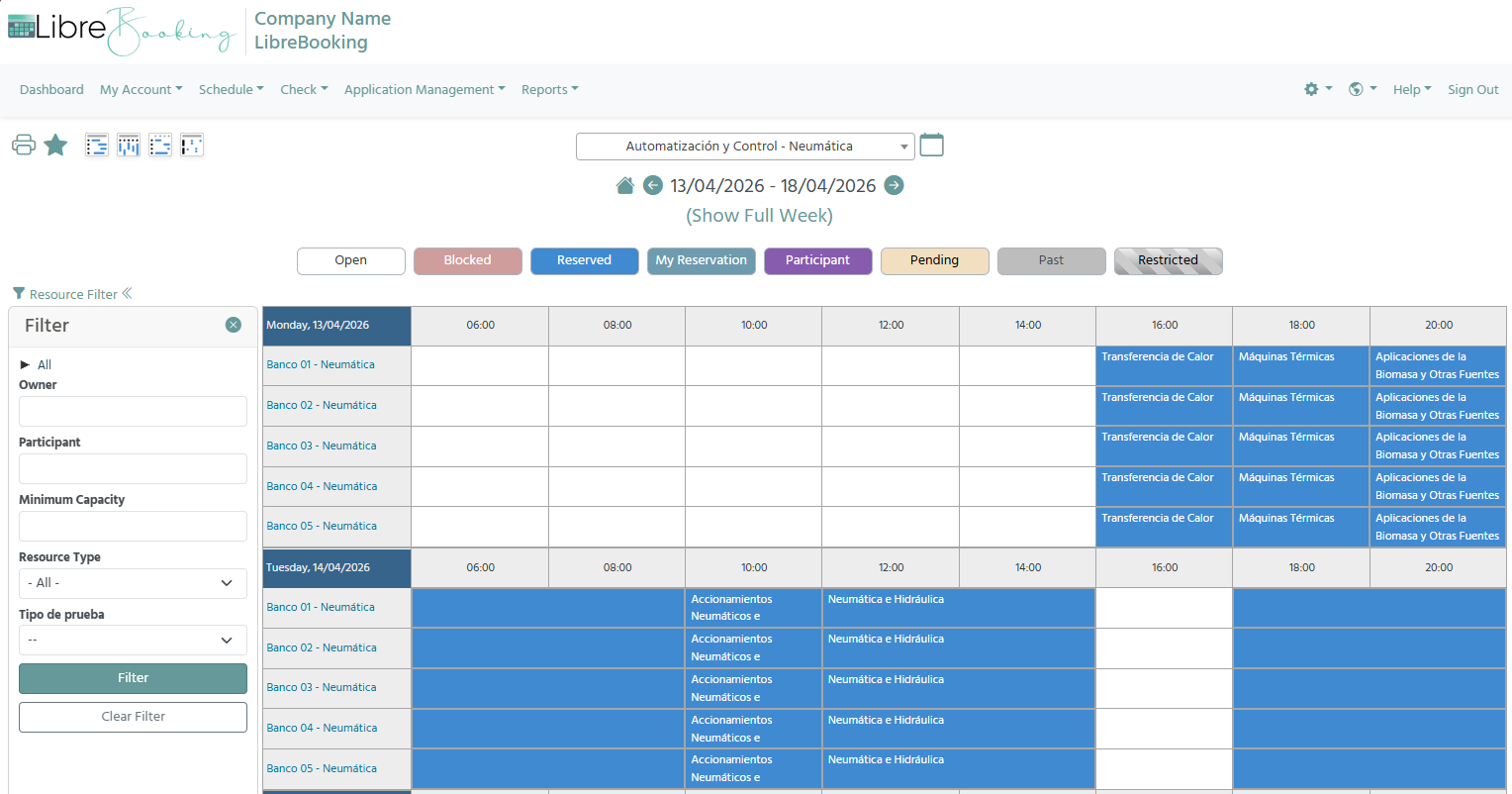
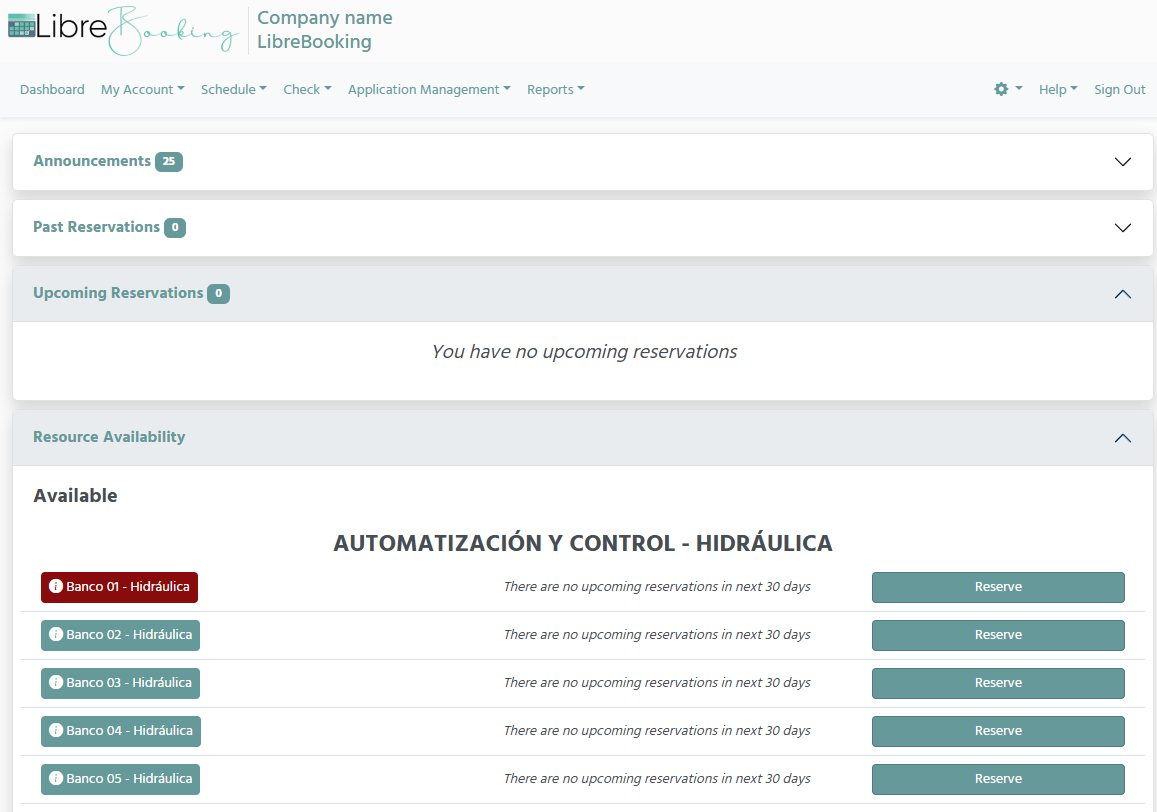
LibreBooking is an open-source resource scheduling system that provides a flexible, mobile-friendly, and extensible interface for organizations to manage room, desk, and equipment reservations. It supports multi-resource booking with waitlists, role-based access control, usage quotas and credits, and a plugin-ready architecture. A fork of Booked Scheduler, it has evolved significantly since diverging from that project in 2020.
LibreBooking Docker Compose example
Self-host LibreBooking on your own server, homelab, or VPS starting from this Docker Compose example.
It runs LibreBooking in Docker containers using the official linuxserver/mariadb:latest, librebooking/librebooking:develop, librebooking/librebooking:develop images, with persistent volumes and automatic restarts preconfigured.
Review the environment variables and adjust them to your setup, save the file as compose.yml (or docker-compose.yml), and start the stack with docker compose up -d.
services:
  db:
    image: linuxserver/mariadb:latest
    restart: unless-stopped
    environment:
      # Timezone for the database container.
      TZ: "UTC"
      # User ID the linuxserver.io container runs its processes as.
      PUID: "1000"
      # Group ID the linuxserver.io container runs its processes as.
      PGID: "1000"
      # Root password for MariaDB. Internal to the compose network only.
      MYSQL_ROOT_PASSWORD: "librebooking_root"
      # Name of the database created for LibreBooking on first start.
      MYSQL_DATABASE: "librebooking"
      # Database user LibreBooking connects as.
      MYSQL_USER: "lb_user"
      # Password for the LibreBooking database user. Internal to the compose network only.
      MYSQL_PASSWORD: "librebooking"
    volumes:
      - db_conf:/config

  app:
    image: librebooking/librebooking:develop
    restart: unless-stopped
    depends_on:
      - db
    environment:
      # Password required to run the web installer at /Web/install/. Set a strong value.
      LB_INSTALL_PASSWORD: "changeme"
      # Password LibreBooking uses to connect to the database. Must match the database user's password.
      LB_DATABASE_PASSWORD: "librebooking"
      # Name of the LibreBooking database.
      LB_DATABASE_NAME: "librebooking"
      # Database user LibreBooking connects as.
      LB_DATABASE_USER: "lb_user"
      # Hostname of the database service (the compose service name).
      LB_DATABASE_HOSTSPEC: "db"
      # Directory inside the container where LibreBooking writes its logs.
      LB_LOGGING_FOLDER: "/var/log/librebooking"
      # Log verbosity: none, error, warn, info or debug.
      LB_LOGGING_LEVEL: "none"
      # Whether to log every SQL statement (true/false).
      LB_LOGGING_SQL: "false"
      # Default timezone used across the application.
      LB_DEFAULT_TIMEZONE: "UTC"
      # Public URL of the LibreBooking web app, including the /Web suffix (e.g. https://booking.example.com/Web).
      LB_SCRIPT_URL: "changeme"
    volumes:
      - app_conf:/config
      - app_img:/var/www/html/Web/uploads/images
      - app_res:/var/www/html/Web/uploads/reservation

  cron:
    image: librebooking/librebooking:develop
    restart: unless-stopped
    command: supercronic /config/lb-jobs-cron
    depends_on:
      - app
    environment:
      # Password required to run the web installer at /Web/install/. Set a strong value.
      LB_INSTALL_PASSWORD: "changeme"
      # Password LibreBooking uses to connect to the database. Must match the database user's password.
      LB_DATABASE_PASSWORD: "librebooking"
      # Name of the LibreBooking database.
      LB_DATABASE_NAME: "librebooking"
      # Database user LibreBooking connects as.
      LB_DATABASE_USER: "lb_user"
      # Hostname of the database service (the compose service name).
      LB_DATABASE_HOSTSPEC: "db"
      # Directory inside the container where LibreBooking writes its logs.
      LB_LOGGING_FOLDER: "/var/log/librebooking"
      # Log verbosity: none, error, warn, info or debug.
      LB_LOGGING_LEVEL: "none"
      # Whether to log every SQL statement (true/false).
      LB_LOGGING_SQL: "false"
      # Default timezone used across the application.
      LB_DEFAULT_TIMEZONE: "UTC"
      # Public URL of the LibreBooking web app, including the /Web suffix (e.g. https://booking.example.com/Web).
      LB_SCRIPT_URL: "changeme"
    volumes:
      - app_conf:/config
      - app_img:/var/www/html/Web/uploads/images
      - app_res:/var/www/html/Web/uploads/reservation
      - ./crontab:/config/lb-jobs-cron:ro

volumes:
  db_conf:
  app_conf:
  app_img:
  app_res:
Values set to changeme are required — replace them with your own
values before starting LibreBooking.
Extra files
The Docker Compose configuration above bind-mounts the following file. Save it next to your compose.yml,
keeping the same relative path.
crontab
# Every minute
* * * * * php -f /var/www/html/Jobs/autorelease.php
* * * * * php -f /var/www/html/Jobs/sendmissedcheckin.php
* * * * * php -f /var/www/html/Jobs/sendreminders.php
* * * * * php -f /var/www/html/Jobs/sendwaitlist.php

# Every day at midnight
0 0 * * * php -f /var/www/html/Jobs/sendseriesend.php
0 0 * * * php -f /var/www/html/Jobs/sessioncleanup.php
0 0 * * * php -f /var/www/html/Jobs/deleteolddata.php
Prefer a managed setup? WinterFlow installs, configures, and updates LibreBooking for you using this same Docker Compose configuration.