
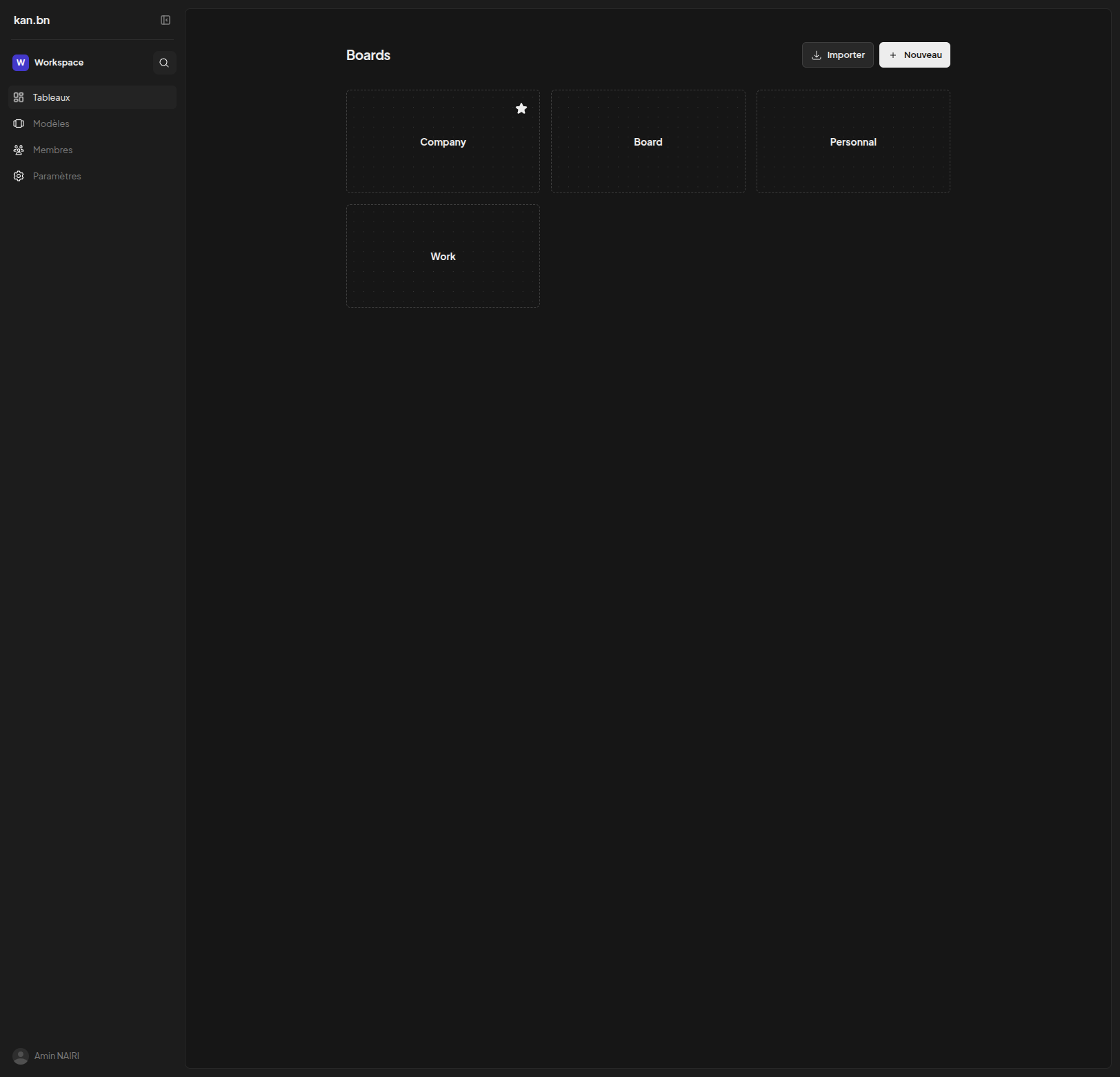
Kan is an open-source project management tool for organizing work with boards, lists, and cards. It supports workspace and team collaboration, activity logs, labels and filters, board templates, and importing boards directly from Trello.
Kan Docker Compose example
Self-host Kan on your own server, homelab, or VPS starting from this Docker Compose example.
It runs Kan in Docker containers using the official ghcr.io/kanbn/kan-migrate:latest, ghcr.io/kanbn/kan:latest, postgres:15 images, with persistent volumes and automatic restarts preconfigured.
Review the environment variables and adjust them to your setup, save the file as compose.yml (or docker-compose.yml), and start the stack with docker compose up -d.
services:
  # One-shot database migration job. Runs the Drizzle migrations against
  # Postgres, then exits. The web service waits for it to finish successfully.
  migrate:
    image: ghcr.io/kanbn/kan-migrate:latest
    environment:
      # Postgres connection string used to apply schema migrations.
      POSTGRES_URL: "postgres://kan:changeme@postgres:5432/kan_db"
    depends_on:
      postgres:
        condition: service_healthy
    restart: "no"

  web:
    image: ghcr.io/kanbn/kan:latest
    depends_on:
      migrate:
        condition: service_completed_successfully
    environment:
      # Public URL where users reach Kan (used for auth callbacks and links).
      NEXT_PUBLIC_BASE_URL: "http://localhost:3000"
      # Secret used by Better Auth to sign sessions/tokens. Use a random 32+ char string.
      BETTER_AUTH_SECRET: "changeme"
      # Postgres connection string for the application.
      POSTGRES_URL: "postgres://kan:changeme@postgres:5432/kan_db"
      # Set to "true" to disable all email features (magic links, invites, verification).
      NEXT_PUBLIC_DISABLE_EMAIL: "false"
      # SMTP server hostname for sending email. Leave blank to disable outbound email.
      SMTP_HOST: ""
      # SMTP server port (465 for implicit TLS, 587 for STARTTLS).
      SMTP_PORT: "465"
      # SMTP username.
      SMTP_USER: ""
      # SMTP password.
      SMTP_PASSWORD: ""
      # From address for outbound email, e.g. "Kan <hello@example.com>".
      EMAIL_FROM: ""
    restart: unless-stopped

  postgres:
    image: postgres:15
    environment:
      POSTGRES_DB: "kan_db"
      POSTGRES_USER: "kan"
      # Password for the bundled Postgres. Only reachable inside the compose network.
      POSTGRES_PASSWORD: "changeme"
    volumes:
      - postgres_data:/var/lib/postgresql/data
    healthcheck:
      test: ["CMD-SHELL", "pg_isready -U kan -d kan_db"]
      interval: 5s
      timeout: 5s
      retries: 10
    restart: unless-stopped

volumes:
  postgres_data:
Values set to changeme are required — replace them with your own
values before starting Kan.
Prefer a managed setup? WinterFlow installs, configures, and updates Kan for you using this same Docker Compose configuration.