
Jotty
Self-hosted app for your checklists and notes
Alternative to: google keep, todoist, evernote
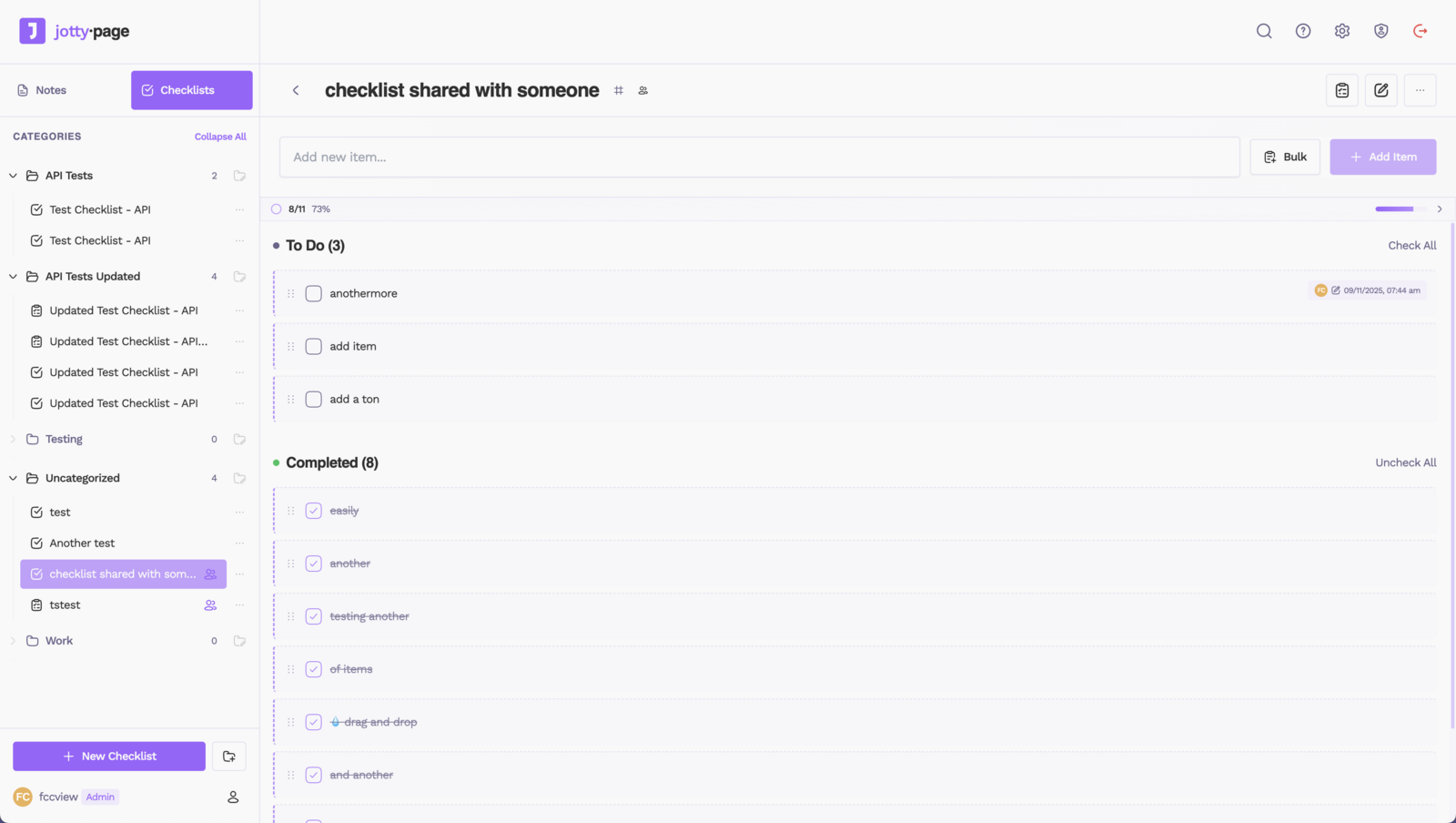
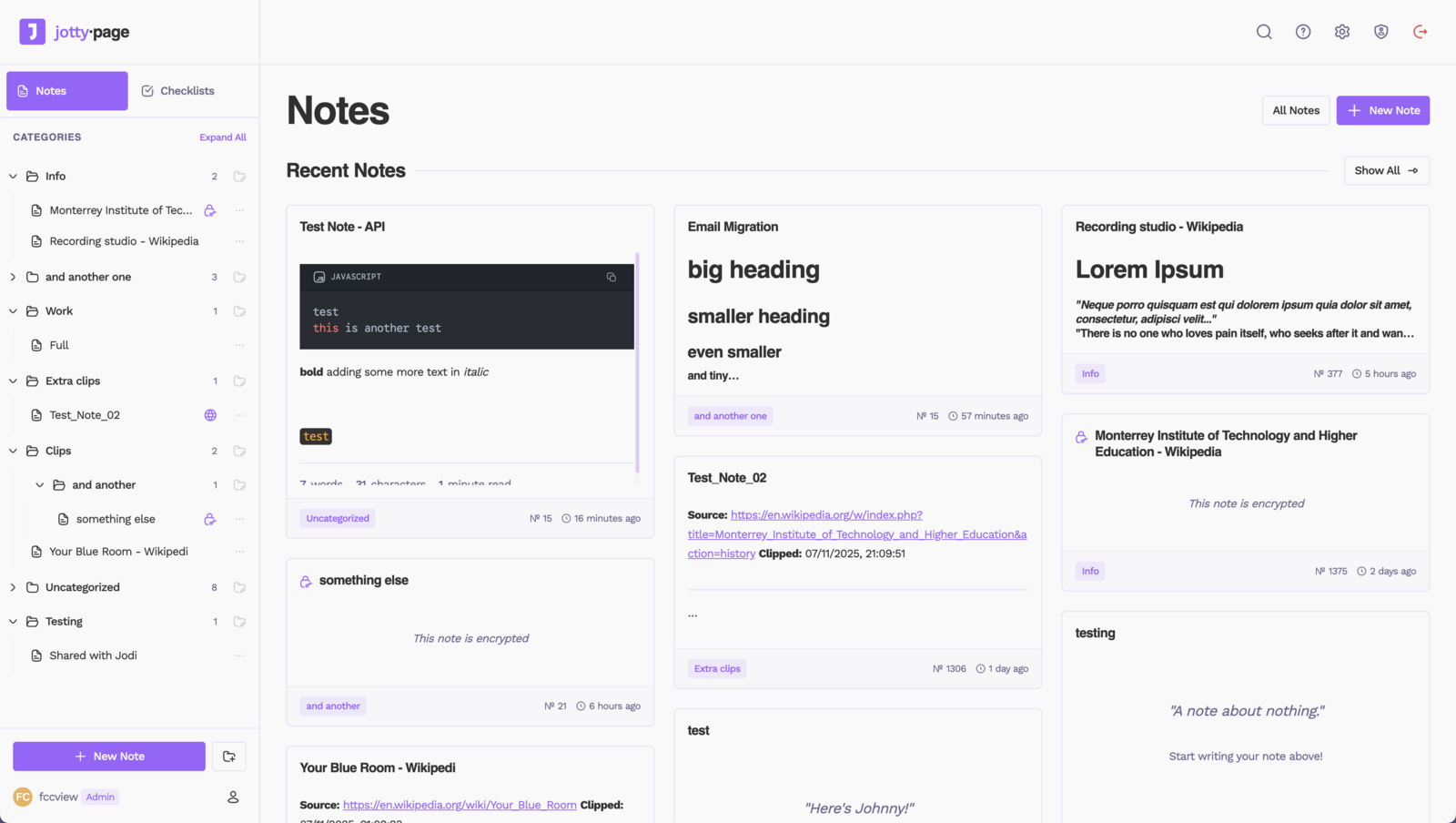
A lightweight self-hosted app for personal checklists and notes. Offers drag-and-drop checklists with Kanban task boards, a rich-text Markdown note editor, sharing between users, optional PGP note encryption and a REST API. Needs no database: everything is stored as Markdown and JSON files.
Jotty Docker Compose example
Self-host Jotty on your own server, homelab, or VPS starting from this Docker Compose example.
It runs Jotty in Docker containers using the official ghcr.io/fccview/jotty:latest image, with persistent volumes and automatic restarts preconfigured.
Review the environment variables and adjust them to your setup, save the file as compose.yml (or docker-compose.yml), and start the stack with docker compose up -d.
services:
  jotty:
    image: ghcr.io/fccview/jotty:latest
    volumes:
      - data:/app/data
      - config:/app/config
      - cache:/app/.next/cache
    restart: unless-stopped
    environment:
      NODE_ENV: "production"
      # Public base URL of your jotty instance (e.g. https://jotty.example.com). Required for secure (https) sessions and for SSO.
      APP_URL: ""
      # Set to "true" when served over HTTPS so session cookies are marked secure.
      HTTPS: "false"
      # Let anyone open uploaded images by their direct URL, without logging in (yes/no).
      SERVE_PUBLIC_IMAGES: "no"
      # Let anyone open uploaded files by their direct URL, without logging in (yes/no).
      SERVE_PUBLIC_FILES: "no"
      # Set to "yes" to stop checking GitHub for new jotty releases.
      STOP_CHECK_UPDATES: "no"
      # Set to "oidc" to enable OpenID Connect single sign-on; leave empty for local accounts only.
      AUTH_MODE: ""
      # URL of your OIDC provider (Authentik, Keycloak, Auth0, ...). Only used when AUTH_MODE is "oidc".
      OIDC_ISSUER: ""
      # Client ID from your OIDC provider.
      OIDC_CLIENT_ID: ""
      # Client secret from your OIDC provider, if it uses a confidential client.
      OIDC_CLIENT_SECRET: ""
      # Keep local username/password login available next to SSO (yes/no).
      SSO_FALLBACK_LOCAL: "yes"
      # Comma-separated OIDC groups whose members become admins.
      OIDC_ADMIN_GROUPS: ""

volumes:
  data:
  config:
  cache:
Prefer a managed setup? WinterFlow installs, configures, and updates Jotty for you using this same Docker Compose configuration.