
Homebridge
HomeKit bridge for non-HomeKit smart home devices, with a built-in web dashboard
Alternative to: smartthings, hubitat, wink, vera
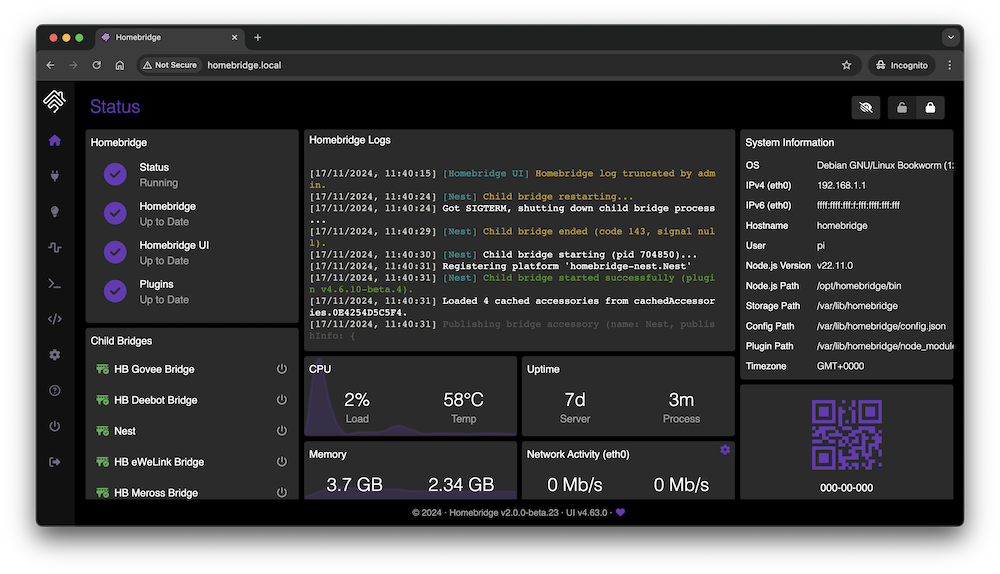
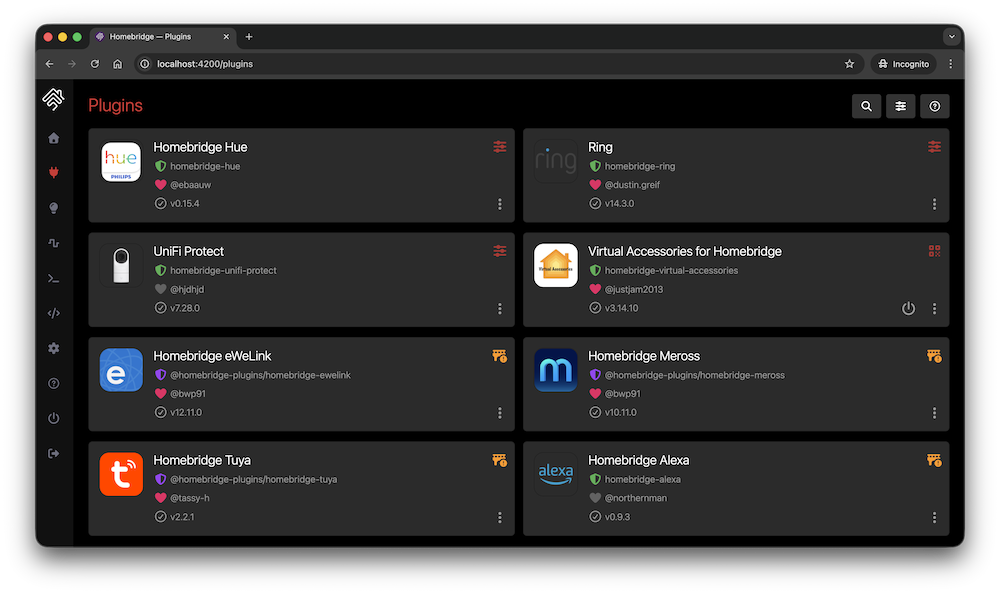
Homebridge is a lightweight Node.js server that emulates the HomeKit Accessory Protocol (HAP), letting you control non-HomeKit smart home devices from Siri and the Apple Home app. Hundreds of community-built plugins add support for devices and services that lack native HomeKit support. The official Docker image ships with the Homebridge Config UI X web dashboard pre-installed, so plugins, configuration, logs, and child bridges can be managed entirely from a browser.
Homebridge Docker Compose example
Self-host Homebridge on your own server, homelab, or VPS starting from this Docker Compose example.
It runs Homebridge in Docker containers using the official homebridge/homebridge:latest image, with persistent volumes and automatic restarts preconfigured.
Review the environment variables and adjust them to your setup, save the file as compose.yml (or docker-compose.yml), and start the stack with docker compose up -d.
services:
  homebridge:
    image: homebridge/homebridge:latest
    # Host networking is required for HomeKit (mDNS/Bonjour) discovery. The Homebridge UI listens on port 8581 of the host.
    network_mode: host
    volumes:
      - data:/homebridge
    restart: unless-stopped
    environment:
      # Container timezone (TZ database name, e.g. Europe/Berlin).
      TZ: "UTC"
      # Run the bundled Avahi mDNS daemon. Set to "0" to disable it (e.g. when using the host's Avahi socket instead).
      ENABLE_AVAHI: "1"
    healthcheck:
      test: ["CMD-SHELL", "curl --fail http://localhost:8581 || exit 1"]
      interval: 60s
      retries: 5
      start_period: 300s
      timeout: 2s

volumes:
  data:
Prefer a managed setup? WinterFlow installs, configures, and updates Homebridge for you using this same Docker Compose configuration.