Gramps Web
Open source online genealogy system
Alternative to: ancestry, myheritage, familysearch
v26.6.1
2026-06-10List views: use on mobile, customize, merge, delete
The object list views – tabular views of all people, families, events, etc. – have seen massive improvement in this release, implementing several features users of Gramps desktop have missed in Gramps Web so far. Moreover, the tables are now finally usable on devices with small screens.
- Responsive design. As the views show tabular data, it was always tricky to use them on mobile devices, requiring a lot of horizontal scrolling. Now, the tables collapse to a card-like view on mobile, getting rid of the horizontal scrollbar without hiding any data.
- Customize table columns. You can now hide table columns or unhide some additional ones that are not shown by default. Your choice will persists on the device where you configured it.
- Merge objects. The table view is now not only filtrable and sortable, but also has selectable rows. When you select two rows, you can merge them into a single object (the behaviour is exactly as in Gramps desktop).
- Delete multiple objects. You can now also delete more than one object at a time – directly from the list views. This becomes particularly powerful in combination with the existing filter feature – for instance, filtering for notes containing a specific string, which are leftovers of a GEDCOM export.
Object preview on hover
Sometimes, you want to take a quick glance at details associated to a person in a chart, an event in the timeline, or any object linked in a note or blog post, without navigating away from the current view.
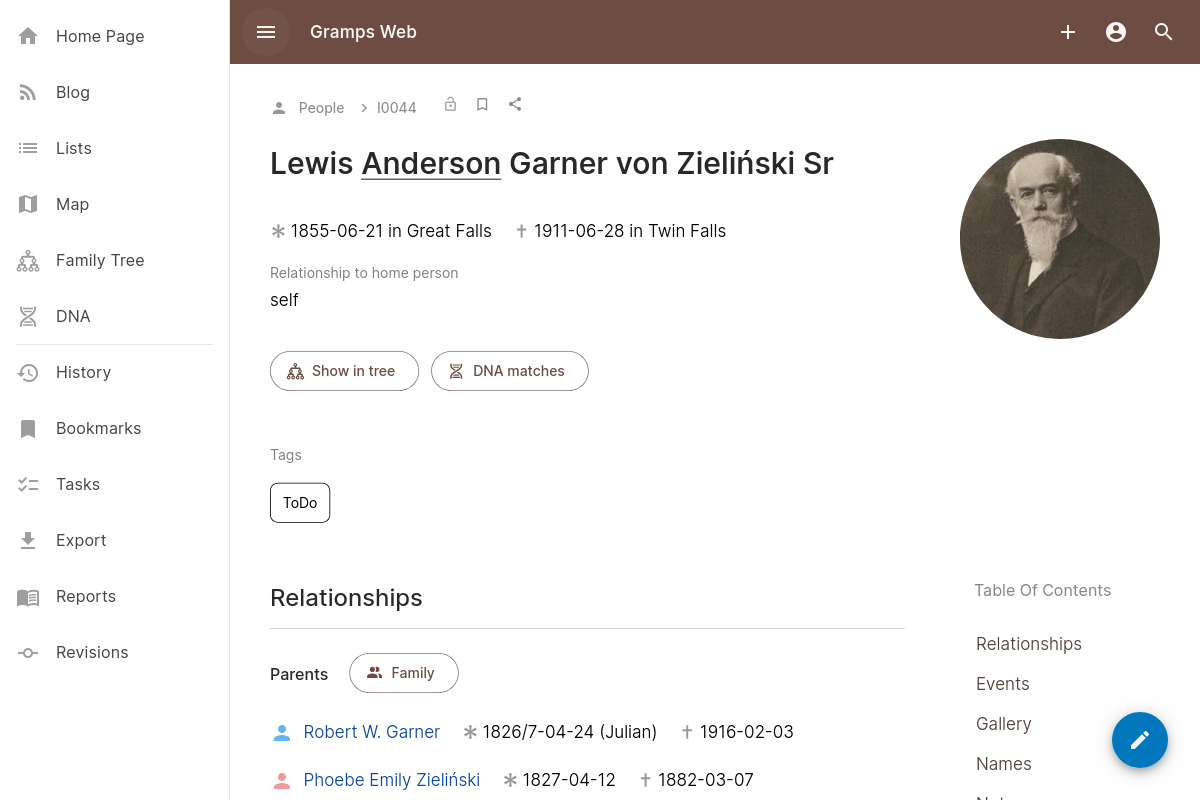
Now, this is possible thanks to the new object preview feature which shows a small (but scrollable) preview of the object’s detail view in a popup when you hover over a link or object.
Other improvements
- Two improvements to the new timeline feature
- When too many events are in the view to be able to display labels, a small notification “zoom in to show event details” is now shown for clarity https://github.com/gramps-project/gramps-web/pull/1230
- When filtering by events at a specific place, you can now choose between events at the exact place and events at any place enclosed by the selected place in addition to the place itself. This allows for instance to show all events that happened in a specific country or state https://github.com/gramps-project/gramps-web/pull/1231
- The button to delete all objects in the database prompted for re-entering the password, which made it incompatible with OIDC-based accounts. This gap has been closed in https://github.com/gramps-project/gramps-web/pull/1212
Bug fixes
- Prevent stale thumbnails to be shown in list icons https://github.com/gramps-project/gramps-web/pull/1218
- Prevent images from being cropped in the lightbox view https://github.com/gramps-project/gramps-web/pull/1226
- Ignore stale tokens during first run by @elig-45 in https://github.com/gramps-project/gramps-web/pull/1225
Full Changelog: https://github.com/gramps-project/gramps-web/compare/v26.6.0…v26.6.1