
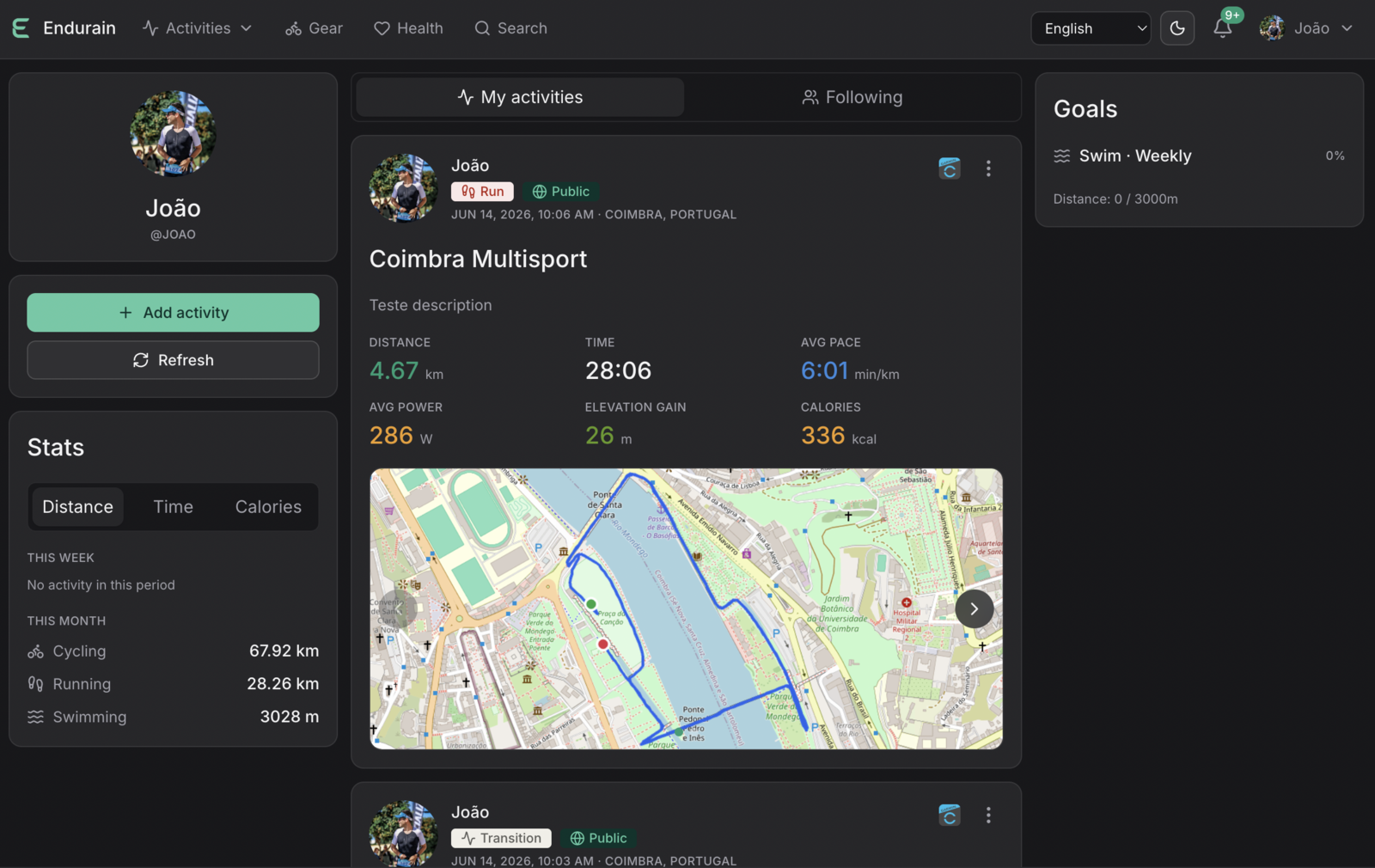
Endurain is a self-hosted fitness tracking service that gives you full control over your activity data. It is similar to Strava but focused on privacy and customization. It integrates with Strava and Garmin Connect and supports manual import of activities from .gpx, .tcx and .fit files. Deploy it with Docker using the provided compose example.
Endurain Docker Compose example
Self-host Endurain on your own server, homelab, or VPS starting from this Docker Compose example.
It runs Endurain in Docker containers using the official ghcr.io/endurain-project/endurain:latest, postgres:18 images, with persistent volumes and automatic restarts preconfigured.
Review the environment variables and adjust them to your setup, save the file as compose.yml (or docker-compose.yml), and start the stack with docker compose up -d.
services:
  endurain:
    image: ghcr.io/endurain-project/endurain:latest
    restart: unless-stopped
    depends_on:
      postgres:
        condition: service_healthy
    environment:
      # Public URL where Endurain is reached (protocol and host, no trailing slash). Used for token issuer/audience and email links.
      ENDURAIN_HOST: "http://localhost:8080"
      # Set to "true" when Endurain runs behind a reverse proxy that terminates TLS.
      BEHIND_PROXY: "false"
      # Timezone for the application (IANA name, e.g. "Europe/Lisbon").
      TZ: "UTC"
      # Secret used to sign JWT access tokens and other signed links. Generate one with: openssl rand -hex 32
      SECRET_KEY: "changeme"
      # Fernet key used to encrypt stored third-party credentials (Strava, Garmin Connect). Must be a valid Fernet key.
      # Replace before going live — generate with: python3 -c "import base64,os;print(base64.urlsafe_b64encode(os.urandom(32)).decode())"
      FERNET_KEY: "Ro3NpDD9MIfnzDFPDrR4TT6Ec_Czpk4Ye0rKfHYF8tw="
      # Database host (the bundled Postgres service).
      DB_HOST: "postgres"
      # Database user.
      DB_USER: "endurain"
      # Database name.
      DB_DATABASE: "endurain"
      # Database password. Must match POSTGRES_PASSWORD on the postgres service.
      DB_PASSWORD: "endurain"
    volumes:
      - data:/app/backend/data
      - logs:/app/backend/logs

  postgres:
    image: postgres:18
    restart: unless-stopped
    environment:
      # Database user created on first start.
      POSTGRES_USER: "endurain"
      # Database password. Must match DB_PASSWORD on the endurain service.
      POSTGRES_PASSWORD: "endurain"
      # Database created on first start.
      POSTGRES_DB: "endurain"
    healthcheck:
      test: ["CMD-SHELL", "pg_isready -U endurain"]
      interval: 5s
      timeout: 5s
      retries: 5
    volumes:
      - db:/var/lib/postgresql

volumes:
  data:
  logs:
  db:
Values set to changeme are required — replace them with your own
values before starting Endurain.
Prefer a managed setup? WinterFlow installs, configures, and updates Endurain for you using this same Docker Compose configuration.