CryptPad
End-to-end encrypted collaborative office suite
Alternative to: Google Docs, Google Workspace, Microsoft 365
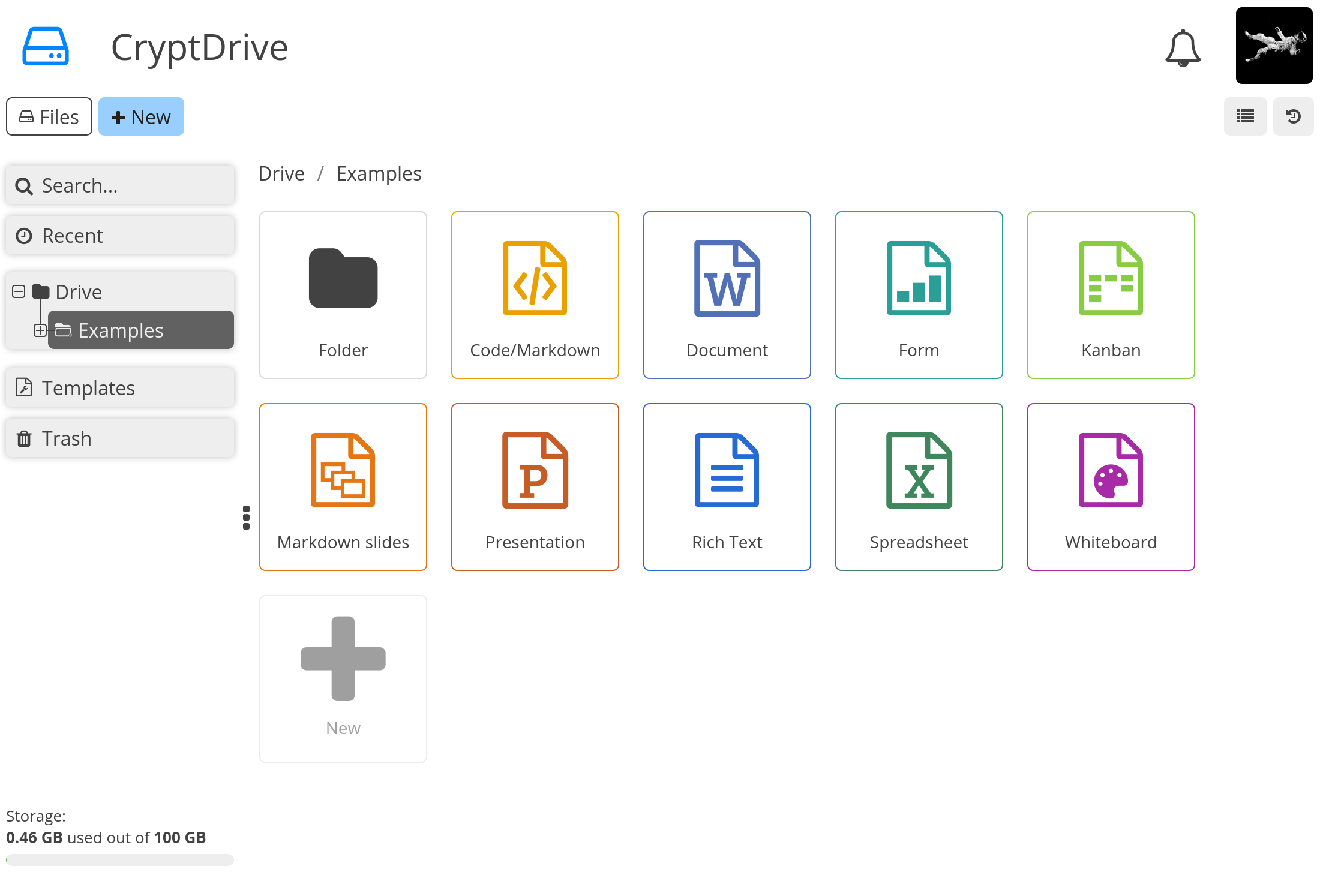
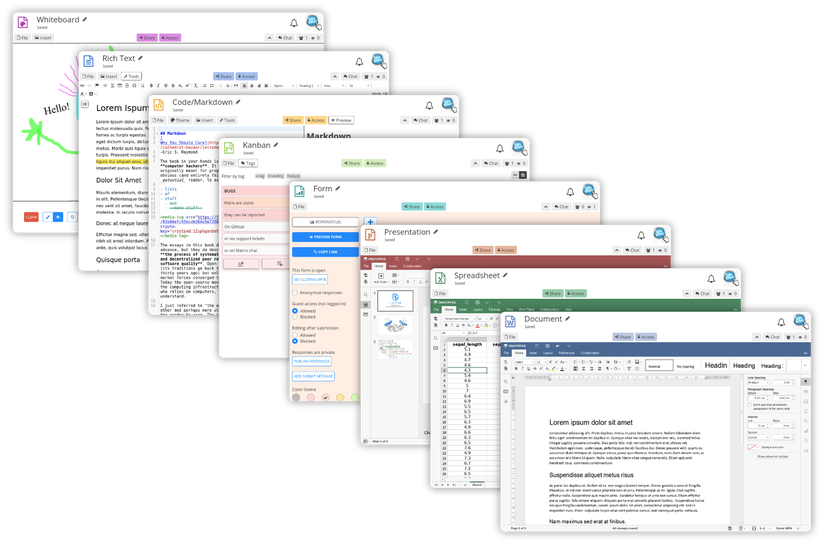
CryptPad is an end-to-end encrypted, open-source collaboration suite that synchronizes changes to documents, spreadsheets, presentations, kanban boards, and forms in real time. All data is encrypted in the browser before it reaches the server, so even a compromised or self-hosted instance never exposes readable content to attackers or administrators. It serves as a privacy-first, self-hostable alternative to Google Docs and Microsoft 365.
CryptPad Docker Compose example
Self-host CryptPad on your own server, homelab, or VPS starting from this Docker Compose example.
It runs CryptPad in Docker containers using the official cryptpad/cryptpad:latest image, with persistent volumes and automatic restarts preconfigured.
Review the environment variables and adjust them to your setup, save the file as compose.yml (or docker-compose.yml), and start the stack with docker compose up -d.
services:
  cryptpad:
    image: cryptpad/cryptpad:latest
    hostname: cryptpad
    read_only: true
    restart: unless-stopped
    environment:
      # Public URL of the main CryptPad domain (the address users open in their browser).
      CPAD_MAIN_DOMAIN: "https://your-main-domain.com"
      # Public URL of the sandbox domain. Must be a different domain/subdomain than the main one,
      # routed to the same CryptPad server; it isolates user content from the main application.
      CPAD_SANDBOX_DOMAIN: "https://your-sandbox-domain.com"
      # Set to "yes" to download and install the Euro-Office (OnlyOffice) editors on startup.
      # Read and accept the license first: https://github.com/Euro-Office/web-apps/raw/refs/heads/main/LICENSE.txt
      CPAD_INSTALL_OFFICE: ""
    volumes:
      - blob:/cryptpad/blob
      - block:/cryptpad/block
      - customize:/cryptpad/customize
      - data:/cryptpad/data
      - datastore:/cryptpad/datastore
      - onlyoffice_dist:/cryptpad/www/common/onlyoffice/dist
      - onlyoffice_conf:/cryptpad/onlyoffice-conf
      - config:/cryptpad/config
      - type: tmpfs
        target: /tmp
    ulimits:
      nofile:
        soft: 1000000
        hard: 1000000

volumes:
  blob:
  block:
  customize:
  data:
  datastore:
  onlyoffice_dist:
  onlyoffice_conf:
  config:
Prefer a managed setup? WinterFlow installs, configures, and updates CryptPad for you using this same Docker Compose configuration.