
Claper
The ultimate tool to interact with your audience
Alternative to: slido, mentimeter, ahaslides
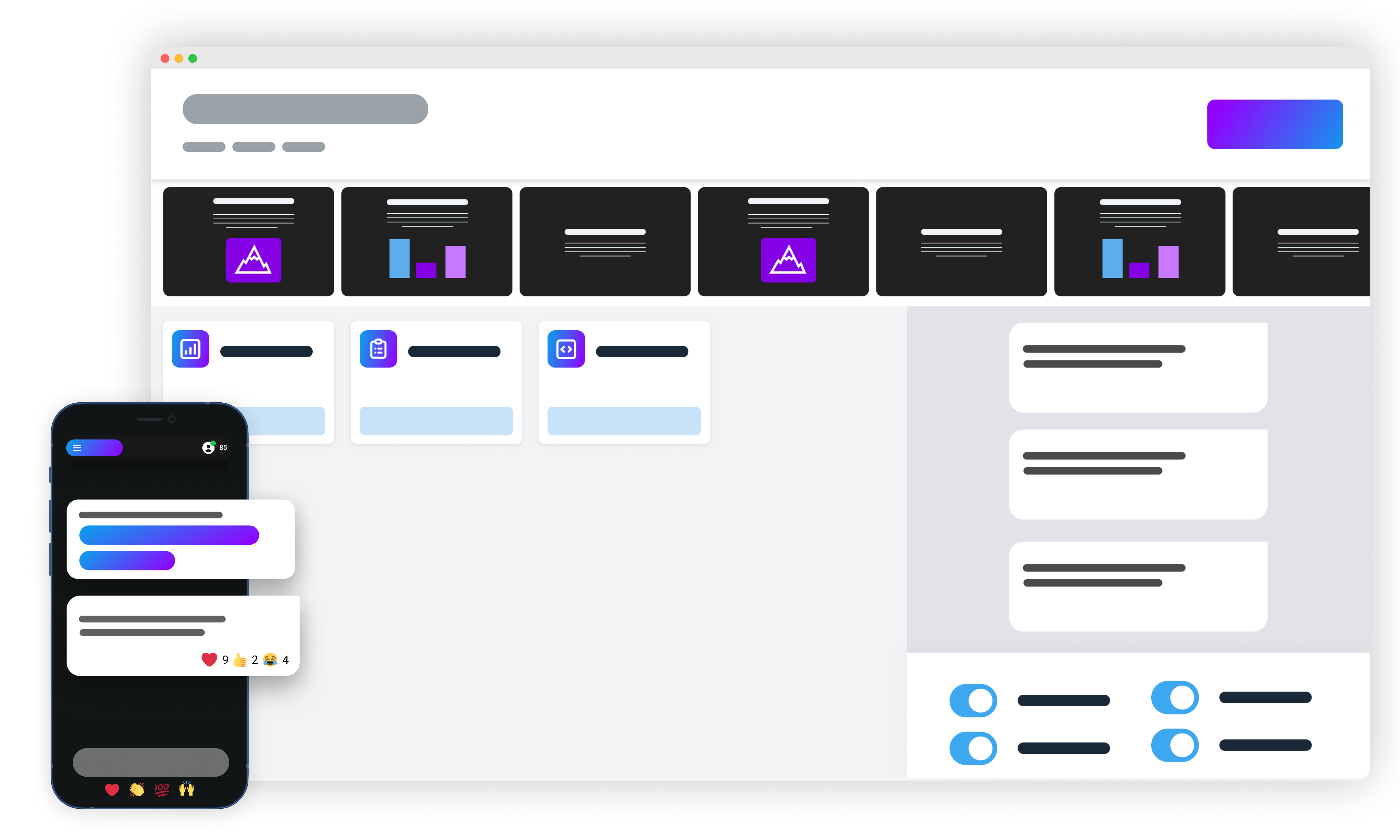
Claper turns presentations into an interactive experience: presenters get real-time audience feedback through live polls and reactions, while participants actively engage during meetings and events. It runs as a self-hosted web app alongside a PostgreSQL database via Docker Compose.
Claper Docker Compose example
Self-host Claper on your own server, homelab, or VPS starting from this Docker Compose example.
It runs Claper in Docker containers using the official postgres:15, ghcr.io/claperco/claper:latest images, with persistent volumes and automatic restarts preconfigured.
Review the environment variables and adjust them to your setup, save the file as compose.yml (or docker-compose.yml), and start the stack with docker compose up -d.
services:
  db:
    image: postgres:15
    environment:
      # Internal Postgres credentials (database is only reachable inside the compose network)
      POSTGRES_USER: "claper"
      POSTGRES_PASSWORD: "claper"
      POSTGRES_DB: "claper"
    volumes:
      - db_data:/var/lib/postgresql/data
    healthcheck:
      test: ["CMD", "pg_isready", "-q", "-d", "claper", "-U", "claper"]
      retries: 3
      timeout: 5s
    restart: unless-stopped

  app:
    image: ghcr.io/claperco/claper:latest
    depends_on:
      db:
        condition: service_healthy
    environment:
      # Public URL Claper is served from (used for links and cookies)
      BASE_URL: "http://localhost:4000"
      # Connection string to the bundled Postgres
      DATABASE_URL: "postgres://claper:claper@db:5432/claper"
      # Signing secret for sessions and cookies. Generate with: mix phx.gen.secret
      # Change this before exposing Claper — a known value lets anyone forge an admin session.
      SECRET_KEY_BASE: "Xk7pQvR2mNbW9sZ4cT6yH1jL3dF8gA0eU5oI2rP4wB6nM8vC0xK7qS9tD1fG3hJ5"
      # Store uploaded files on the local disk (in the uploads volume)
      PRESENTATION_STORAGE: "local"
      PRESENTATION_STORAGE_DIR: "/app/uploads"
      # Mail delivery: local writes to the container log; use smtp or postmark for real delivery
      MAIL_TRANSPORT: "local"
      # From address and display name for outgoing mail
      MAIL_FROM: "noreply@claper.co"
      MAIL_FROM_NAME: "Claper"
    volumes:
      - uploads:/app/uploads
    healthcheck:
      test: ["CMD-SHELL", "curl --fail http://localhost:4000 || exit 1"]
      retries: 3
      start_period: 20s
      timeout: 5s
    restart: unless-stopped

volumes:
  db_data:
  uploads:
Prefer a managed setup? WinterFlow installs, configures, and updates Claper for you using this same Docker Compose configuration.