ChronoFrame
Self-hosted personal photo gallery with Live Photo support and an explore map
Alternative to: google photos, apple photos
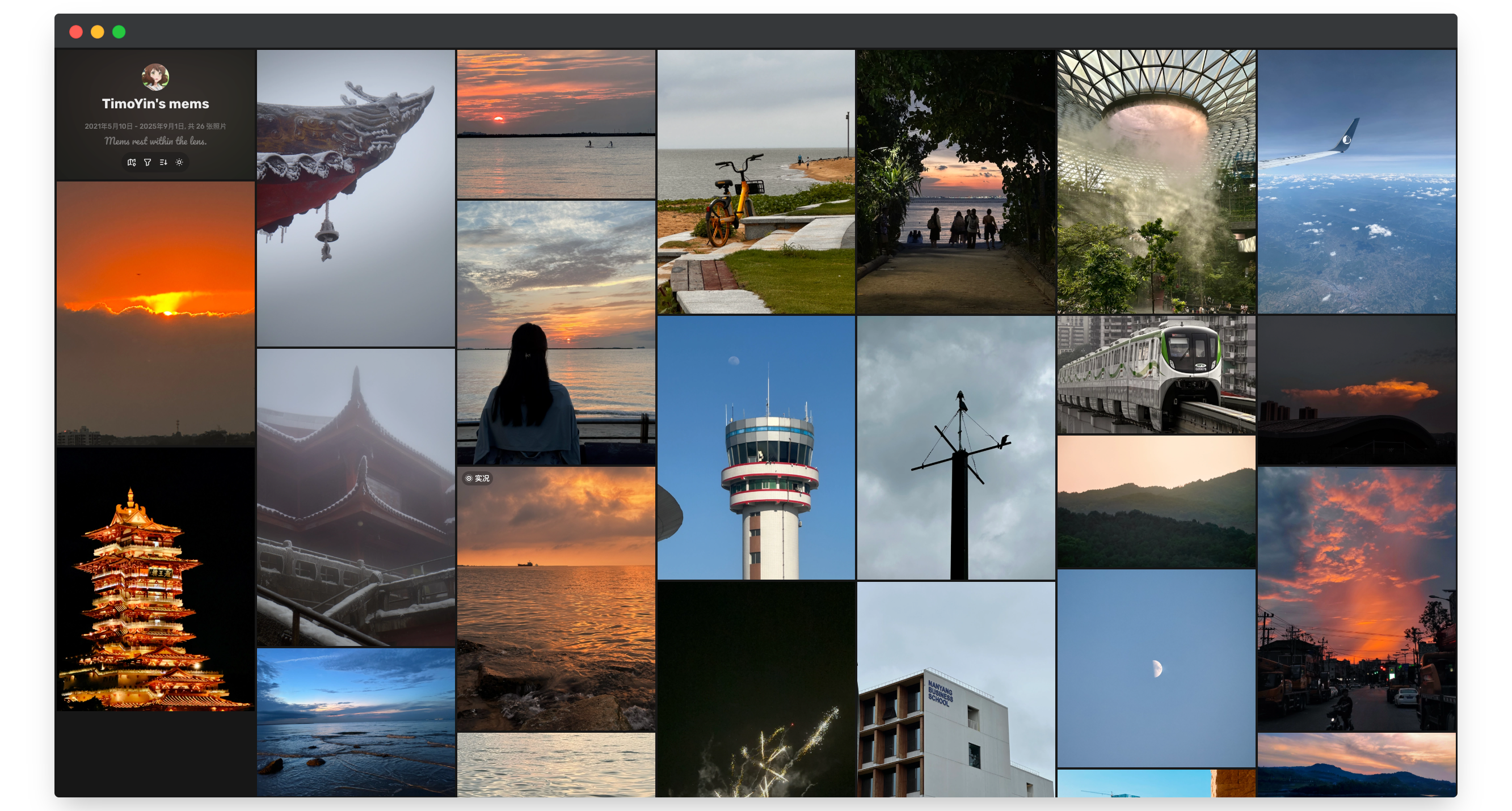
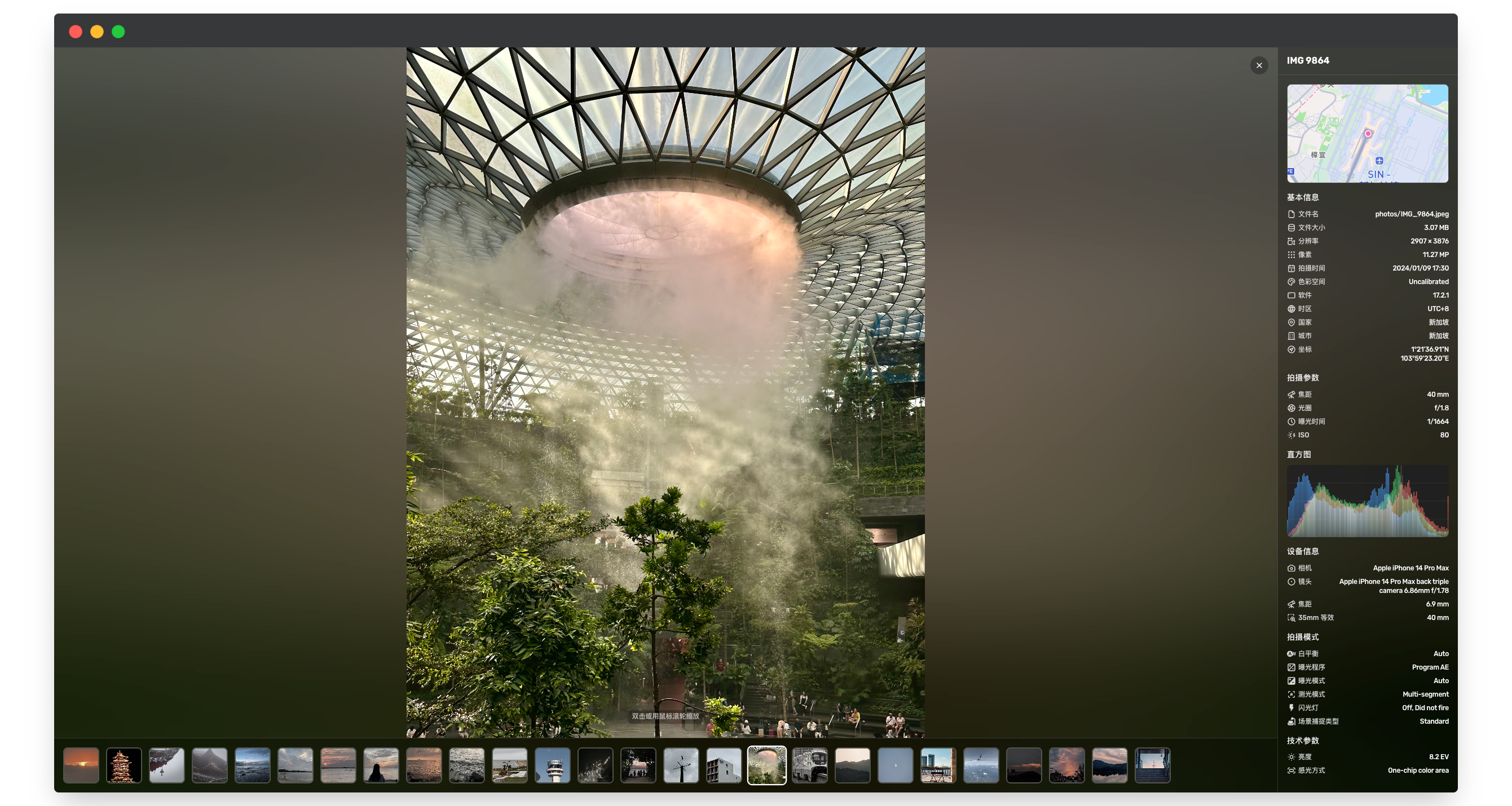
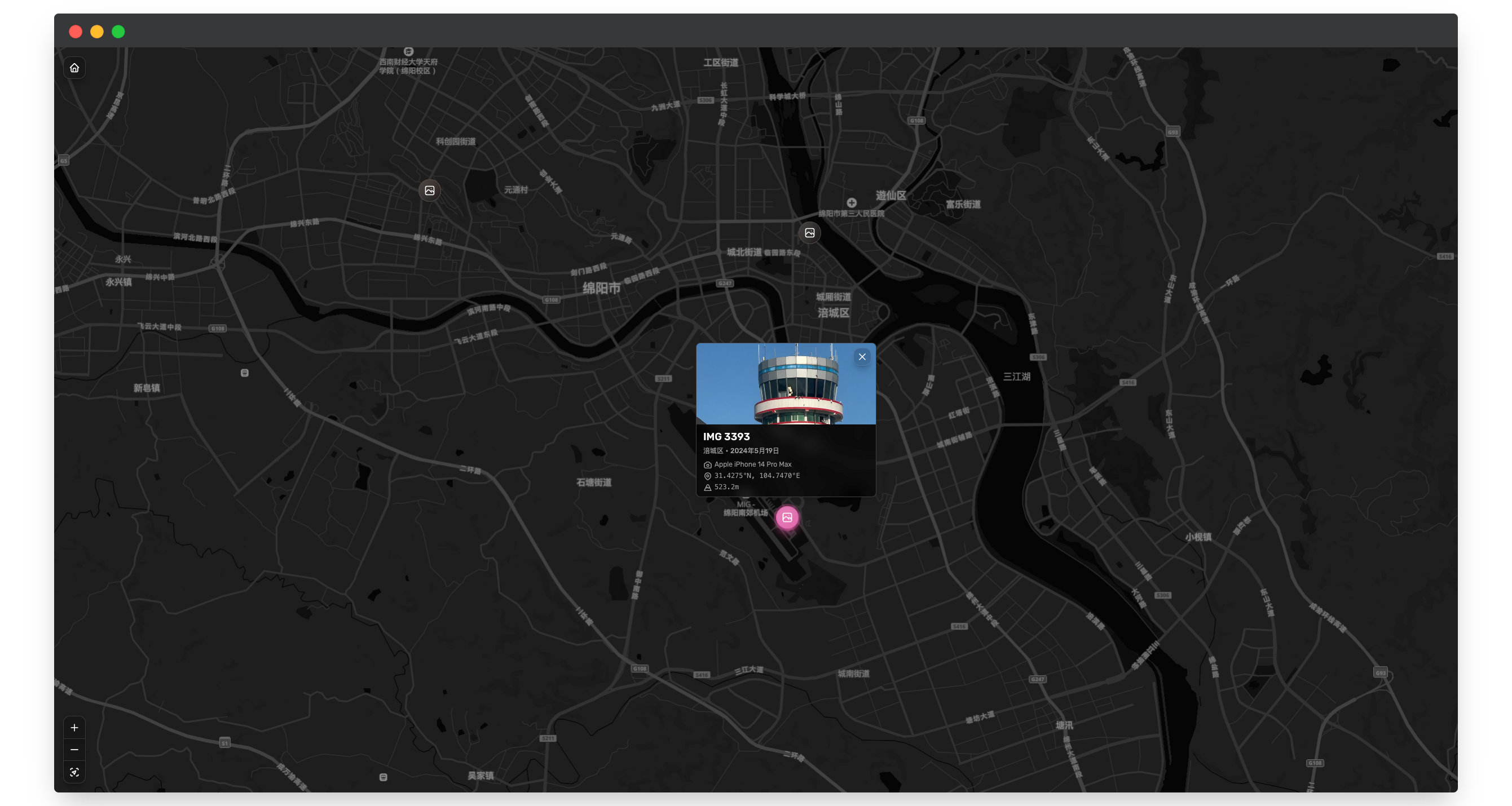
ChronoFrame is a self-hosted personal gallery application for browsing and managing photos and videos, with support for Live/Motion Photos, automatic EXIF metadata extraction, and a map for exploring where photos were taken. Built on Nuxt 4, it offers both a public gallery for sharing and an admin dashboard for organizing large collections, backed by S3-compatible or local filesystem storage.
ChronoFrame Docker Compose example
Self-host ChronoFrame on your own server, homelab, or VPS starting from this Docker Compose example.
It runs ChronoFrame in Docker containers using the official ghcr.io/hoshinosuzumi/chronoframe:latest image, with persistent volumes and automatic restarts preconfigured.
Review the environment variables and adjust them to your setup, save the file as compose.yml (or docker-compose.yml), and start the stack with docker compose up -d.
services:
  chronoframe:
    image: ghcr.io/hoshinosuzumi/chronoframe:latest
    volumes:
      - data:/app/data
    restart: unless-stopped
    environment:
      # Email address for the initial administrator account (used to sign in).
      CFRAME_ADMIN_EMAIL: "changeme"
      # Display name shown for the initial administrator account.
      CFRAME_ADMIN_NAME: "Chronoframe"
      # Password for the initial administrator account. Change this before exposing the app publicly.
      CFRAME_ADMIN_PASSWORD: "CF1234@!"
      # 32-character random secret used to encrypt user session cookies.
      NUXT_SESSION_PASSWORD: "changeme"

volumes:
  data:
Values set to changeme are required — replace them with your own
values before starting ChronoFrame.
Prefer a managed setup? WinterFlow installs, configures, and updates ChronoFrame for you using this same Docker Compose configuration.