
Chevereto
Self-hosted image and video sharing platform
Alternative to: imgur, flickr
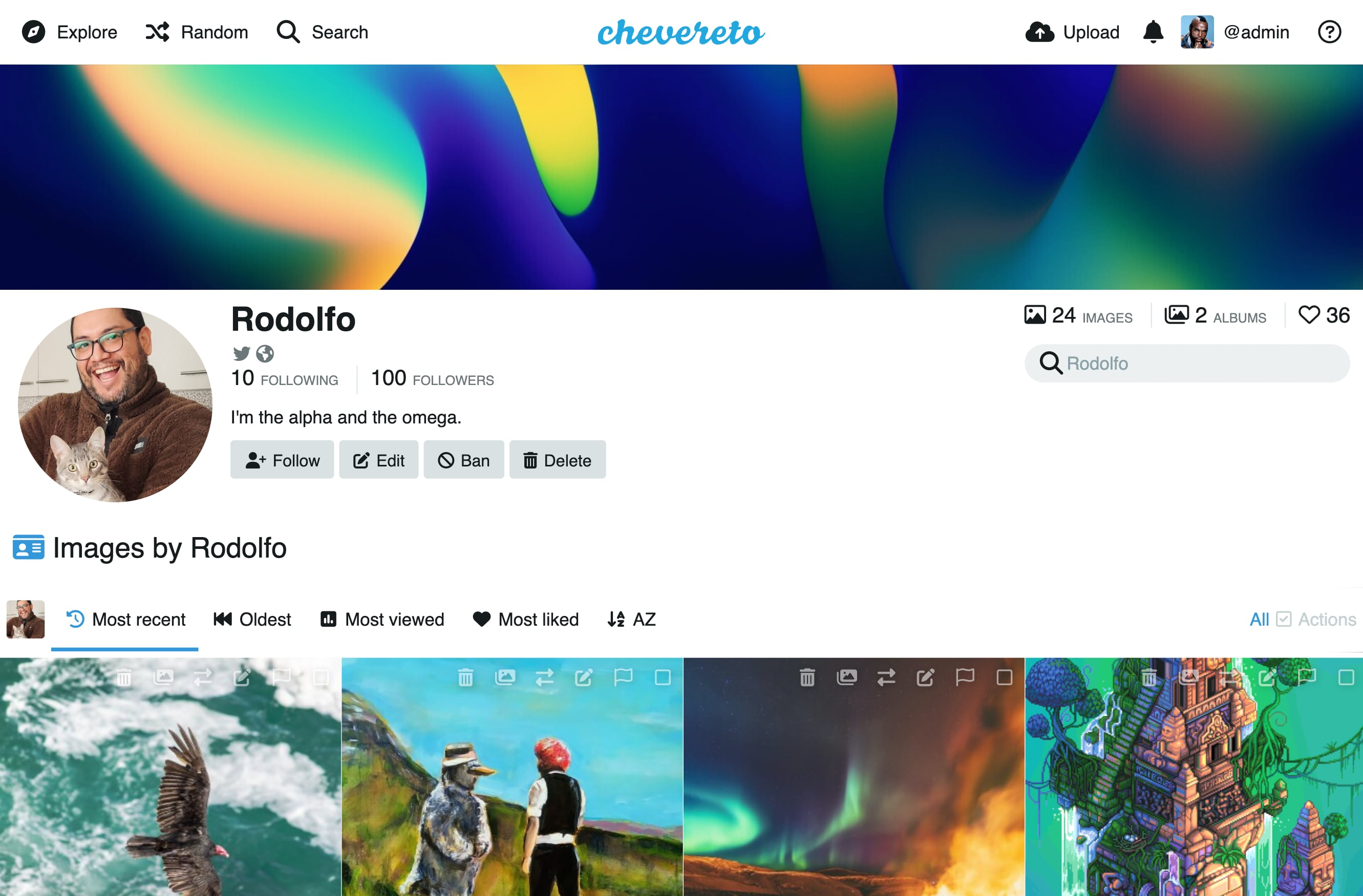
Chevereto lets you run your own media sharing website instead of relying on third-party image hosts. Users can upload images and videos, organize them into albums, build a public profile, and search and share their content, all through an admin-managed self-hosted instance.
Chevereto Docker Compose example
Self-host Chevereto on your own server, homelab, or VPS starting from this Docker Compose example.
It runs Chevereto in Docker containers using the official mariadb:jammy, chevereto/chevereto:latest images, with persistent volumes and automatic restarts preconfigured.
Review the environment variables and adjust them to your setup, save the file as compose.yml (or docker-compose.yml), and start the stack with docker compose up -d.
services:
  database:
    image: mariadb:jammy
    volumes:
      - database:/var/lib/mysql
    restart: unless-stopped
    healthcheck:
      test: ["CMD", "healthcheck.sh", "--su-mysql", "--connect"]
      interval: 10s
      timeout: 5s
      retries: 3
    environment:
      # Root password for the internal MariaDB (only reachable inside the compose network).
      MYSQL_ROOT_PASSWORD: "password"
      # Database Chevereto stores its data in.
      MYSQL_DATABASE: "chevereto"
      # Database user Chevereto connects as.
      MYSQL_USER: "chevereto"
      # Password for the Chevereto database user (internal only).
      MYSQL_PASSWORD: "user_database_password"

  php:
    image: chevereto/chevereto:latest
    volumes:
      - storage:/var/www/html/images/
    restart: unless-stopped
    depends_on:
      database:
        condition: service_healthy
    environment:
      # Hostname of the database service inside the compose network.
      CHEVERETO_DB_HOST: "database"
      # Database user Chevereto connects as.
      CHEVERETO_DB_USER: "chevereto"
      # Password for the Chevereto database user (matches the database service).
      CHEVERETO_DB_PASS: "user_database_password"
      # Database port.
      CHEVERETO_DB_PORT: "3306"
      # Database name.
      CHEVERETO_DB_NAME: "chevereto"
      # Public hostname where Chevereto is served, without protocol (e.g. images.example.com).
      CHEVERETO_HOSTNAME: "changeme"
      # Base path Chevereto is served from.
      CHEVERETO_HOSTNAME_PATH: "/"
      # Set to 1 when Chevereto is served over HTTPS (e.g. behind a reverse proxy).
      CHEVERETO_HTTPS: "0"
      # Maximum allowed POST size.
      CHEVERETO_MAX_POST_SIZE: "2G"
      # Maximum allowed upload size.
      CHEVERETO_MAX_UPLOAD_SIZE: "2G"

volumes:
  database:
  storage:
Values set to changeme are required — replace them with your own
values before starting Chevereto.
Prefer a managed setup? WinterFlow installs, configures, and updates Chevereto for you using this same Docker Compose configuration.