
Budget Board
Simple app for tracking monthly spending and working towards financial goals
Alternative to: mint, ynab, monarch money
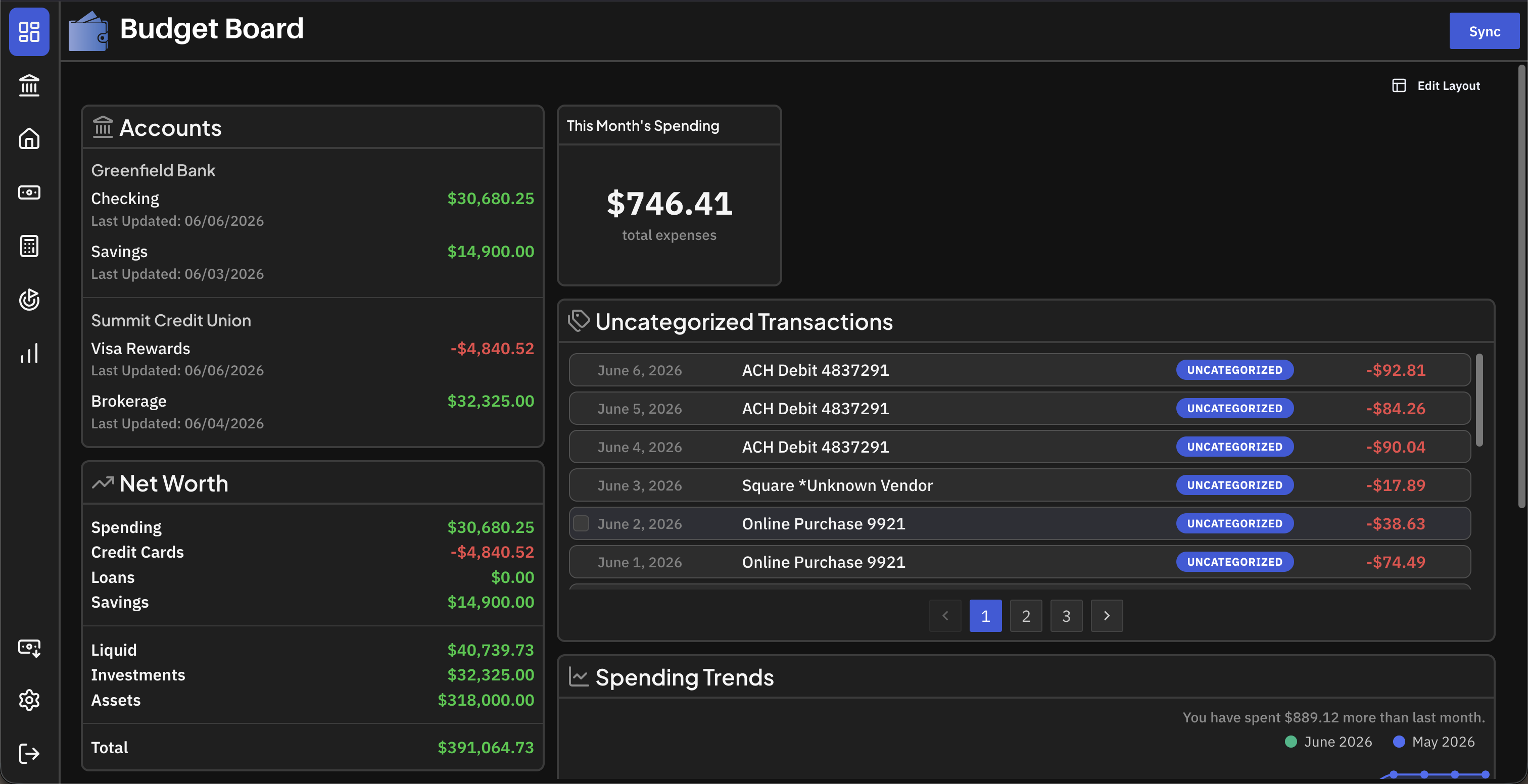
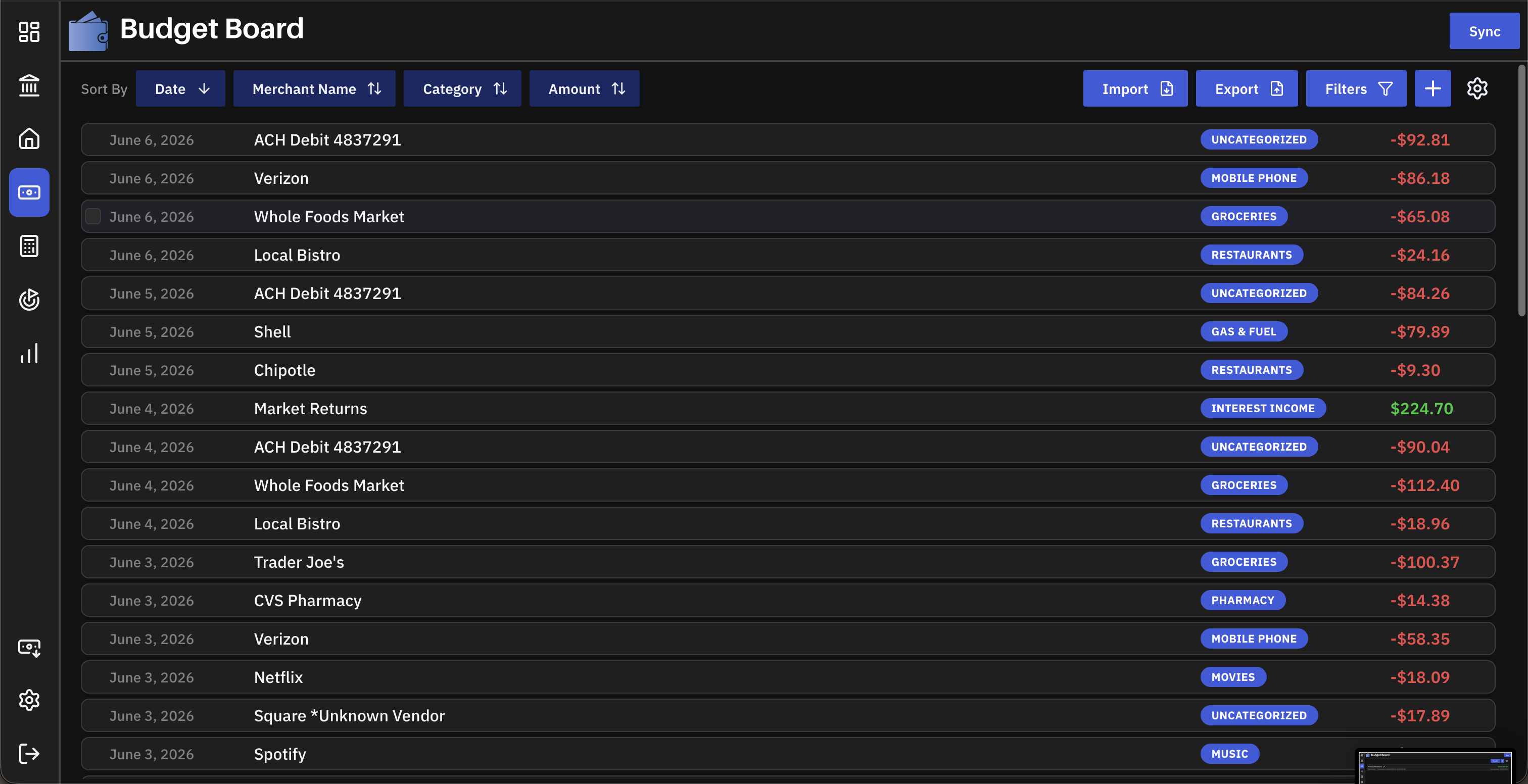
Budget Board is a self-hosted alternative to the now-shut-down Mint, built for tracking accounts, assets, and monthly spending in one place. It supports CSV transaction imports, automatic bank syncing through providers like SimpleFIN, category budgets, financial goals, and machine-learning-assisted auto-categorization, with customizable trend charts to visualize spending over time.
Budget Board Docker Compose example
Self-host Budget Board on your own server, homelab, or VPS starting from this Docker Compose example.
It runs Budget Board in Docker containers using the official ghcr.io/teelur/budget-board/server:v3, ghcr.io/teelur/budget-board/client:v3, postgres:16 images, with persistent volumes and automatic restarts preconfigured.
Review the environment variables and adjust them to your setup, save the file as compose.yml (or docker-compose.yml), and start the stack with docker compose up -d.
services:
  budget-board-server:
    image: ghcr.io/teelur/budget-board/server:v3
    depends_on:
      budget-board-db:
        condition: service_healthy
    restart: unless-stopped
    environment:
      # Backend log level.
      Logging__LogLevel__Default: "Information"
      # Service name of the web client (used for CORS).
      CLIENT_ADDRESS: "budget-board-client"
      # Hostname of the PostgreSQL service.
      POSTGRES_HOST: "budget-board-db"
      # PostgreSQL port.
      POSTGRES_PORT: "5432"
      # Application database name.
      POSTGRES_DATABASE: "budgetboard"
      # Application database user.
      POSTGRES_USER: "postgres"
      # Application database password. Must match the database service.
      POSTGRES_PASSWORD: "changeme"
      # Enable OIDC single sign-on (true/false).
      OIDC_ENABLED: "false"
      # OIDC issuer URL.
      OIDC_ISSUER: ""
      # OIDC client ID.
      OIDC_CLIENT_ID: ""
      # OIDC client secret.
      OIDC_CLIENT_SECRET: ""
      # From address for outgoing email (leave blank to disable email features).
      EMAIL_SENDER: ""
      # SMTP username.
      EMAIL_SENDER_USERNAME: ""
      # SMTP password.
      EMAIL_SENDER_PASSWORD: ""
      # SMTP server hostname.
      EMAIL_SMTP_HOST: ""
      # SMTP server port.
      EMAIL_SMTP_PORT: "587"
      # Block new user registrations after the first account is created (true/false).
      DISABLE_NEW_USERS: "false"
      # Disable local email/password auth, leaving only OIDC (true/false).
      DISABLE_LOCAL_AUTH: "false"
      # Run database migrations automatically on startup (true/false).
      AUTO_UPDATE_DB: "true"
      # Disable automatic bank-sync background jobs (true/false).
      DISABLE_AUTO_SYNC: "false"
      # Hours between automatic bank syncs.
      SYNC_INTERVAL_HOURS: "8"
      # Timezone.
      TZ: "UTC"

  budget-board-client:
    image: ghcr.io/teelur/budget-board/client:v3
    depends_on:
      - budget-board-server
    restart: unless-stopped
    environment:
      # Port the web UI listens on inside the container.
      PORT: "6253"
      # Service name of the backend server.
      VITE_SERVER_ADDRESS: "budget-board-server"
      # Enable OIDC single sign-on in the UI (keep in sync with the server).
      VITE_OIDC_ENABLED: "false"
      # OIDC issuer URL shown to the browser (keep in sync with OIDC_ISSUER).
      VITE_OIDC_PROVIDER: ""
      # OIDC client ID shown to the browser (keep in sync with OIDC_CLIENT_ID).
      VITE_OIDC_CLIENT_ID: ""
      # Hide the registration form (keep in sync with DISABLE_NEW_USERS).
      VITE_DISABLE_NEW_USERS: "false"
      # Hide the local login form (keep in sync with DISABLE_LOCAL_AUTH).
      VITE_DISABLE_LOCAL_AUTH: "false"

  budget-board-db:
    image: postgres:16
    restart: unless-stopped
    command: ["-c", "timezone=UTC"]
    volumes:
      - db-data:/var/lib/postgresql/data
    environment:
      # Application database user.
      POSTGRES_USER: "postgres"
      # Application database password. Must match the server service.
      POSTGRES_PASSWORD: "changeme"
      # Application database name.
      POSTGRES_DB: "budgetboard"
    healthcheck:
      test: ["CMD-SHELL", "pg_isready -U postgres -d budgetboard"]
      interval: 5s
      timeout: 5s
      retries: 5

volumes:
  db-data:
Values set to changeme are required — replace them with your own
values before starting Budget Board.
Prefer a managed setup? WinterFlow installs, configures, and updates Budget Board for you using this same Docker Compose configuration.