
Bracket
Selfhosted tournament system
Alternative to: challonge, toornament
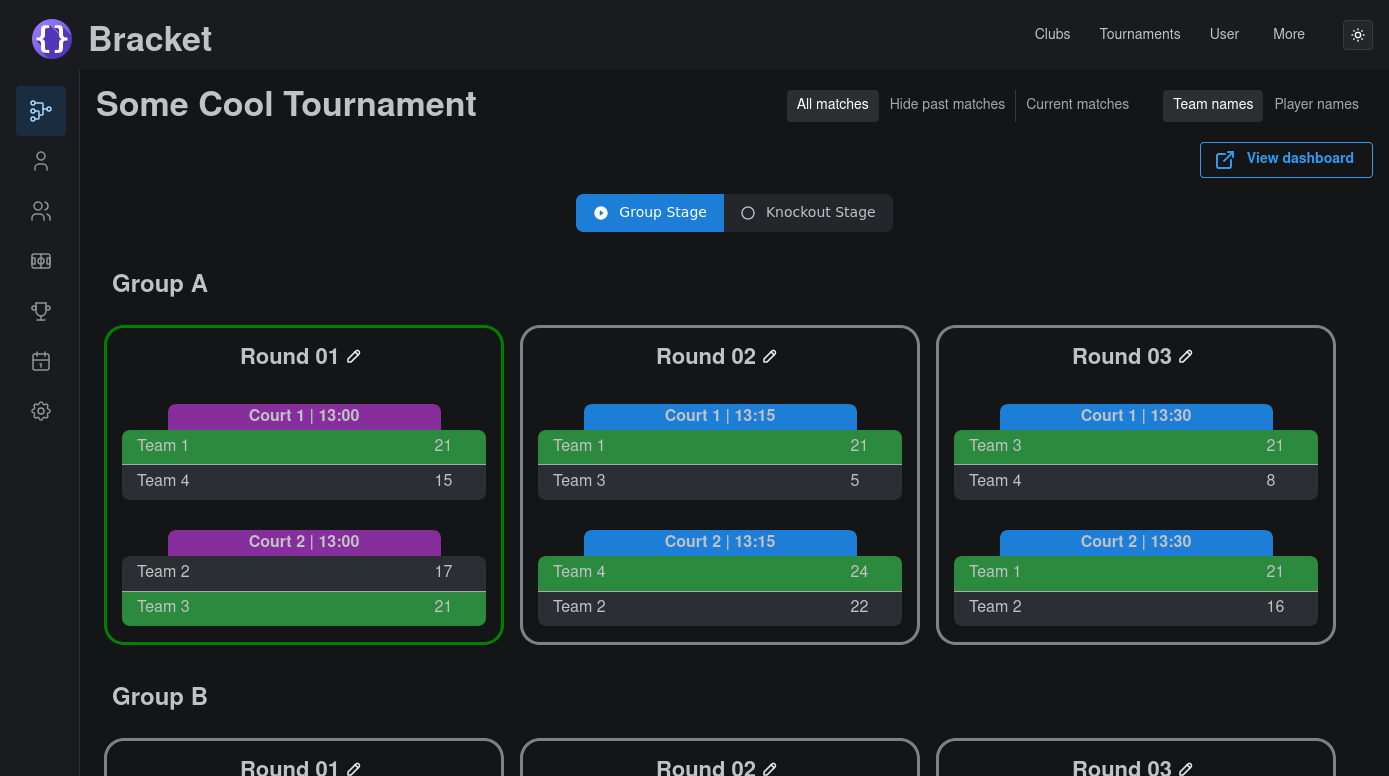
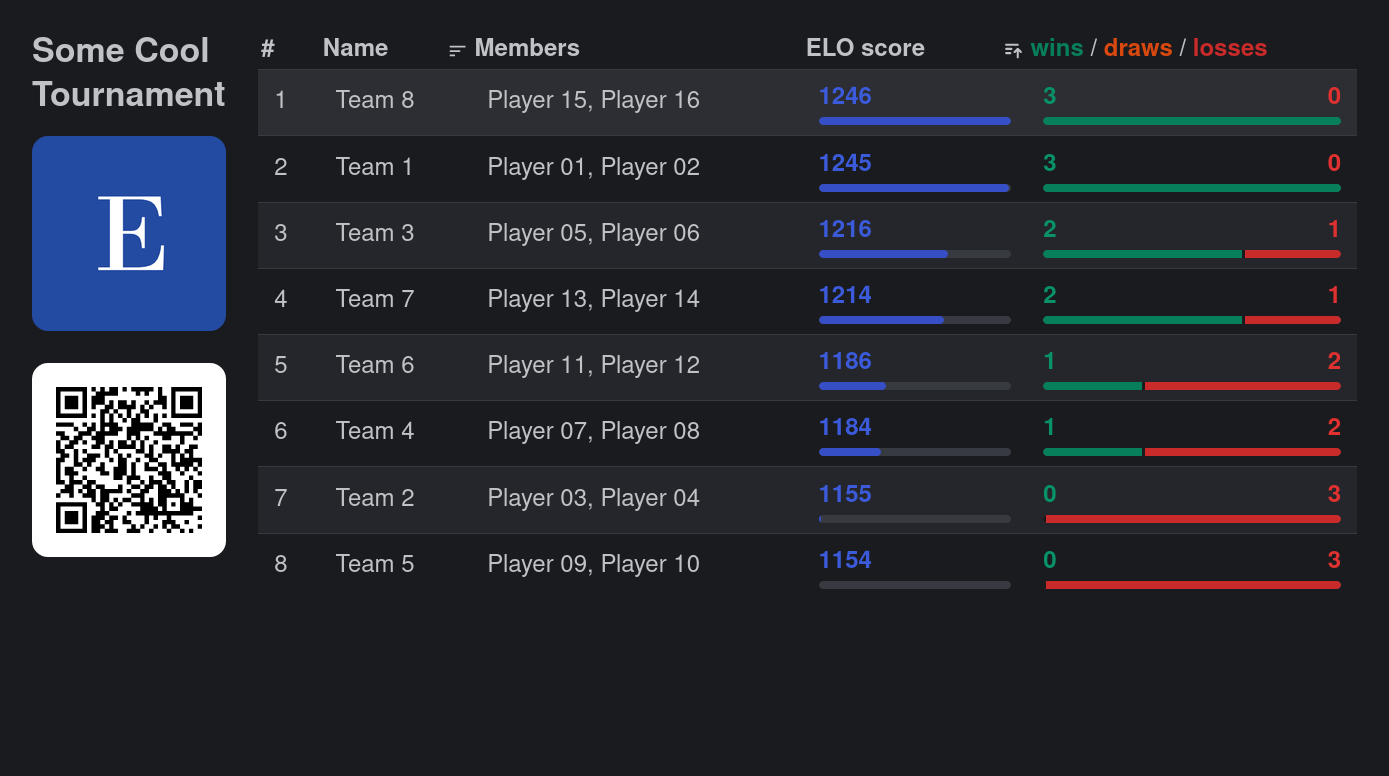
Bracket is a self-hosted tournament management system supporting single elimination, round-robin, and Swiss formats. Organizers can build multi-stage tournament structures with multiple groups and brackets, schedule matches by court and time with drag-and-drop, manage teams and players, and share customizable public dashboards.
Bracket Docker Compose example
Self-host Bracket on your own server, homelab, or VPS starting from this Docker Compose example.
It runs Bracket in Docker containers using the official ghcr.io/evroon/bracket:latest, postgres:16 images, with persistent volumes and automatic restarts preconfigured.
Review the environment variables and adjust them to your setup, save the file as compose.yml (or docker-compose.yml), and start the stack with docker compose up -d.
services:
  bracket:
    image: ghcr.io/evroon/bracket:latest
    depends_on:
      - postgres
    restart: unless-stopped
    environment:
      # Run mode. Use PRODUCTION for self-hosted deployments.
      ENVIRONMENT: "PRODUCTION"
      # Secret used to sign authentication (JWT) tokens. Replace with a long random string.
      JWT_SECRET: "changeme"
      # Serve the bundled frontend from this container.
      SERVE_FRONTEND: "true"
      # Path prefix under which the API is served.
      API_PREFIX: "/api"
      # Public base URL where users reach Bracket.
      BASE_URL: "http://localhost:8400"
      # Comma-separated list of allowed CORS origins. Use * to allow any origin.
      CORS_ORIGINS: "*"
      # PostgreSQL connection string.
      PG_DSN: "postgresql://bracket:bracket@postgres:5432/bracket"
    volumes:
      - static_data:/app/static

  postgres:
    image: postgres:16
    restart: unless-stopped
    environment:
      POSTGRES_DB: "bracket"
      POSTGRES_USER: "bracket"
      POSTGRES_PASSWORD: "bracket"
    volumes:
      - pg_data:/var/lib/postgresql/data

volumes:
  pg_data:
  static_data:
Values set to changeme are required — replace them with your own
values before starting Bracket.
Prefer a managed setup? WinterFlow installs, configures, and updates Bracket for you using this same Docker Compose configuration.