
AdventureLog
Self-hostable travel tracker and trip planner
Alternative to: tripit, polarsteps, wanderlog
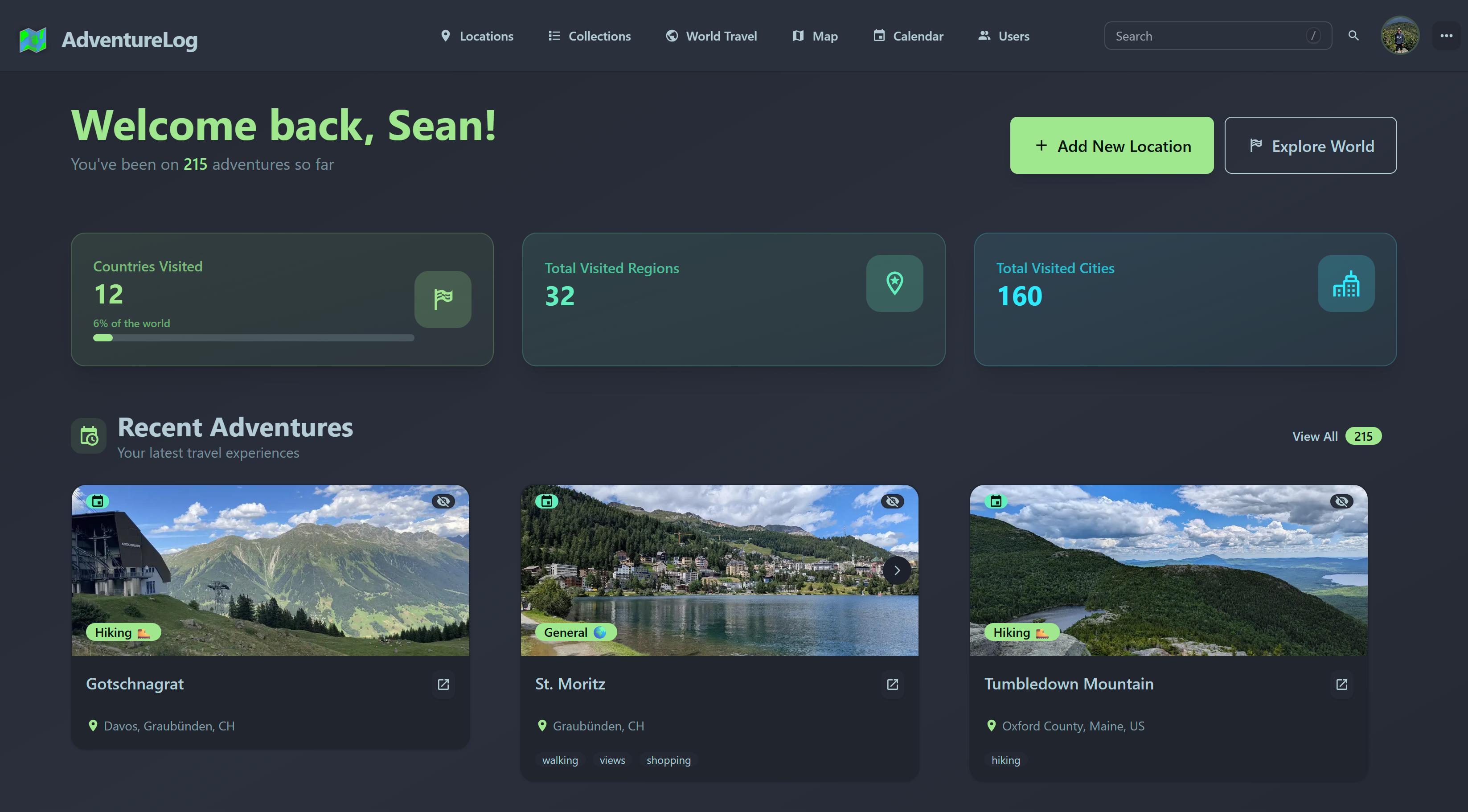
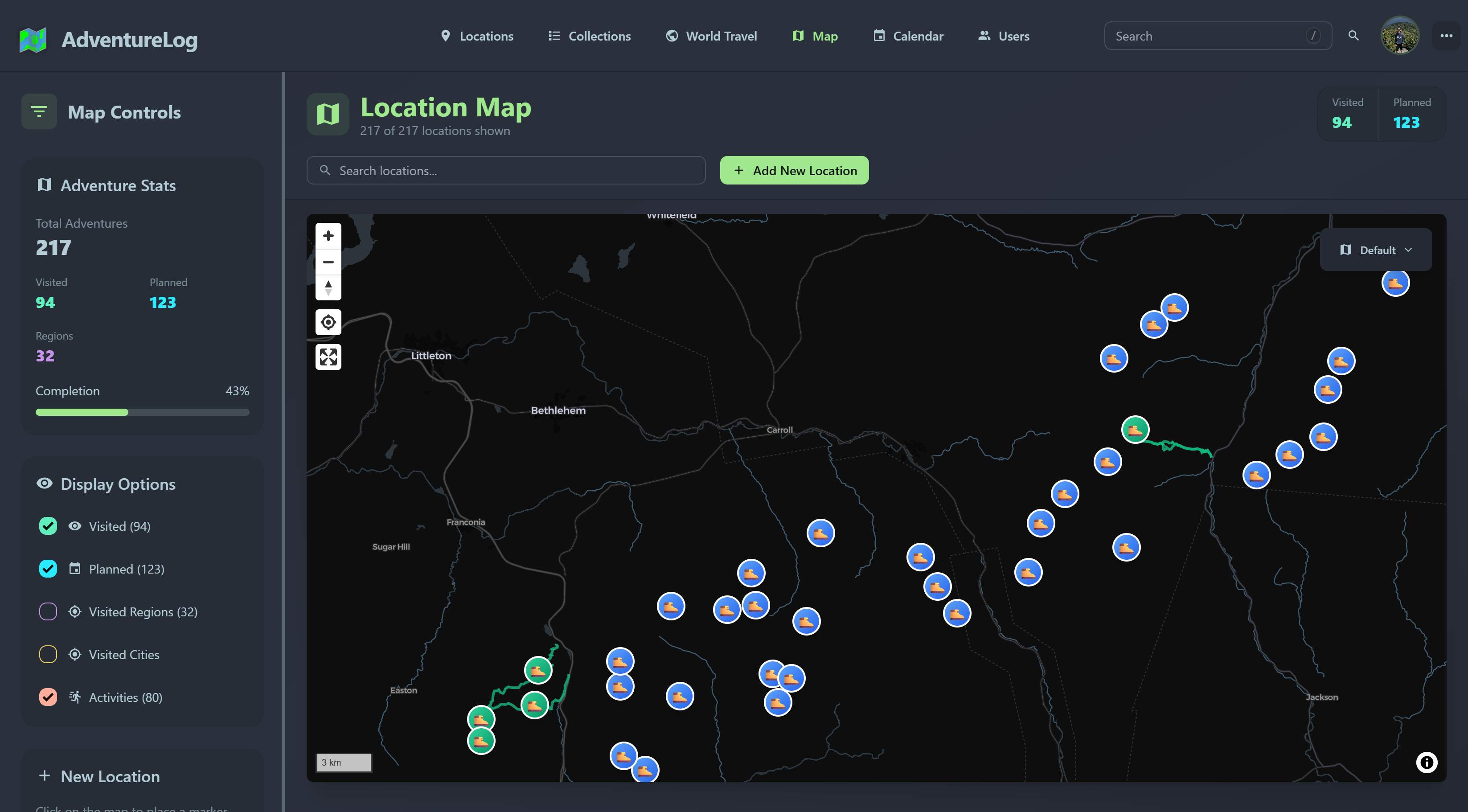
AdventureLog is a self-hostable travel companion for logging adventures, tracking where you've been on a world map, and planning your next trip collaboratively. It offers itinerary planning with list, map and calendar views, region and country visit tracking, and the ability to share experiences with friends and family.
AdventureLog Docker Compose example
Self-host AdventureLog on your own server, homelab, or VPS starting from this Docker Compose example.
It runs AdventureLog in Docker containers using the official ghcr.io/seanmorley15/adventurelog:latest, postgis/postgis:16-3.5 images, with persistent volumes and automatic restarts preconfigured.
Review the environment variables and adjust them to your setup, save the file as compose.yml (or docker-compose.yml), and start the stack with docker compose up -d.
services:
  app:
    image: ghcr.io/seanmorley15/adventurelog:latest
    depends_on:
      db:
        condition: service_healthy
    environment:
      # Public URL where AdventureLog is served (used for CSRF and redirects).
      SITE_URL: "http://localhost:8015"
      # Password for the bundled PostgreSQL database (internal to the compose network).
      POSTGRES_PASSWORD: "changeme"
      # Hostname of the database service (internal).
      PGHOST: "db"
      # Name of the PostgreSQL database (internal).
      POSTGRES_DB: "database"
      # PostgreSQL user (internal).
      POSTGRES_USER: "adventure"
      # Internal backend port (do not change).
      PORT: "3000"
      # Username of the admin account created on first boot.
      DJANGO_ADMIN_USERNAME: "admin"
      # Password of the admin account created on first boot. Change this before exposing the instance!
      DJANGO_ADMIN_PASSWORD: "admin"
      # Email of the admin account created on first boot.
      DJANGO_ADMIN_EMAIL: "admin@example.com"
      # Set to True to disable public user registration.
      DISABLE_REGISTRATION: "False"
    volumes:
      - adventurelog_media:/code/media/
    healthcheck:
      test:
        [
          "CMD-SHELL",
          "python3 -c \"import urllib.request; urllib.request.urlopen('http://127.0.0.1:80/health')\""
        ]
      interval: 30s
      timeout: 5s
      retries: 5
      start_period: 120s
    restart: unless-stopped

  db:
    image: postgis/postgis:16-3.5
    environment:
      POSTGRES_DB: "database"
      POSTGRES_USER: "adventure"
      # Password for the bundled PostgreSQL database (internal to the compose network).
      POSTGRES_PASSWORD: "changeme"
    volumes:
      - postgres_data:/var/lib/postgresql/data/
    healthcheck:
      test: ["CMD-SHELL", "pg_isready -U adventure -d database"]
      interval: 5s
      timeout: 5s
      retries: 5
      start_period: 10s
    restart: unless-stopped

volumes:
  postgres_data:
  adventurelog_media:
Values set to changeme are required — replace them with your own
values before starting AdventureLog.
Prefer a managed setup? WinterFlow installs, configures, and updates AdventureLog for you using this same Docker Compose configuration.